 Commbot
Comm Scraper AI v1: add products from sites that are not on the list
Commbot can now add products not only from the brands it knows but from almost any site whose product link you paste. Comm Scraper AI reads the page, shows you the result and keeps tracking the product you add.
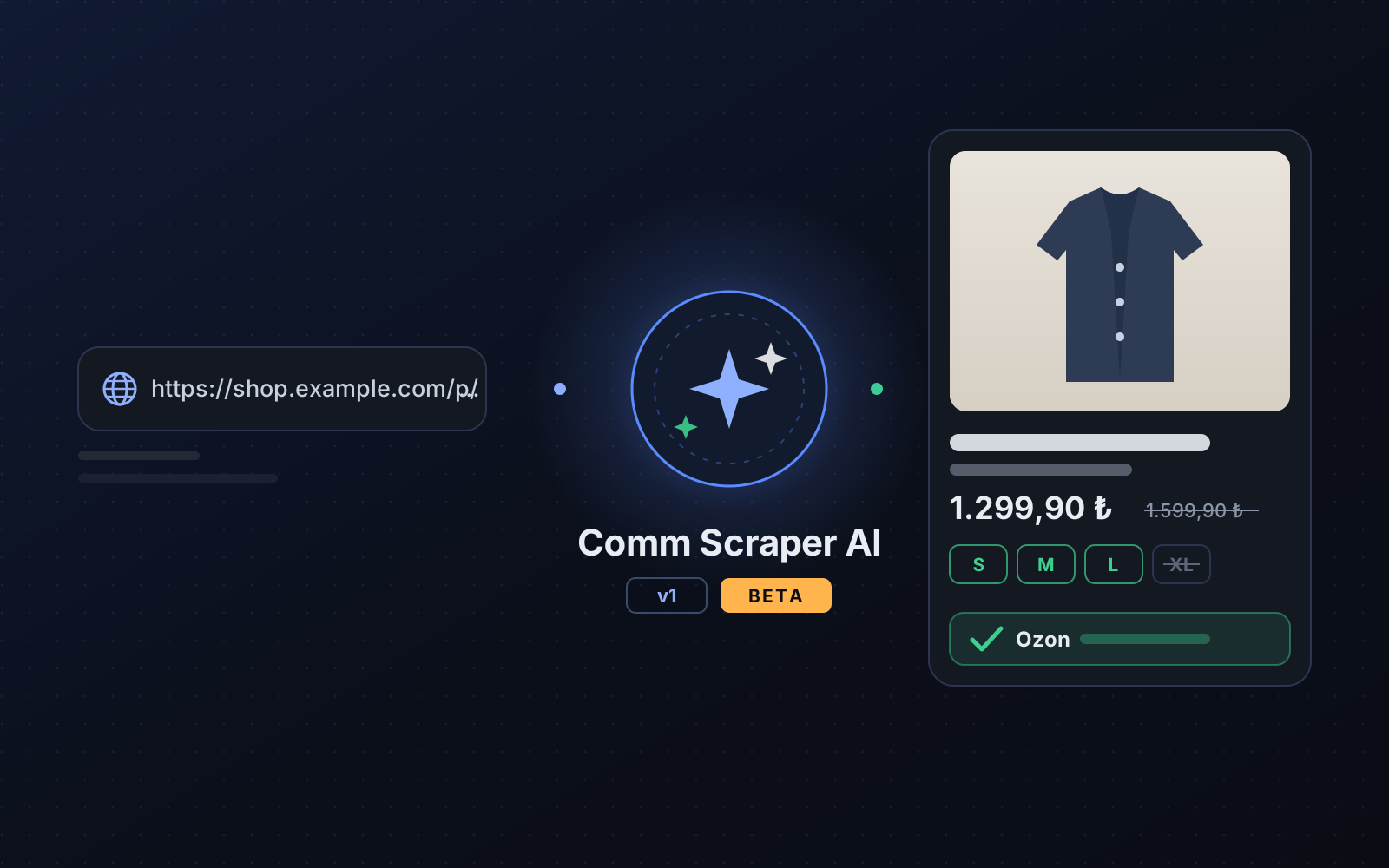
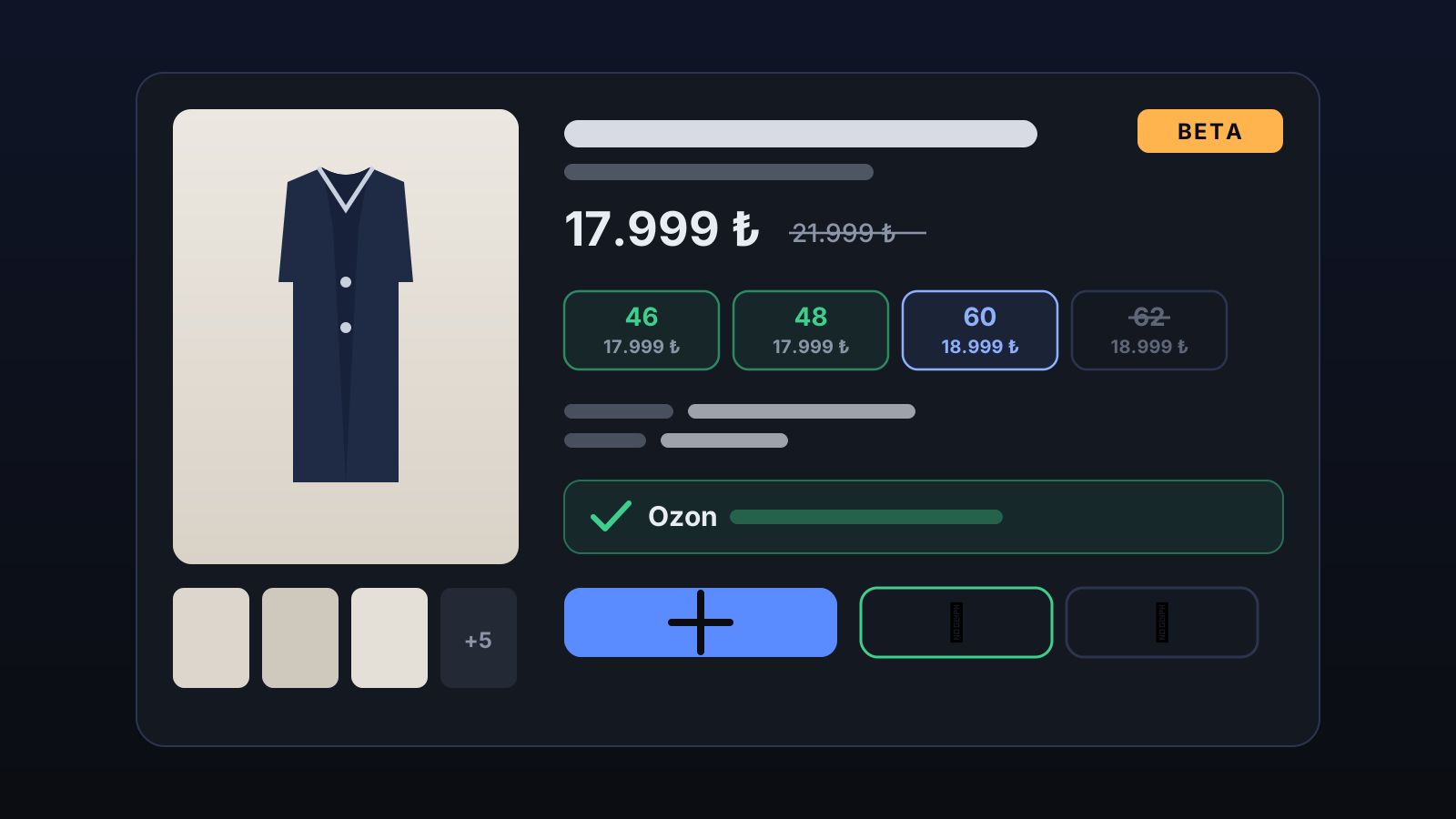
Until now, adding a product by link only worked for brands our system already knows (Bershka, Zara, Mango, Pull&Bear, Stradivarius, Oysho, Pierre Cardin, Victoria's Secret, Hilti). Comm Scraper AI v1 removes that limit: AI reads the product page you paste and puts the name, price, color, sizes, each size's stock and price, material and photos on one screen.
How to use it
- Open the Product upload page and find the 4 · Comm Scraper AI card.
- Open the product's own page, pick the color you want and copy the link from the address bar. Paste it and press Read.
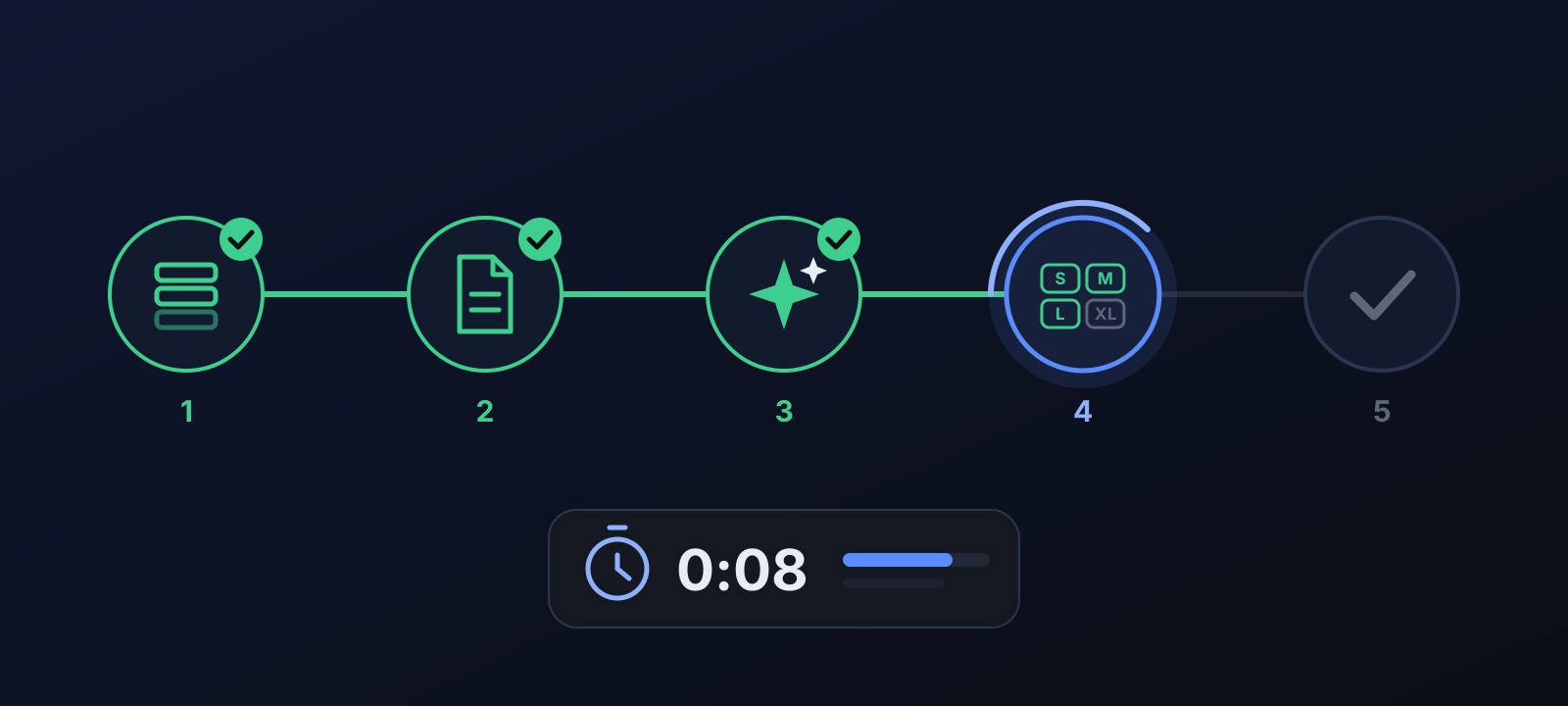
- Follow the steps: queued → opening the page → reading the page → checking sizes and stock → ready. The first product of a site can take 30-90 seconds; later products from the same site and category are read in a few seconds.
- Check the result: are the name, price, sizes and photos right? If it is ready for Ozon, press Add to my store. The product enters your store as a draft and joins the daily upload queue.
- If the result is what you wanted, press 👍 It worked; if not, press 👎 It didn't. A couple of words about what was read wrong helps us fix that site faster.
Results in our tests
We test the reader regularly on saved pages from real sites; the correct answers are written by hand from what the page shows. The measurement of 18 October 2026 used 127 pages from 64 sites:
| Field | Never-seen site platform 19 pages | Known platform, new site 10 pages | All test pages 127 pages |
|---|---|---|---|
| Product name | 100% | 100% | 98.4% |
| Price | 100% | 100% | 96.9% |
| Price before discount | 100% | 100% | 96.1% |
| Color | 100% | 80% | 94.9% |
| Product code | 100% | 100% | 92.9% |
| Size list | 88.4% | 100% | 95.2% |
| Stock per size | 84.6% | 100% | 93.5% |
The number of test pages is still small, which is why the service is in beta. For most products that are not ready for Ozon the problem is not the reading: the product is sold out or has only one size in stock.
What happens behind the scenes?
The AI reads the visible text, the site's own product data and the stock information that loads with the page. The first time a site is read, it learns how to read that site and stores the method per site and category. For the next product from the same place the method is first verified on the page; if it holds, the AI is not called at all. That is why the first product is slow and the next ones are fast.
After you add it: regular tracking
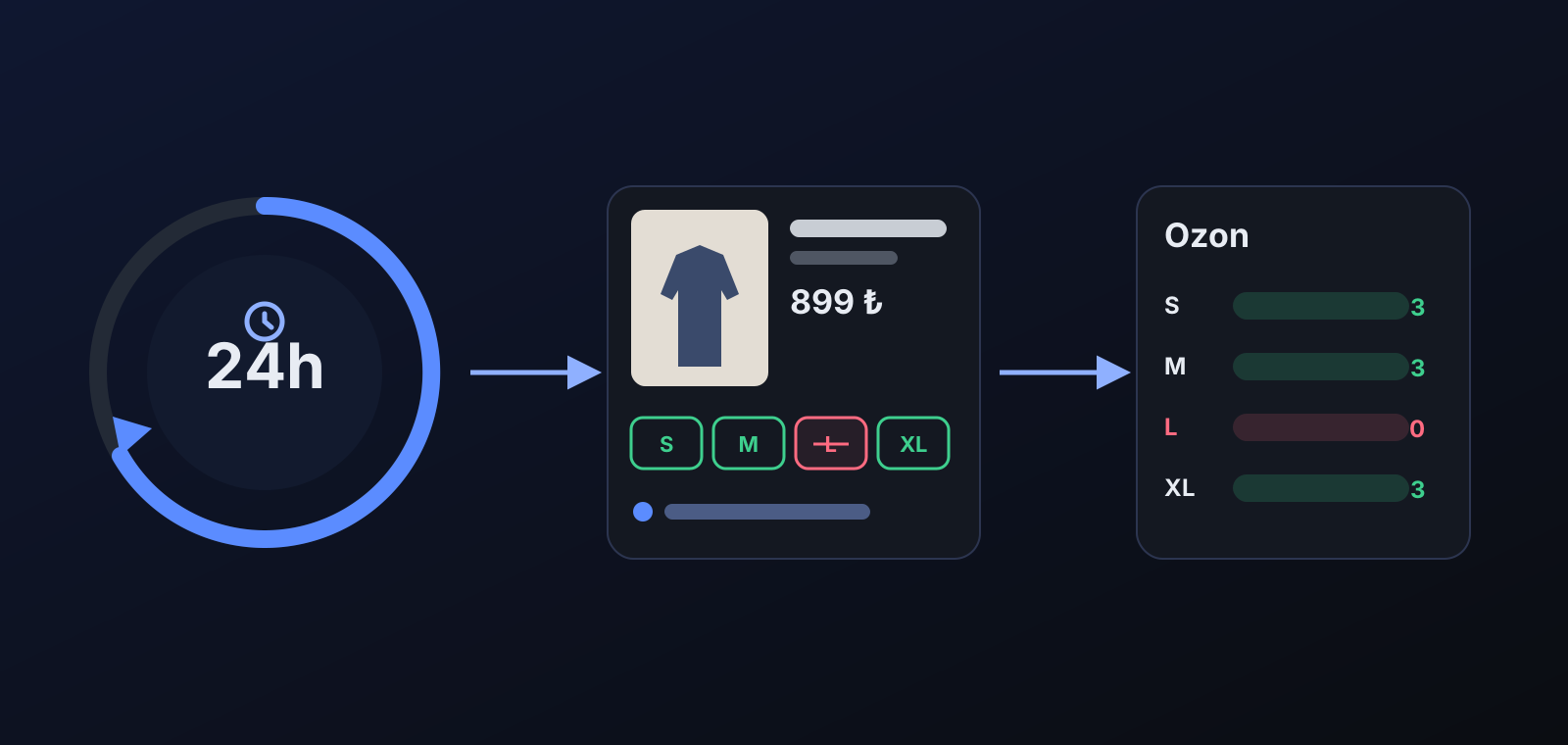
The page of a product you have sent to Ozon is read again every 10 minutes; a product still waiting as a draft is read once a day. If the price changes, your cost is updated; with price automation on, your selling price is recalculated with your margin. If a size sells out on the site and stock monitoring is on for your store, the engine's 10-minute stock cycle closes that size on Ozon and reopens it when it comes back. If the product disappears from the site (not visible in two reads in a row), the card's stock is set to zero.
What does it affect?
- Upload queue: the product becomes a draft and goes to Ozon within your daily upload quota. To send it right away, use Upload now in the upcoming products list.
- Price: the selling price is calculated from your margin and profit settings, with the same rules as your other products (Price & Stock).
- Stock: Ozon stock follows the site's most recently read stock; nothing is touched if stock monitoring is off.
- Selling from your own stock: Add to my store opens the confirmation form where you choose sizes and quantities; you can set the price yourself.
- Privacy: the product you add appears only in your store; it does not enter other stores' product pools.
Tips for better results
- Paste the link of the product's own page, not a category or search page. If you picked a color, the link should carry it.
- The price must be in TL. If the product name is not in Turkish or does not include the product type (only a model name), check the warning on the result card.
- At least 3 photos are recommended; products with a single photo get fewer clicks on Ozon.
- Products whose sizes cannot be mapped to Ozon's Russian sizes (inch waist sizes, bra sizes) are not uploaded for now; the result card shows the reason.
More from Commbot
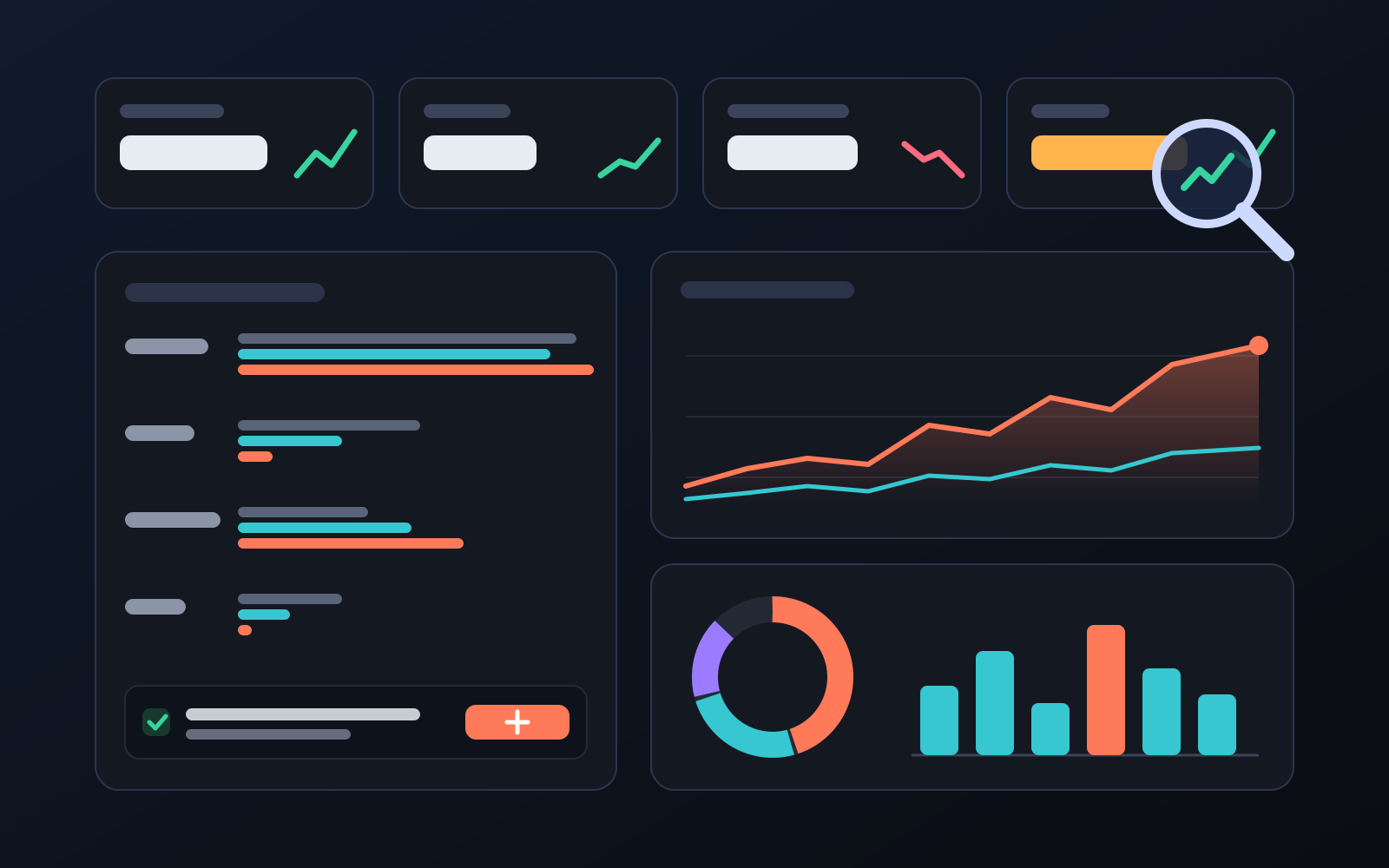
Analytics page: what sells in your store and what doesn't, on one screen
See how your products do by category, brand, price, colour, size and region, in charts. The page turns findings into plain sentences and gives one-click suggestions.
2026-10-29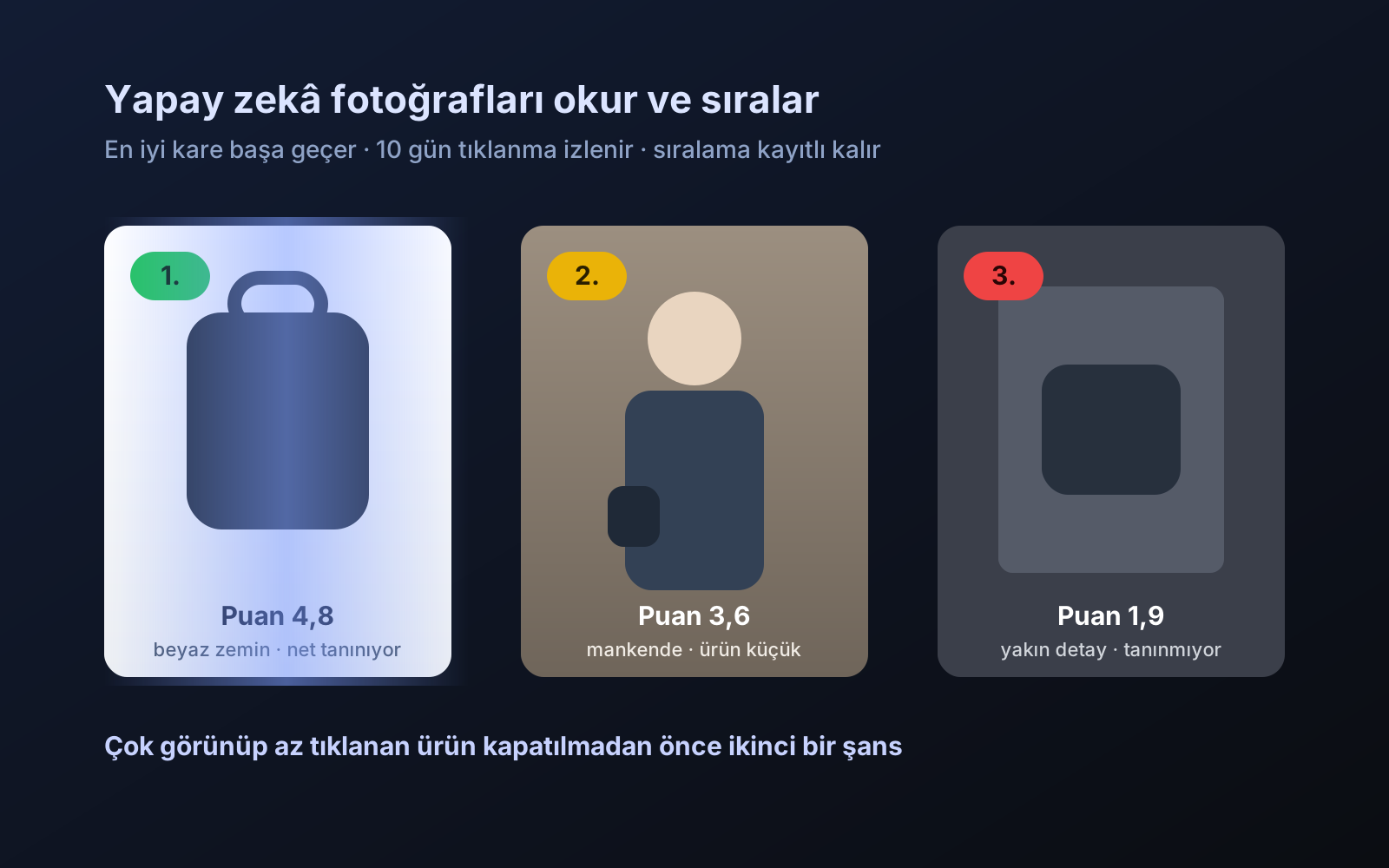
Photo trial before swap
We have improved our system for turning products on and off. It is still in a trial stage, but you can already use it.
2026-10-28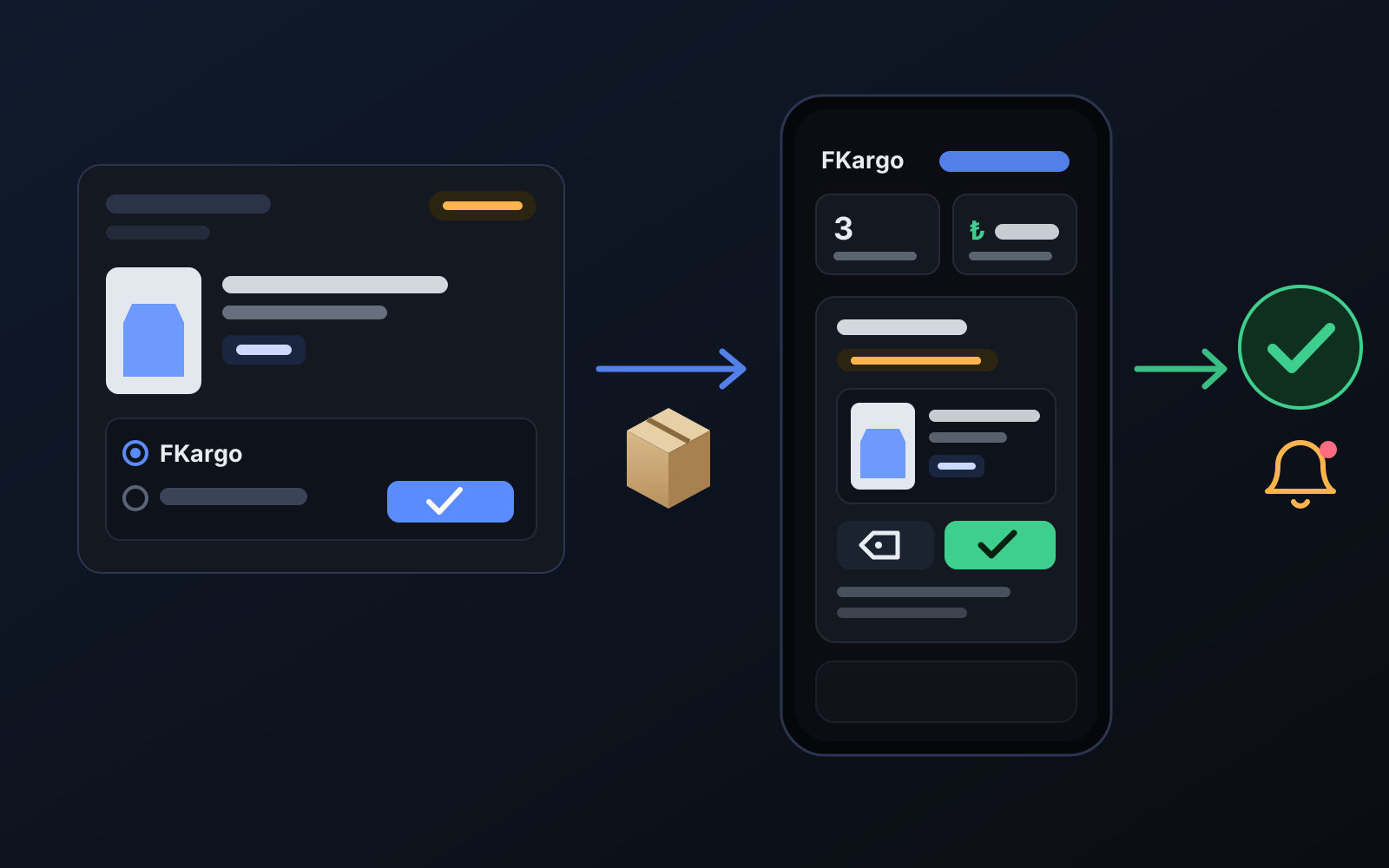
Shipping partners: hand your orders to FKargo and see when they are shipped
Order the item from the brand to FKargo’s address; FKargo puts on the Ozon label and drops the parcel at the shipping point. One-click forwarding and automatic forwarding in Incoming orders.
2026-10-20