 Commbot
Physical store: see which store has the item, and in which size, with one search
An order came in, but the item has sold out or disappeared from the brand's website? The Physical store page shows the same item's stock in the stores of your city, size by size — the store with the most units at the top, with its phone and address.
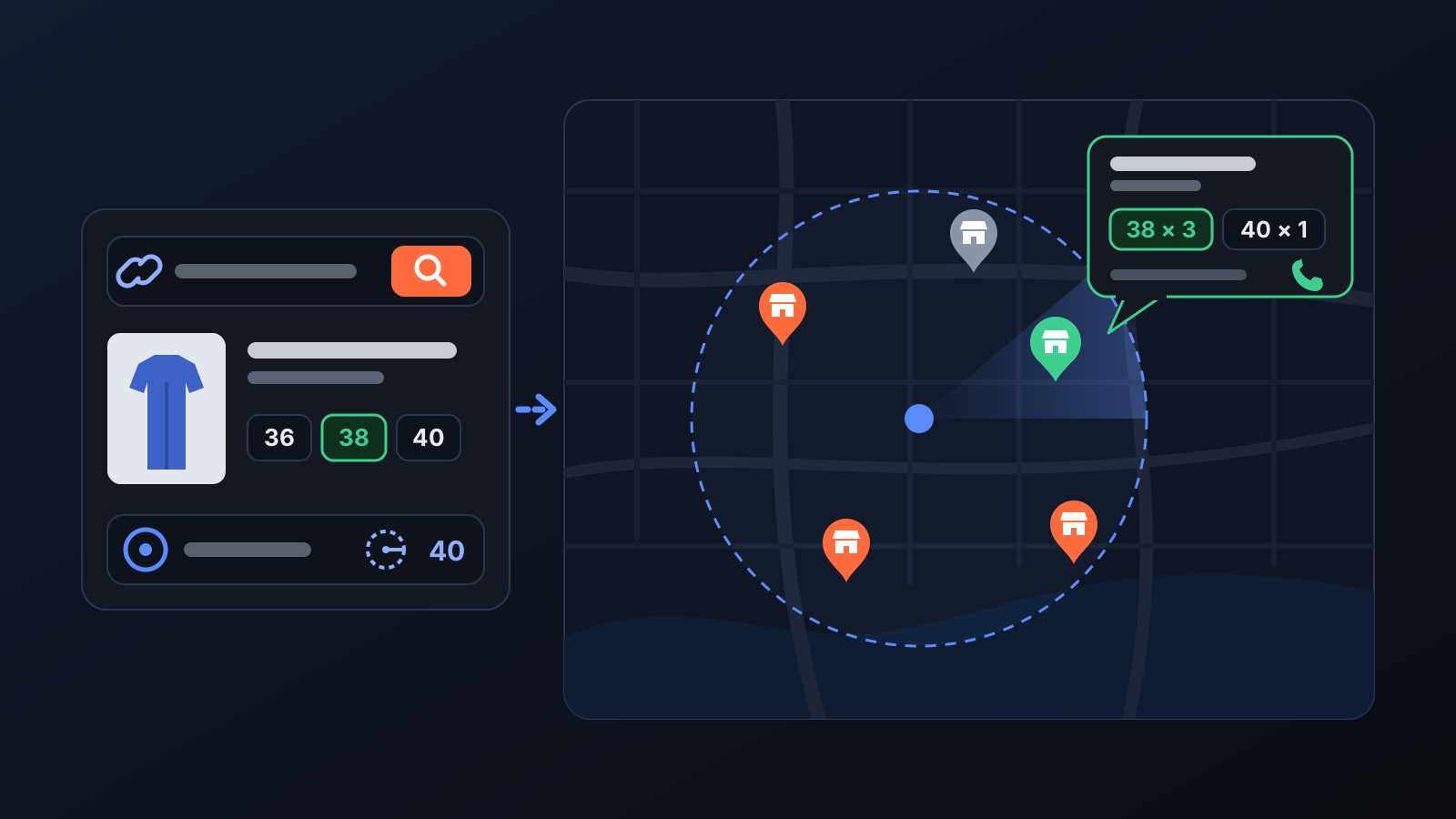
An item that has sold out or disappeared from the brand's website is often still on the shelf in its stores. Instead of cancelling the order, you can buy the item in a store — but you need to know which store to go to. The Physical store page tells you with a single search.
How does it work?
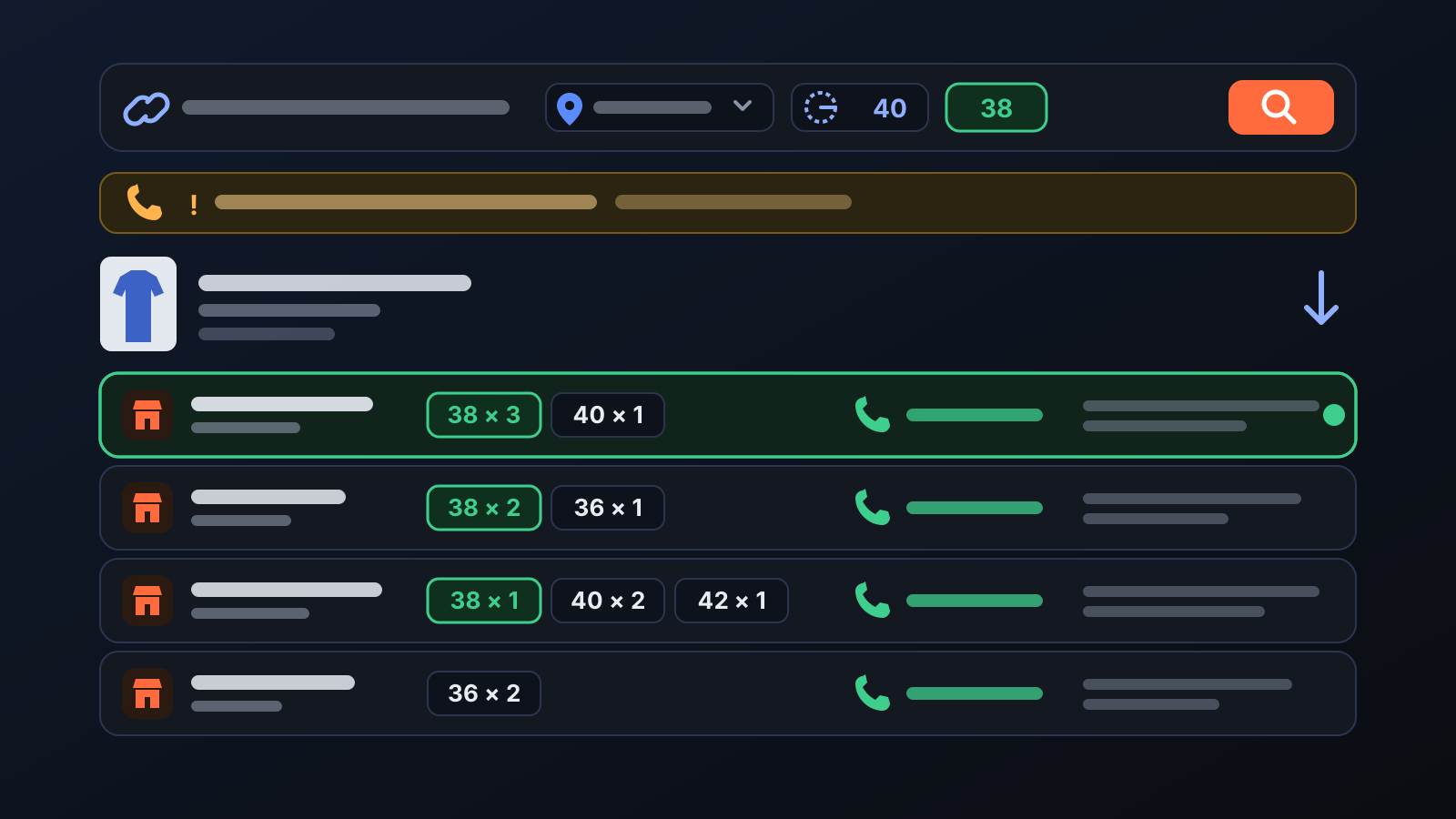
- Open Physical store in the left menu and enter the product link or the Inditex product code (e.g. 07683514 or 7683/514/415). The search covers the products in the Commbot catalogue; a search by code also finds items that have been removed from the brand's website.
- Choose the city and enter the search radius in km (40 km by default, between 5 and 150 km). You can also enter the size you need.
- Press Search: the stock of every store nearby is queried live; this can take 10–30 seconds.
- The result shows the store name and district, size × quantity, phone and address. The store with the most units is at the top; if you entered a size, the store with the most units of that size comes first and the size is highlighted.
- If you enter the code without a colour, each colour of the item is listed separately, with its own store table.
What does it affect?
- Sourcing: you can fulfil the order for an item that has sold out online by buying it in a store, and avoid a cancellation.
- Nothing is written to Ozon: the page only shows information; your cards, stock and prices do not change.
- Mango: not supported, as Mango does not provide store stock data.
For better results
- Copy the link from the product page with the colour selected, or enter the code together with the colour code: the search goes straight to that colour.
- Search with a size: the store with the most units of that size moves to the top of the list.
- Widen the search radius as needed; if there is no store with stock nearby, the page says so clearly.
More from Commbot
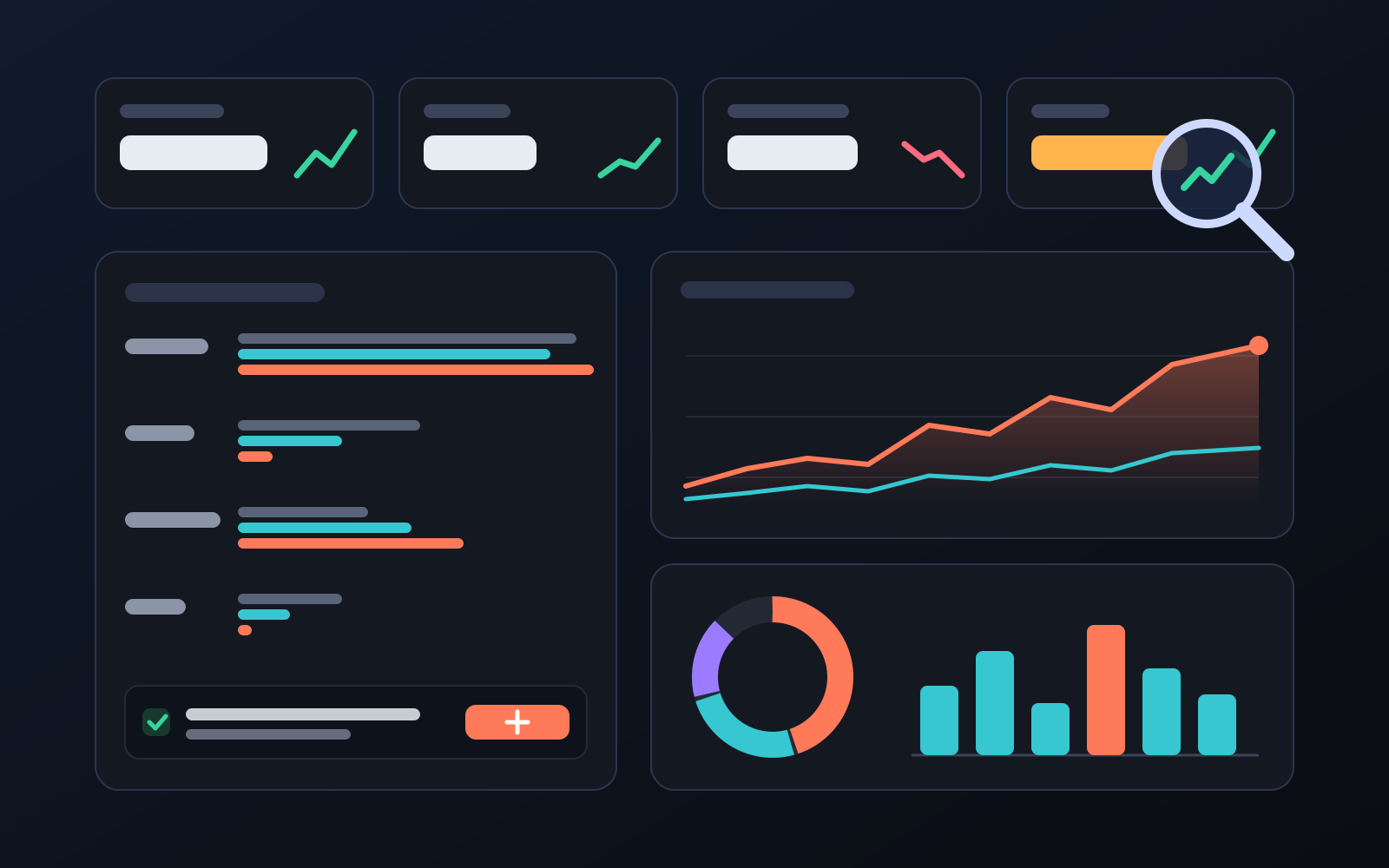
Analytics page: what sells in your store and what doesn't, on one screen
See how your products do by category, brand, price, colour, size and region, in charts. The page turns findings into plain sentences and gives one-click suggestions.
2026-10-29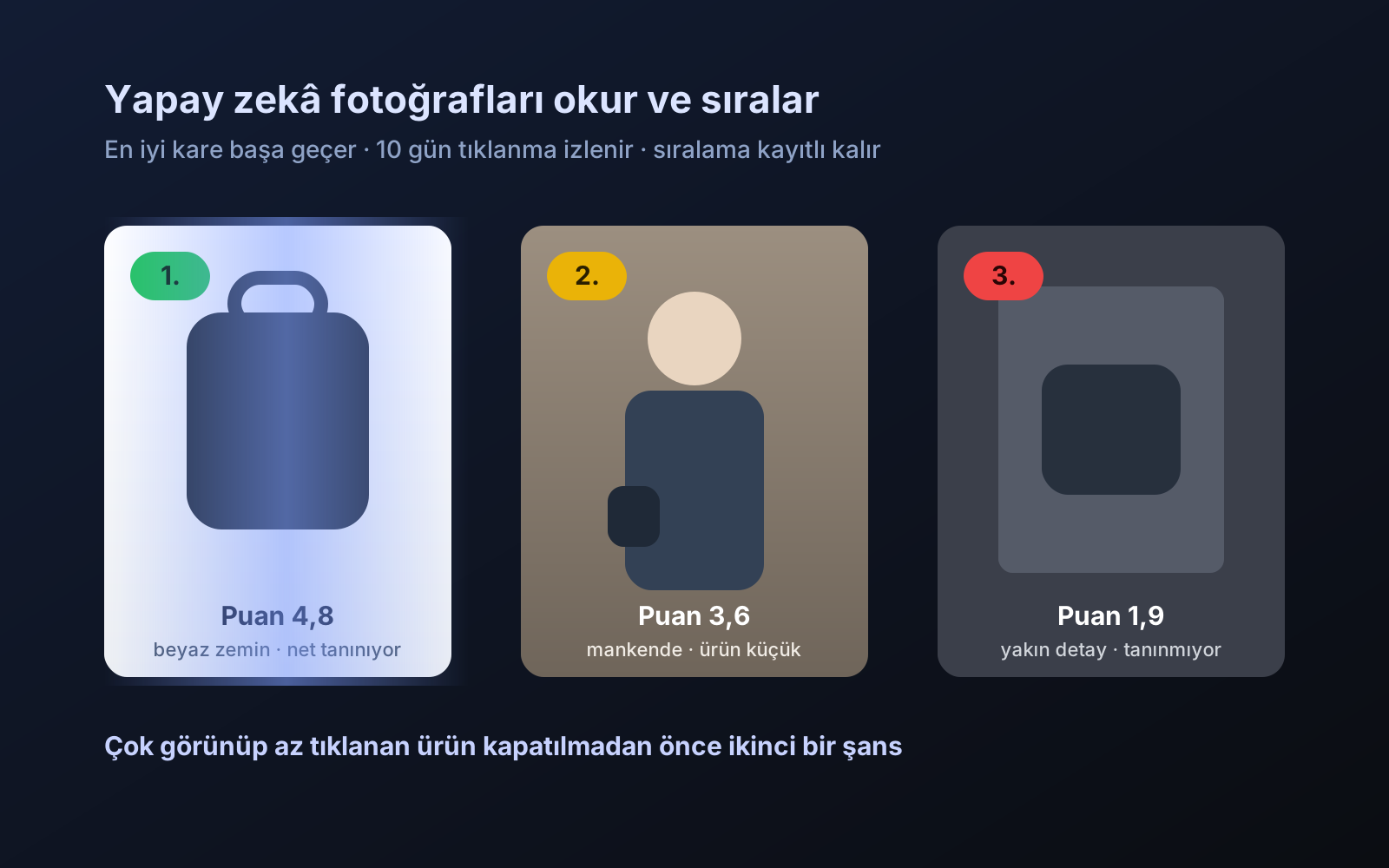
Photo trial before swap
We have improved our system for turning products on and off. It is still in a trial stage, but you can already use it.
2026-10-28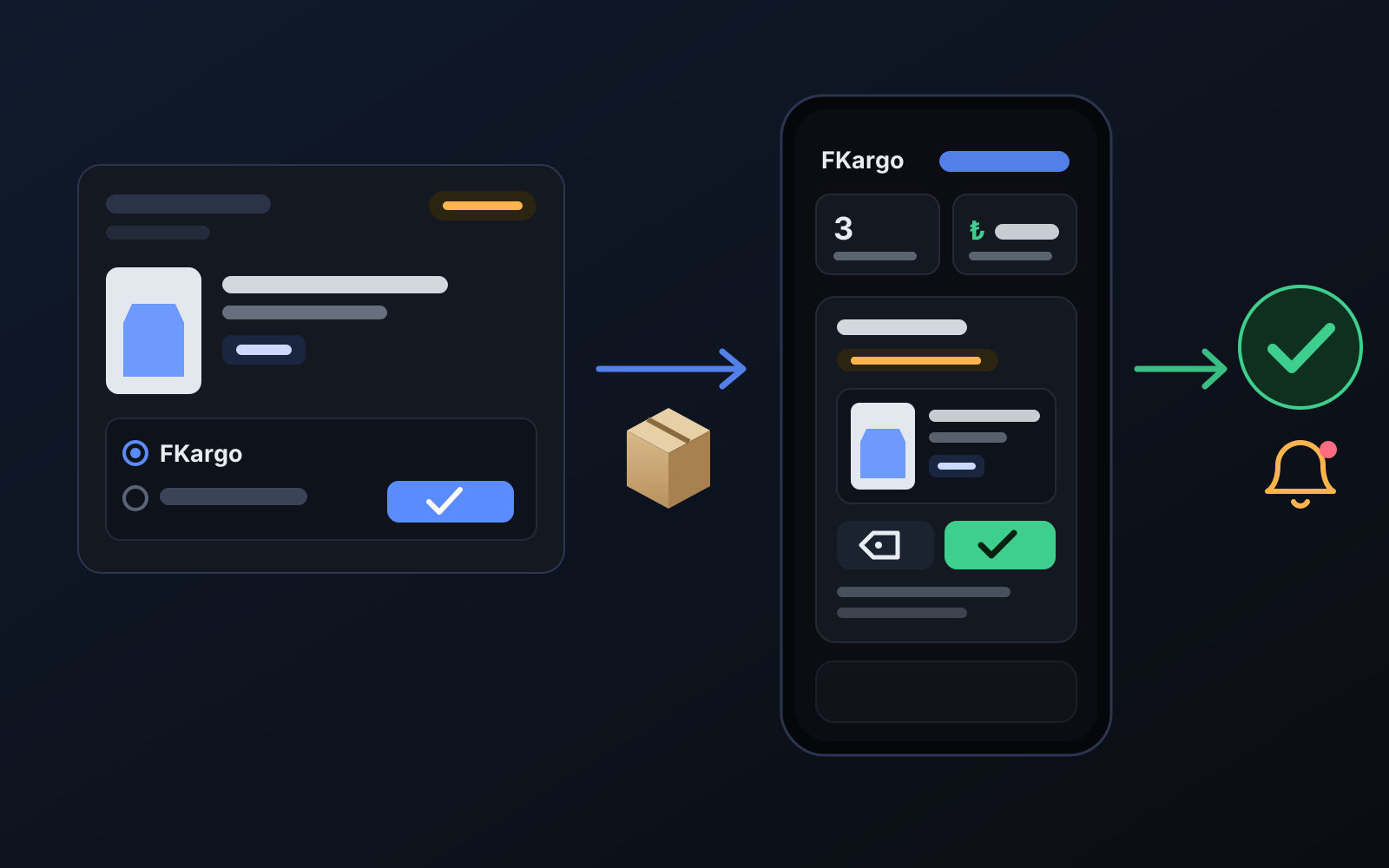
Shipping partners: hand your orders to FKargo and see when they are shipped
Order the item from the brand to FKargo’s address; FKargo puts on the Ozon label and drops the parcel at the shipping point. One-click forwarding and automatic forwarding in Incoming orders.
2026-10-20