 Commbot
One-click sign-in: link your account to Google
Accounts opened with a username and password can now be linked to a Google account. After linking, you sign in to your own account with one click and no password; your stores and permissions stay the same. The panel's new address is commbot.com.tr.
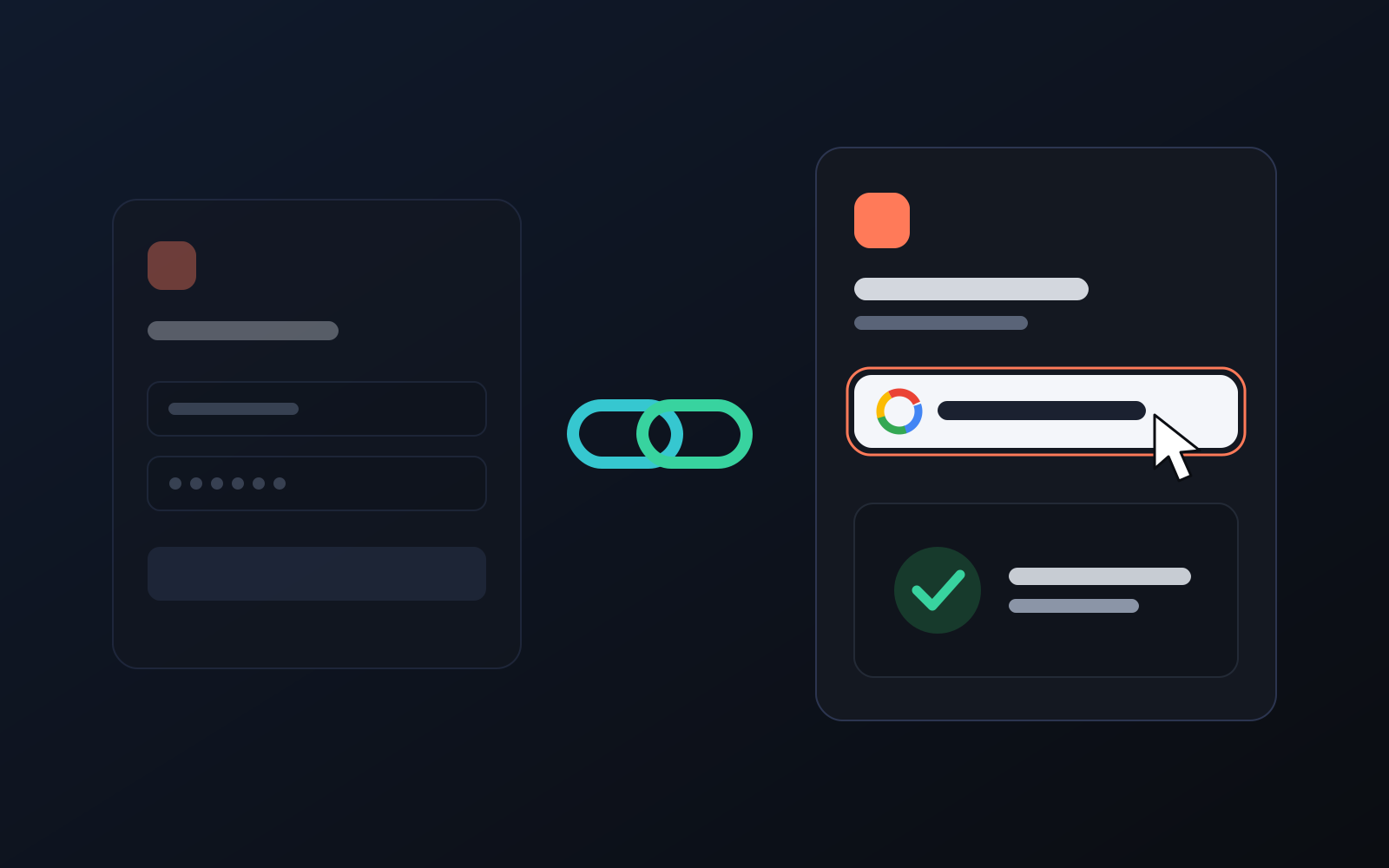
If we opened your account, we gave you a username and a password. So you don't have to remember the password every time, you can now link your own Google account. After linking, you sign in with one click.
How to link
- Sign in to the panel with your username and password.
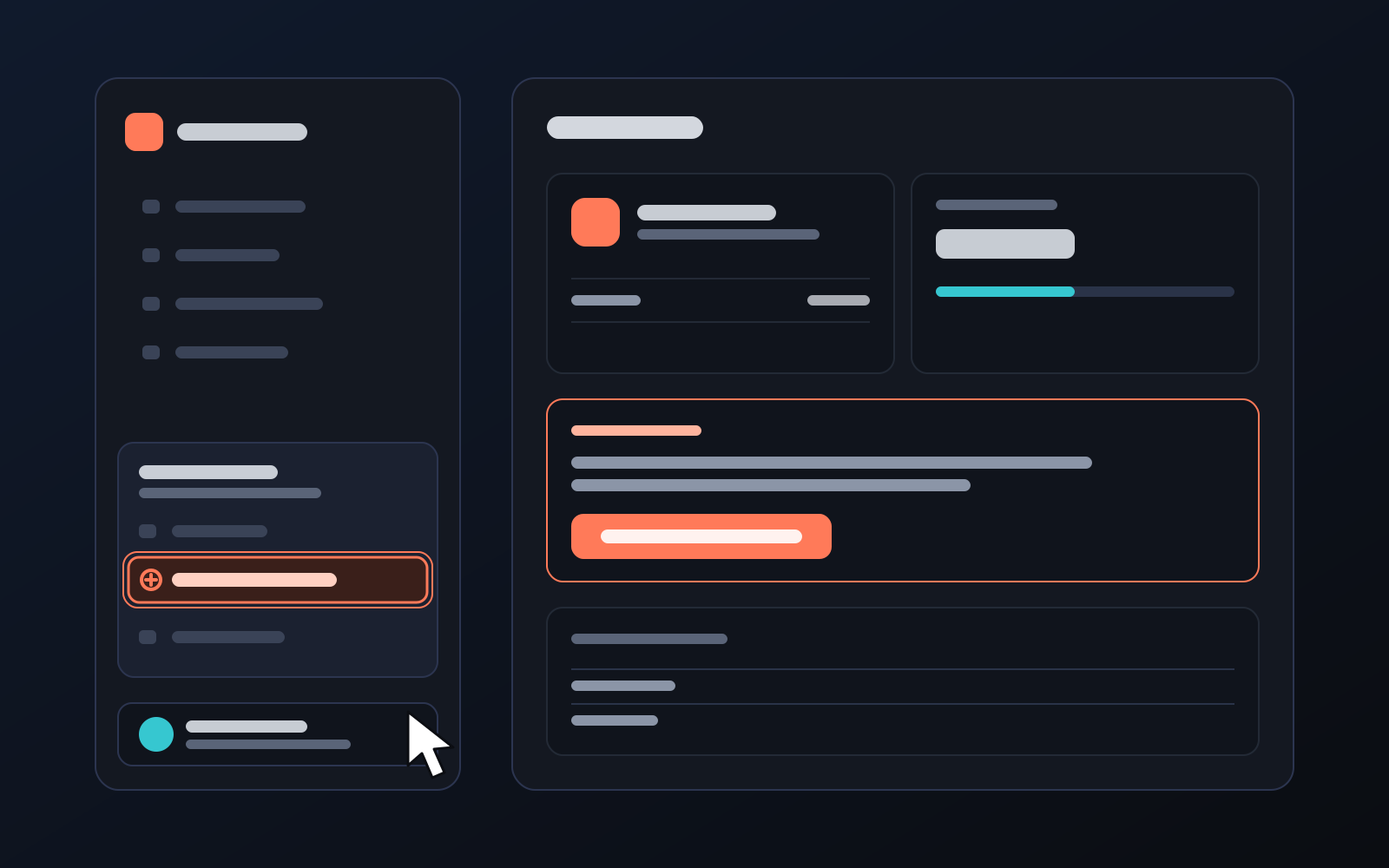
- Click your name at the bottom left and choose Link your Google account. The same button is on the Google account card of the My profile page.
- On Google's screen, choose the account you want to link and press Continue. Back on your profile you will see "Your Google account is linked".
- From then on, just press Sign in with Google on the sign-in screen.
Good to know
- Your account doesn't change: with Google you enter the same account, with the same stores and permissions.
- Your password stays valid: you can keep signing in with your username and password.
- One account, one Google: a Google account can be linked to only one Commbot account. Linking another Google account replaces the old one.
- Easy to remove: unlink any time with the Unlink button on My profile.
- Google shares only basic details: your name, email and profile photo. Nothing else in your Google account is accessed.
New address: commbot.com.tr
The panel's new address is commbot.com.tr. The old address still works and takes you to the new one automatically. We recommend updating your bookmark.
More from Commbot
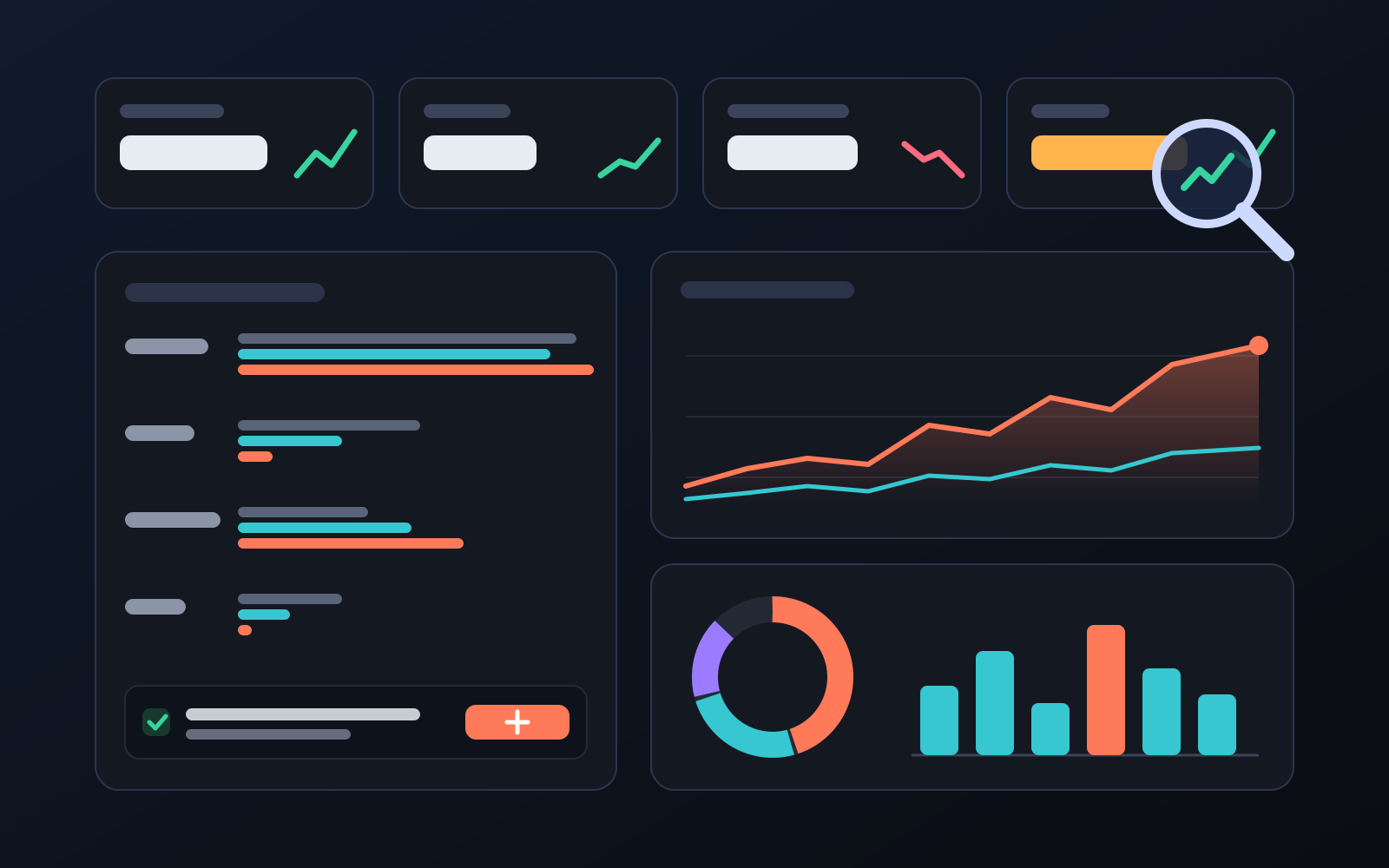
Analytics page: what sells in your store and what doesn't, on one screen
See how your products do by category, brand, price, colour, size and region, in charts. The page turns findings into plain sentences and gives one-click suggestions.
2026-10-29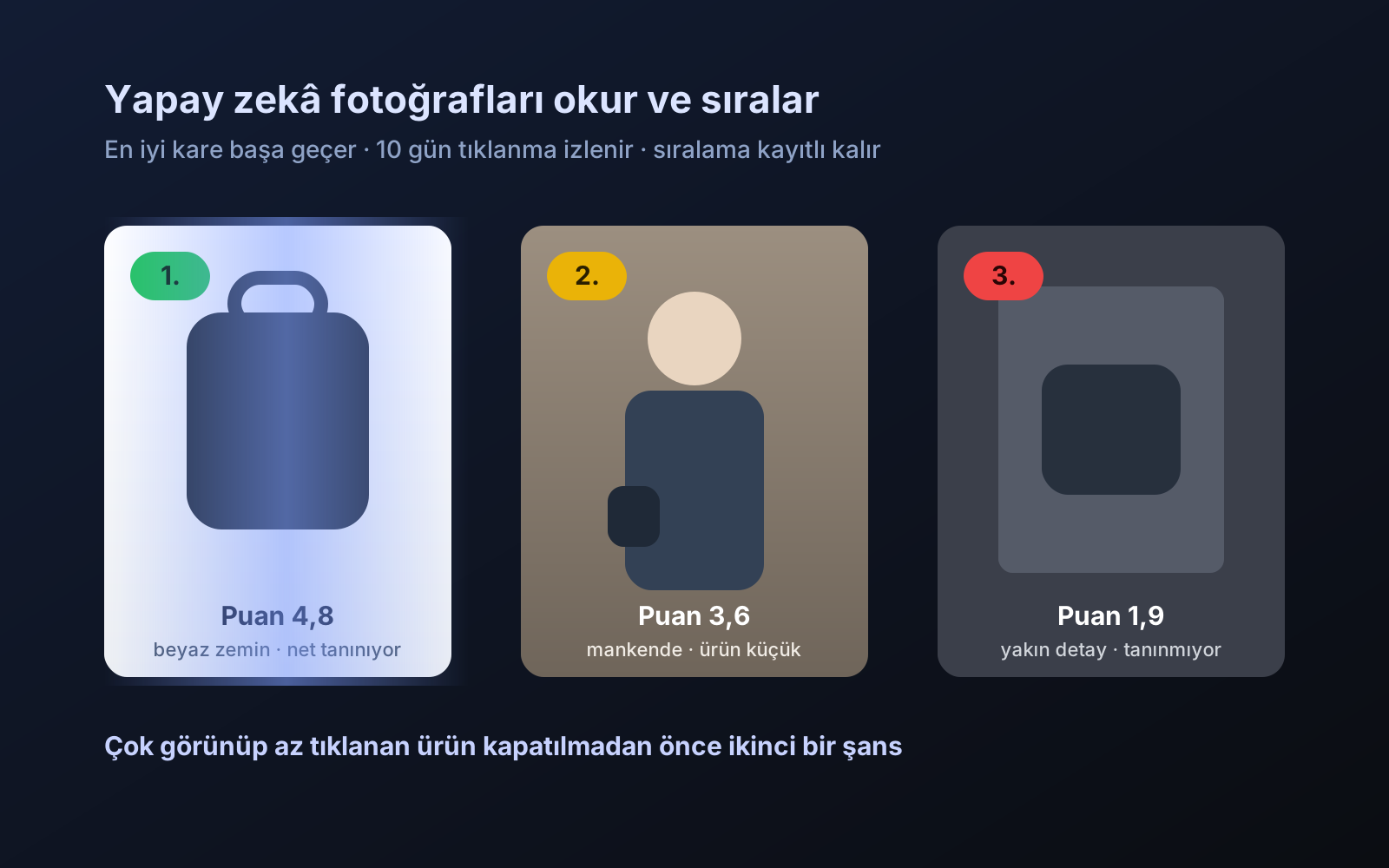
Photo trial before swap
We have improved our system for turning products on and off. It is still in a trial stage, but you can already use it.
2026-10-28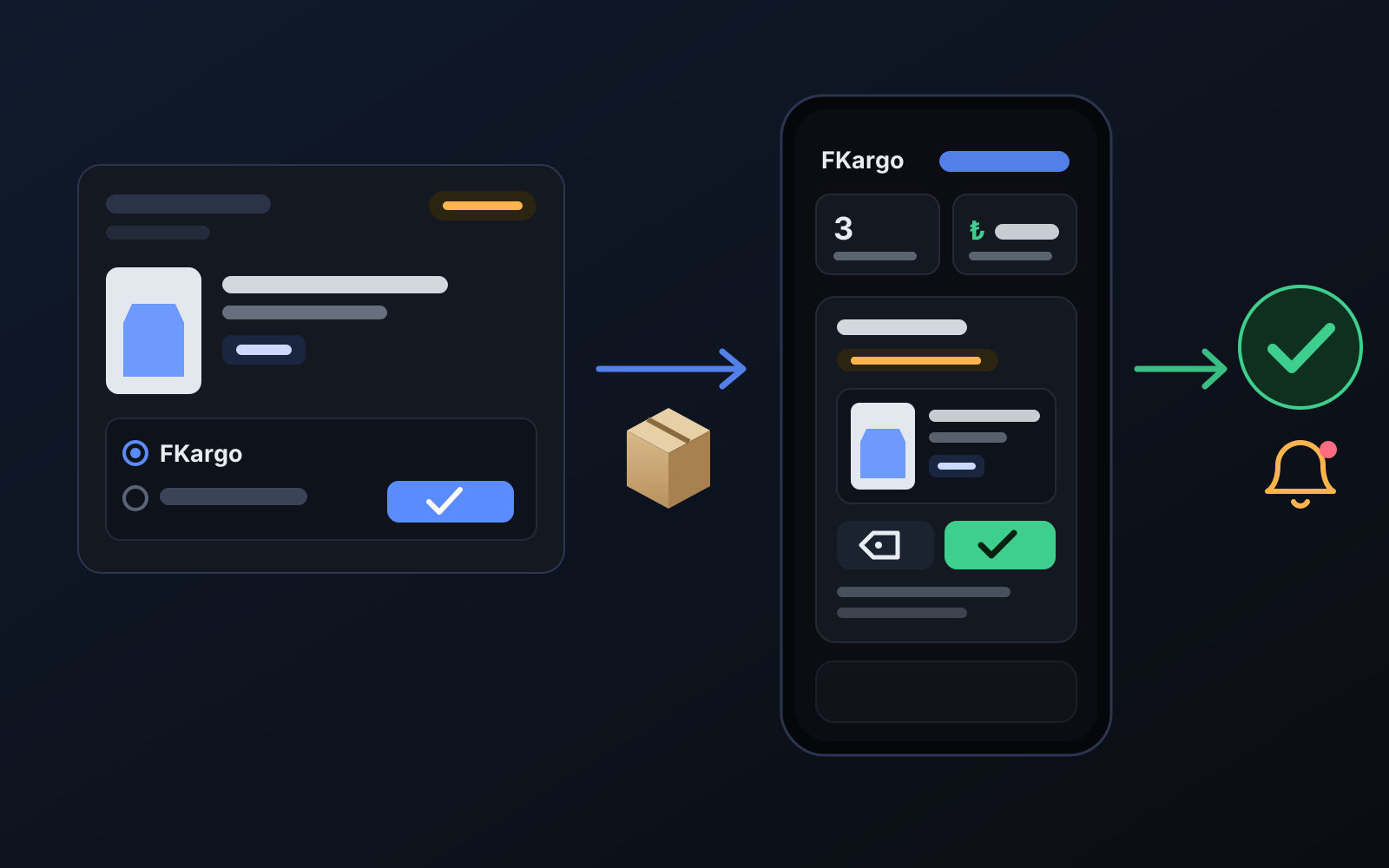
Shipping partners: hand your orders to FKargo and see when they are shipped
Order the item from the brand to FKargo’s address; FKargo puts on the Ozon label and drops the parcel at the shipping point. One-click forwarding and automatic forwarding in Incoming orders.
2026-10-20