 Commbot
Hit finder: picking the products that will show up in search before listing them
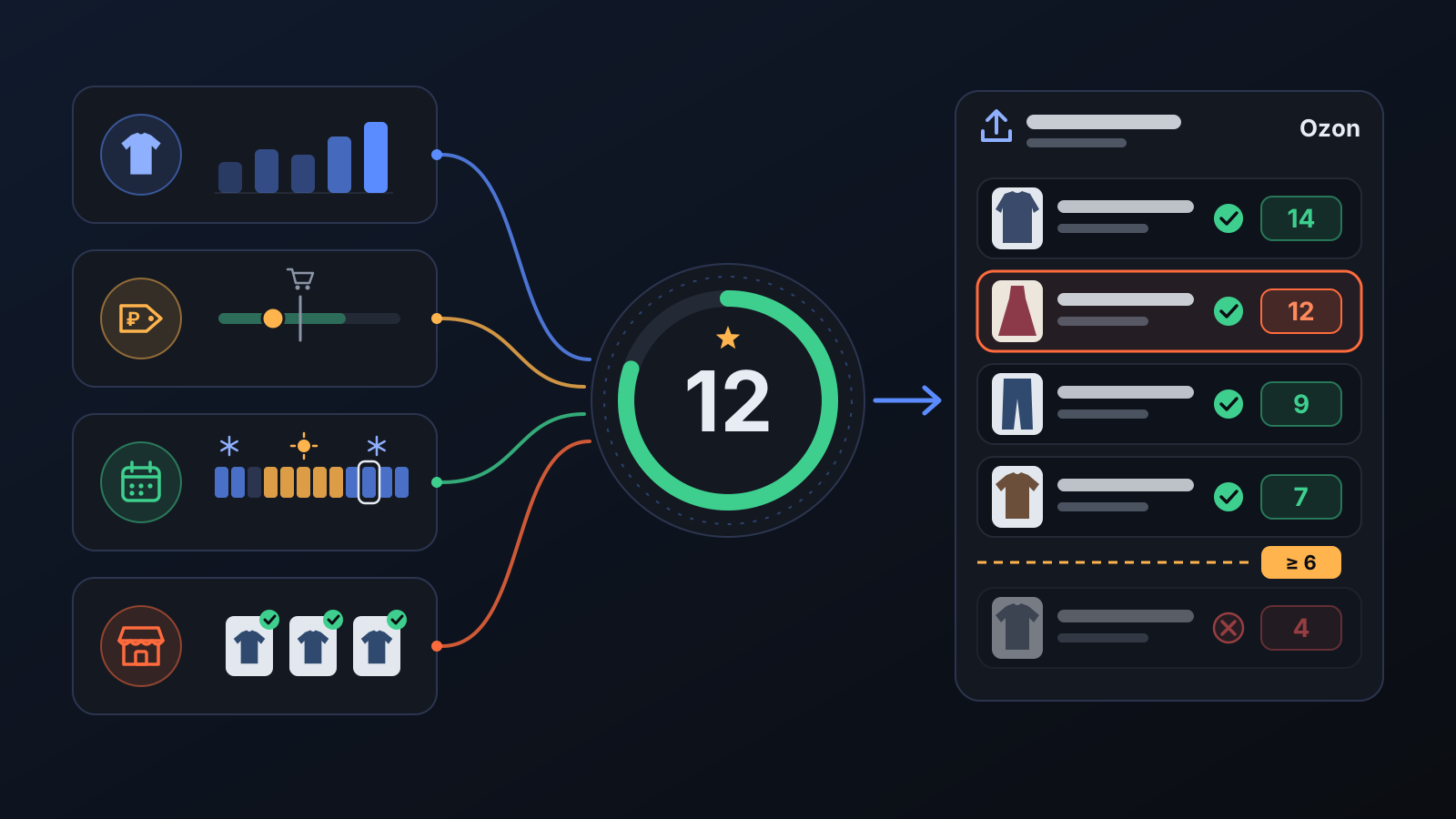
The first condition for a sale on Ozon is showing up in search. The hit finder scores every product using the history of similar products, its price and its season; the daily upload quota goes to the top scores.
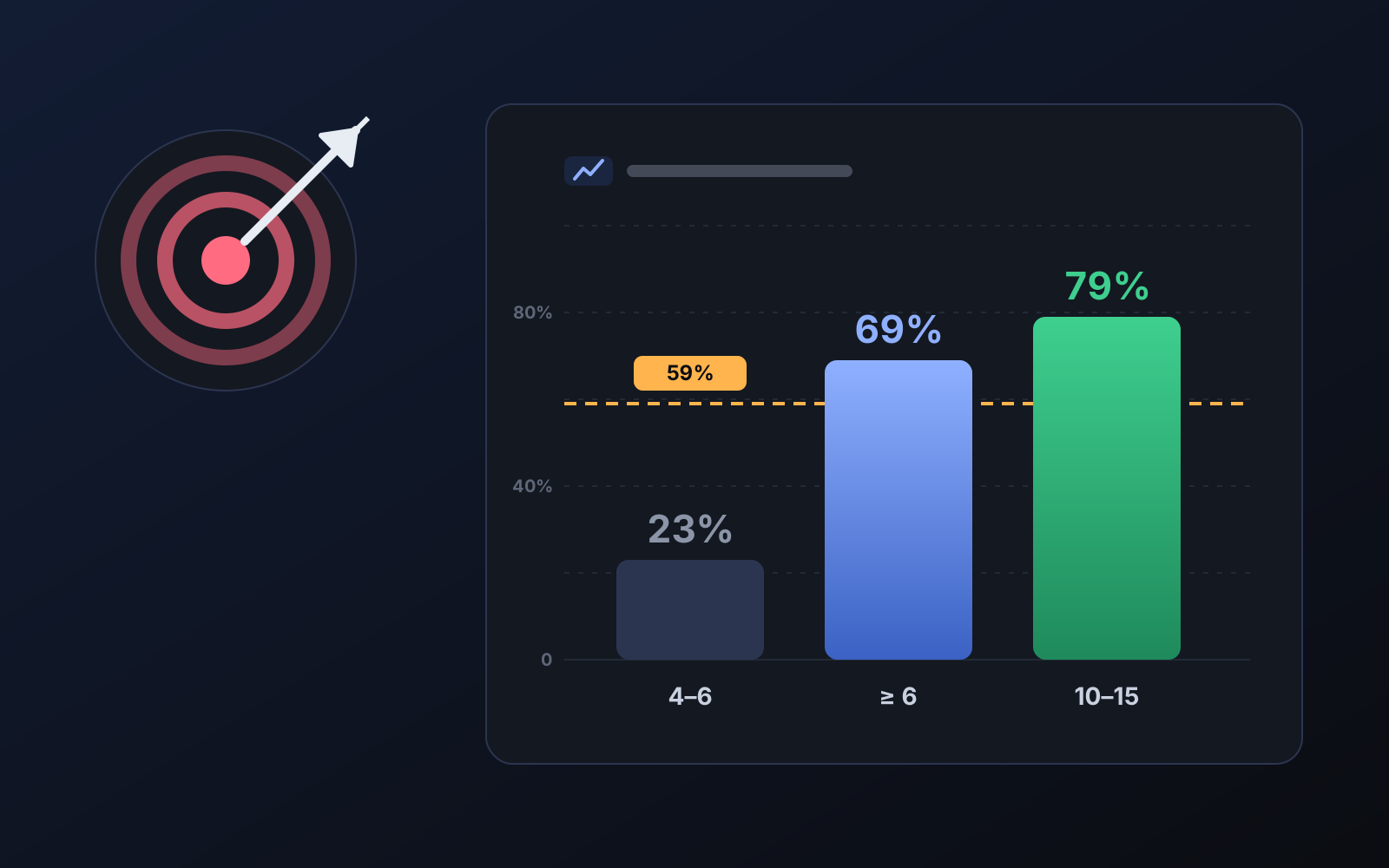
When you open a new listing, Ozon tests it for a few days: shows it in search and watches for clicks. Some products are shown dozens of times a day in their first week, others almost never. The hit finder predicts, before the listing is opened, which product will land in the first group.
What does the score look at?
- History of similar products: how many impressions products of the same type and source got in the store.
- Price: where the price sits compared with products added to carts in that type on Ozon — products up to 1.3× the market price get clearly more impressions.
- Season: the product's season and the current month.
- Market evidence: whether the same model sells with other sellers on Ozon.
What does it affect?
- Automatic upload order: the score decides which product is opened first; in clothing, products scored below 6 are not picked.
- Exploration share: a small part of the daily new listings is reserved for products the engine would not pick, to find hits the score might miss.
- Scorecard: every pick is recorded and compared with real impressions on days 3-7; missed hits are listed with reasons.
Tips for better results
- A product you move up by hand in the upload queue overrides the score; use it sparingly and on purpose.
- Choose products with size depth at the source: a product with a single size left is a cancellation risk.
More from Commbot
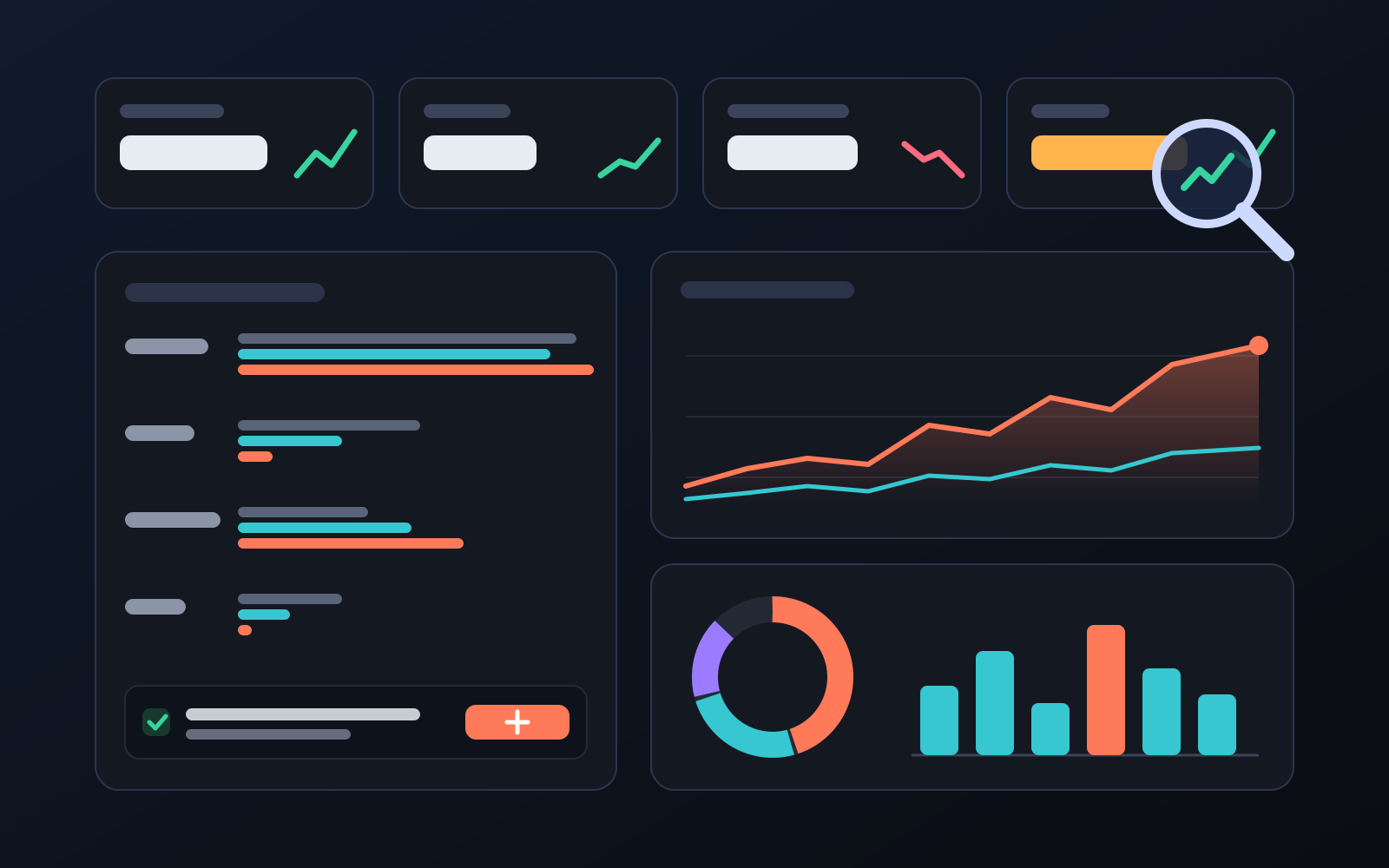
Analytics page: what sells in your store and what doesn't, on one screen
See how your products do by category, brand, price, colour, size and region, in charts. The page turns findings into plain sentences and gives one-click suggestions.
2026-10-29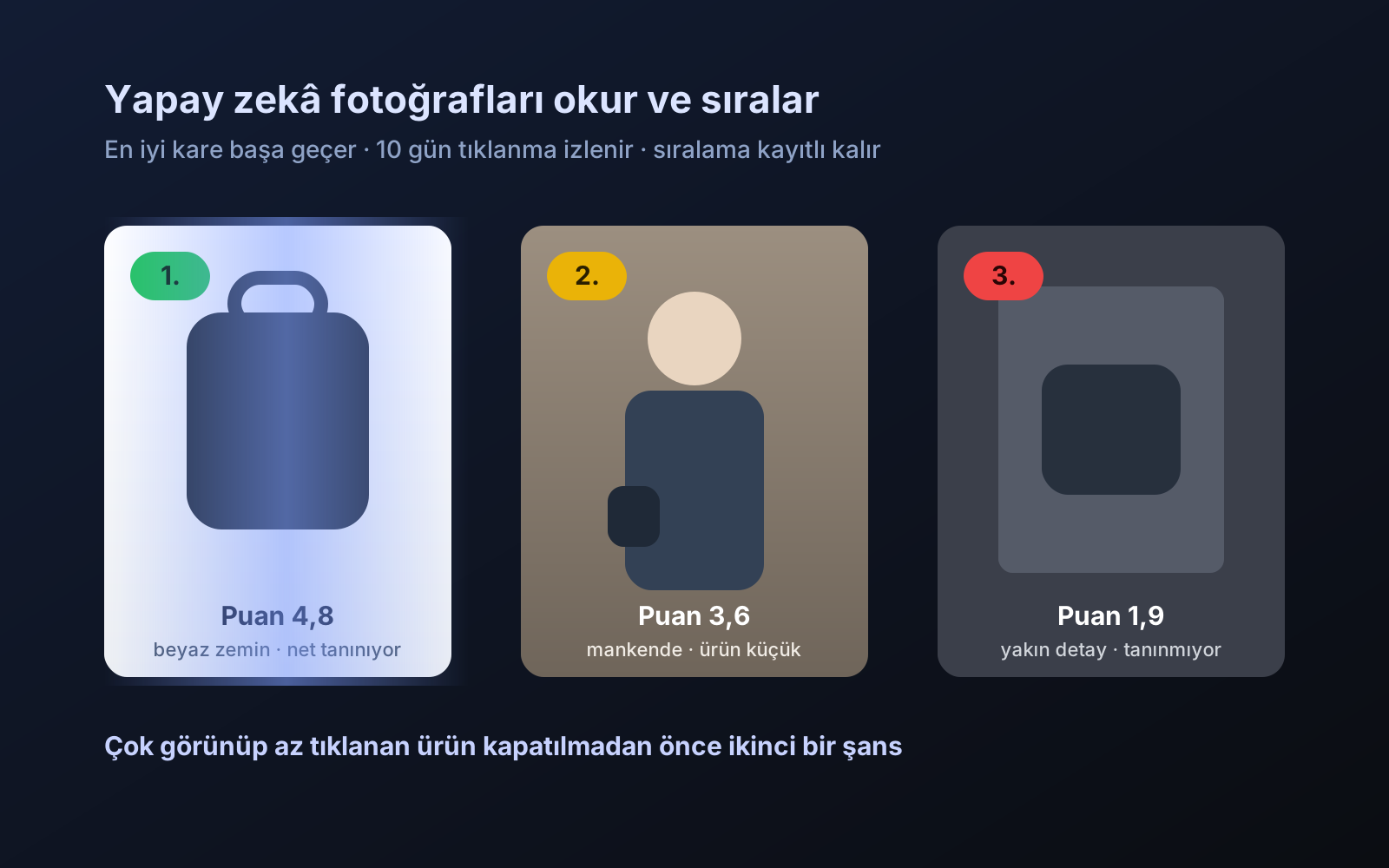
Photo trial before swap
We have improved our system for turning products on and off. It is still in a trial stage, but you can already use it.
2026-10-28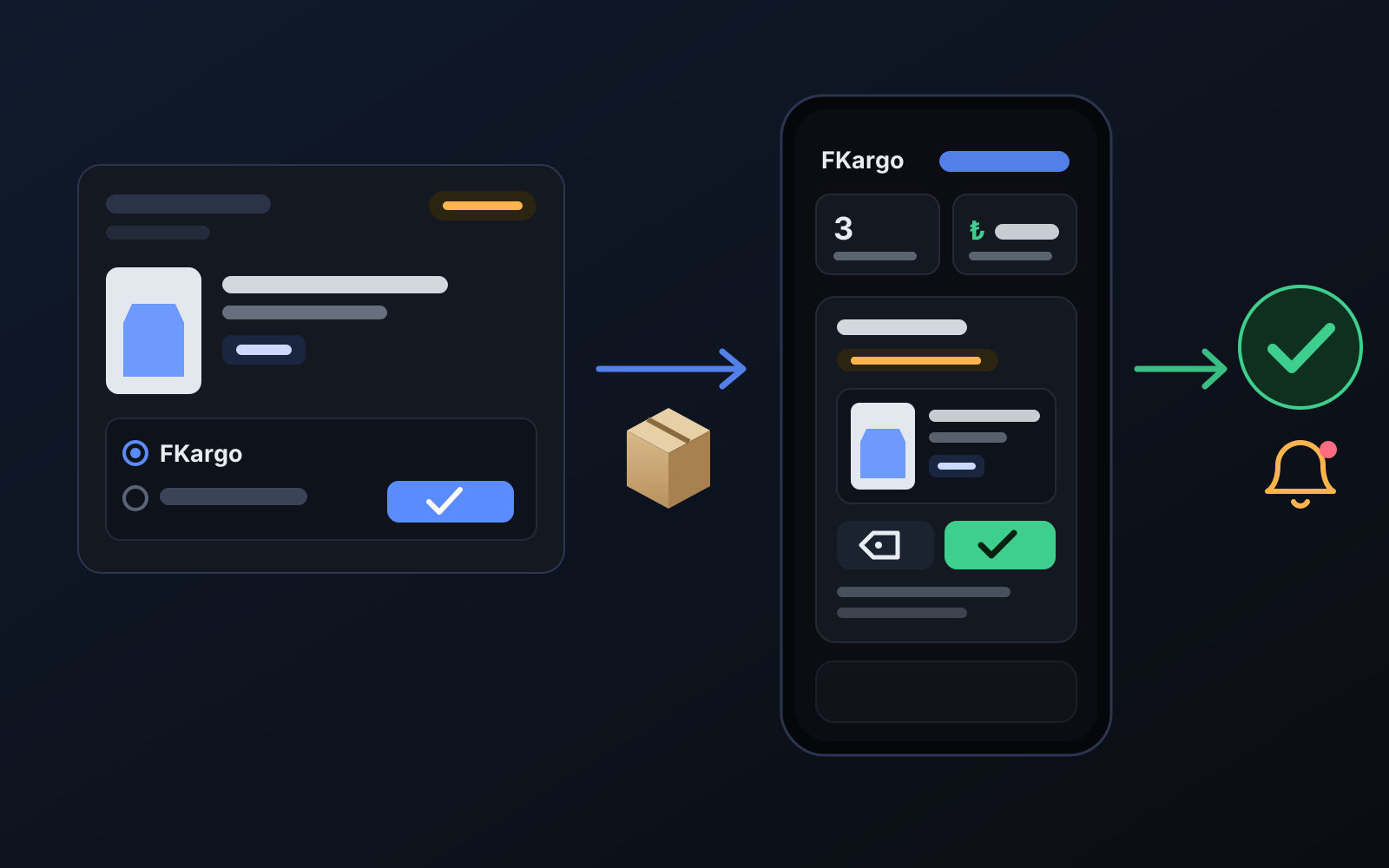
Shipping partners: hand your orders to FKargo and see when they are shipped
Order the item from the brand to FKargo’s address; FKargo puts on the Ozon label and drops the parcel at the shipping point. One-click forwarding and automatic forwarding in Incoming orders.
2026-10-20