 Commbot
Campaign automation: joining Ozon promotions without going below your profit floor
In Ozon's elastic boosting promotion, the deeper the discount, the more search support a product gets — but a discount that goes too deep wipes out the profit. Commbot strikes this balance for you: it calculates a profit floor for every listing, never sets the promotion price below it and keeps comparing promotion costs with your profit.
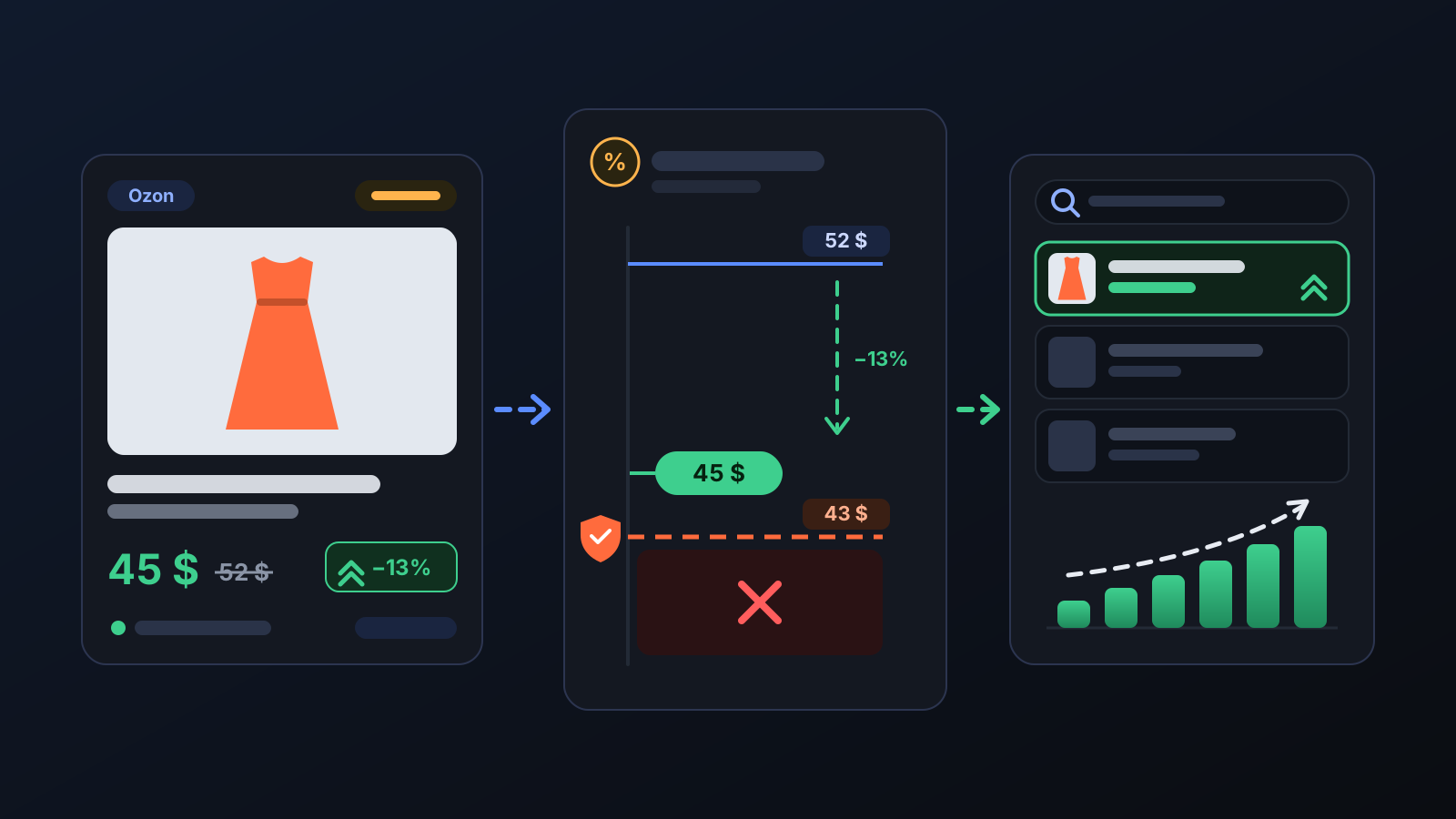
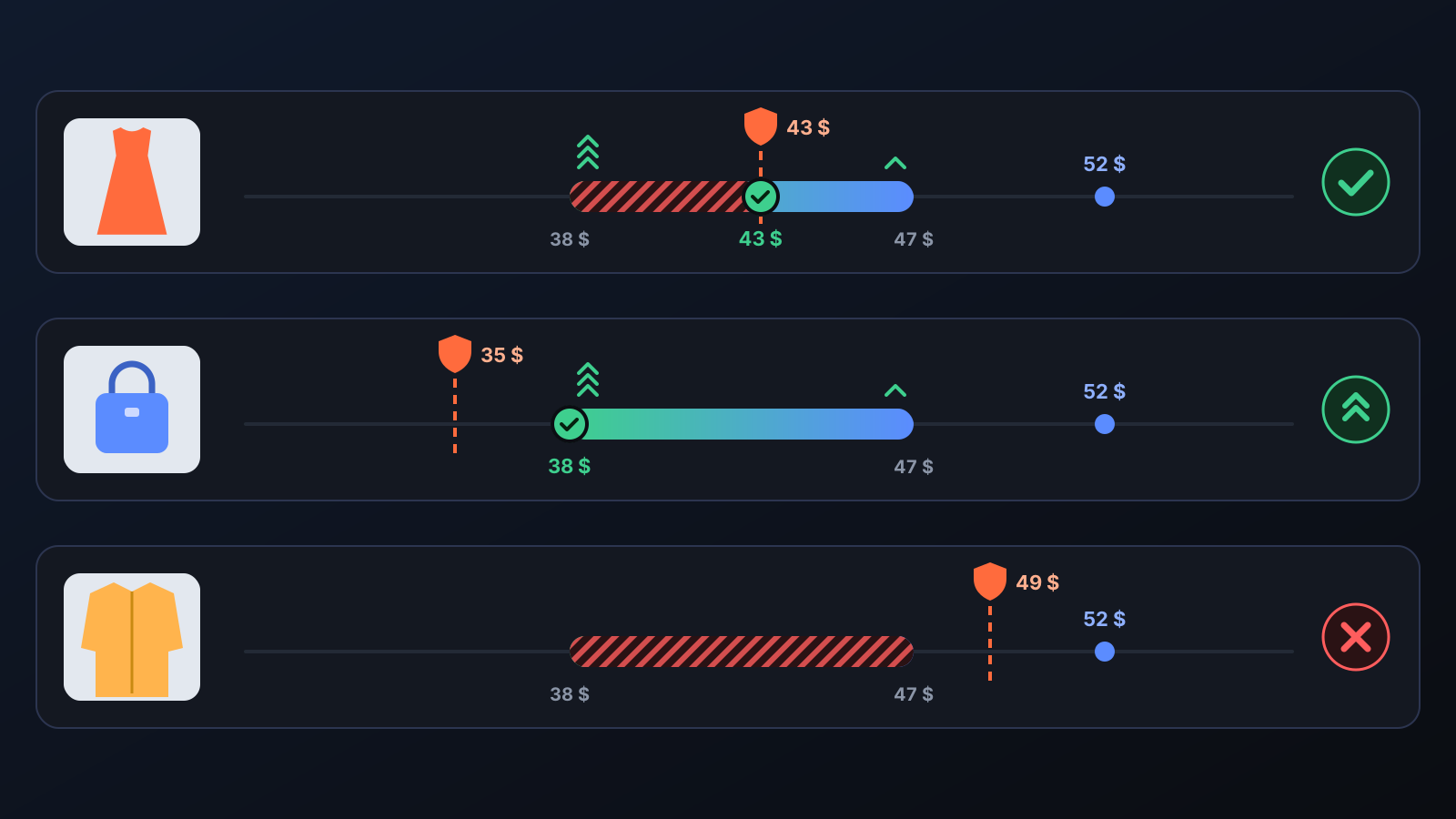
A product that joins Ozon's elastic boosting promotion is shown more often in search, and the deeper the discount, the stronger that support. Working out the right promotion price for every listing by hand is hard, though, and one wrong price can quietly turn sales into losses. Commbot handles participation automatically: it enters a product at the deepest price that stays above its profit floor, and if the floor would be broken it keeps the listing out of the promotion or takes it out.
How does it work?
- You switch it on. Automatic participation is off by default. Turn it on with Promotion / elastic boosting on the Permissions tab of the Engine page; the same switch is also on the Price & Stock page.
- A profit floor is calculated for every listing. It is the price that still leaves the profit set in Lowest % in a promotion after product cost, sourcing and extra costs, shipping, the Ozon deduction and the return allowance. If that field is empty, your floor margin is used; a net profit floor in TL, if you set one, is respected too.
- Eligible listings are selected. Only listings with stock are considered. A listing whose cost is unknown, or whose highest promotion price allowed by Ozon is below the floor, is kept out.
- The deepest safe price is written. The promotion price is the higher of the deepest price Ozon allows and your profit floor, so you get the largest possible search boost while the floor holds.
- Listings in promotions are monitored. Every 2 hours their prices are checked against the current floor. If the cost has gone up, the promotion price is raised to the floor; if Ozon's limit has dropped below the floor, the listing is taken out of the promotion.
What does it affect?
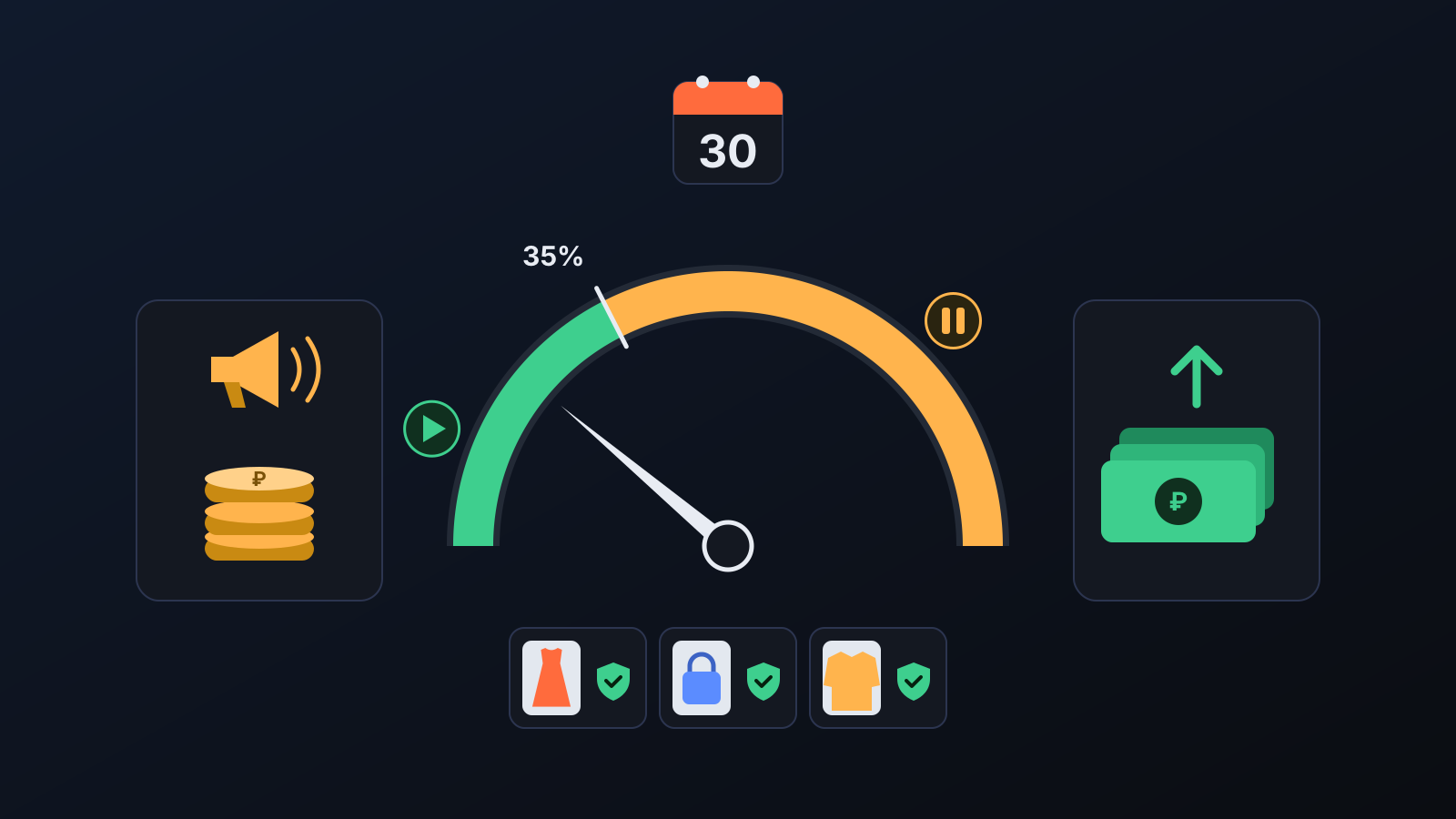
- Expense watchdog: promotion items Ozon charges you for, such as advertising, boosting and review points, are compared with your realised profit over the last 30 days. Once costs reach 35% of profit, new entries stop. In a new store with no profit yet, discount-only participation, which costs no cash, continues; if cash promotion costs build up, new entries stop as well. On days when costs cannot be measured, no new entries are made either.
- Minimum price on Ozon: Ozon's own automatic discounts cannot go below a listing's minimum price. Commbot sets that minimum from the profit floor on every listing and renews, every day, the 30-day period for which Ozon keeps this protection.
- Promotions page: the Ozon promotions open to your store are listed with a plain-language explanation. Show eligible products puts each product's promotion limit and floor price side by side, and Join selected to the promotion lets you join by hand. A join below the floor price is not accepted.
- Even with the switch off: listings you joined by hand are watched with the same floor protection; if the floor is broken, the listing is taken out of the promotion.
- Products you remove: a product you take out with Exit in Participating products is not put back by the automation; you can add it again yourself.
- Engine → Inventory & promotions: the number of listings in promotions, the median search boost Ozon gives them, the number of listings below the floor and the latest decision of the expense watchdog are shown here.
- Promotion type: automatic participation only happens in elastic boosting promotions. Other Ozon promotions appear on the page too; joining them is your call.
Tips for better results
- Choose Lowest % in a promotion deliberately: a value slightly below your floor margin lets more listings join, but promotional sales then earn less.
- Ozon calculates the promotion limit from a listing's prices over the last 30 days, so a price change does not affect eligibility right away; judge the result a few days later.
- A listing that runs out of stock is not entered; when stock returns it is reconsidered automatically in the next run.
- Automatic participation and the monitoring of listings in promotions run in stores that Commbot manages with full automation.
More from Commbot
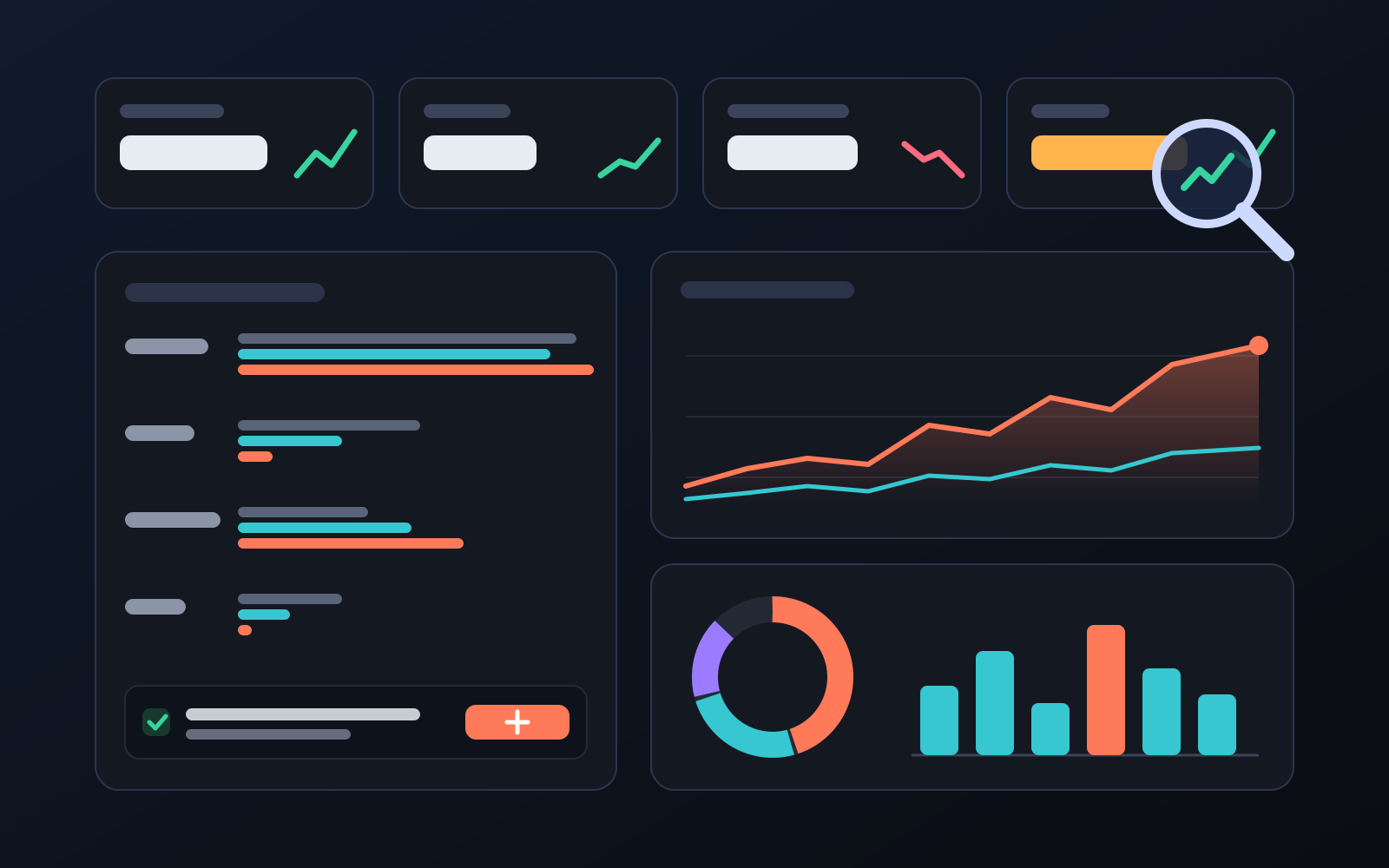
Analytics page: what sells in your store and what doesn't, on one screen
See how your products do by category, brand, price, colour, size and region, in charts. The page turns findings into plain sentences and gives one-click suggestions.
2026-10-29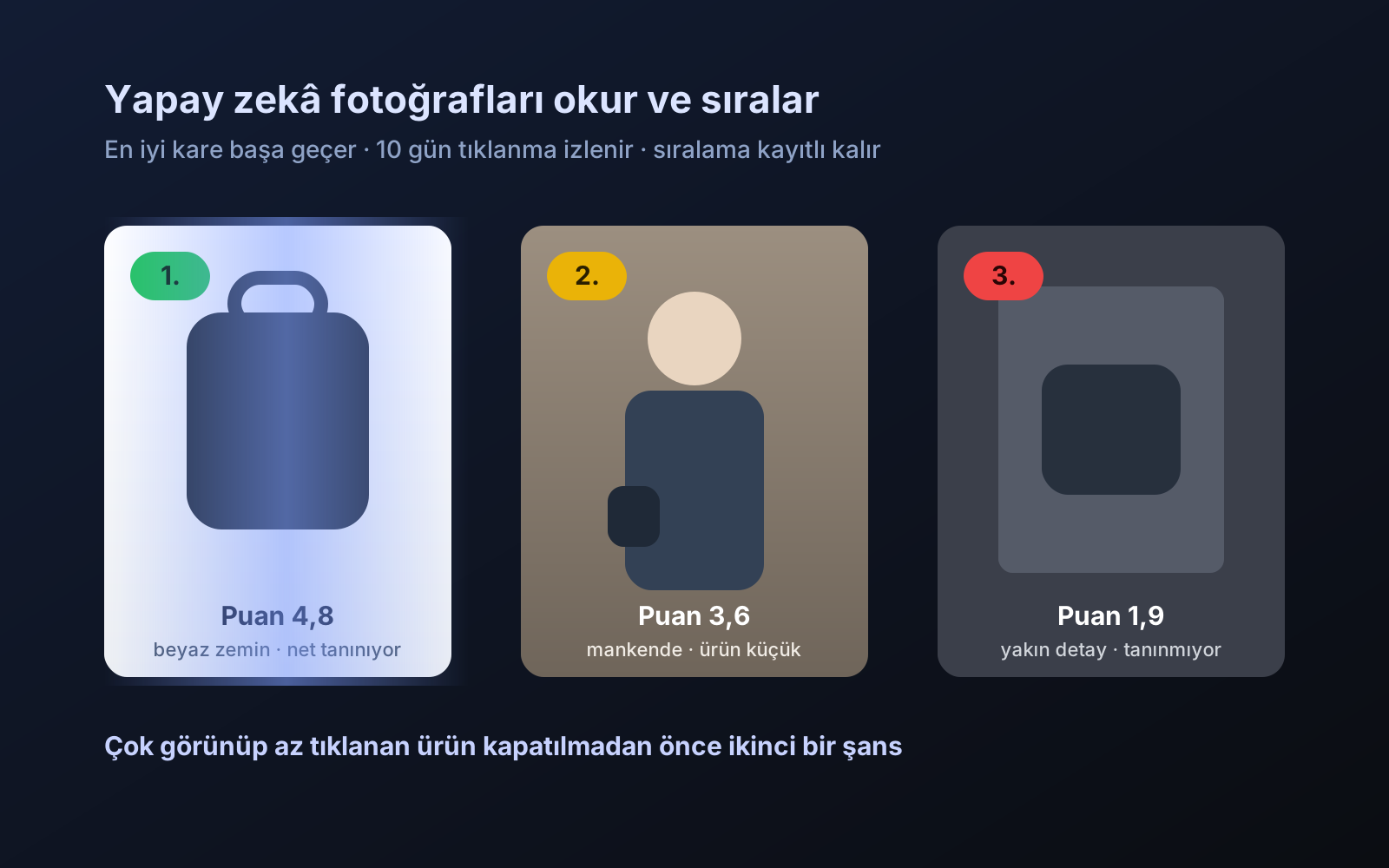
Photo trial before swap
We have improved our system for turning products on and off. It is still in a trial stage, but you can already use it.
2026-10-28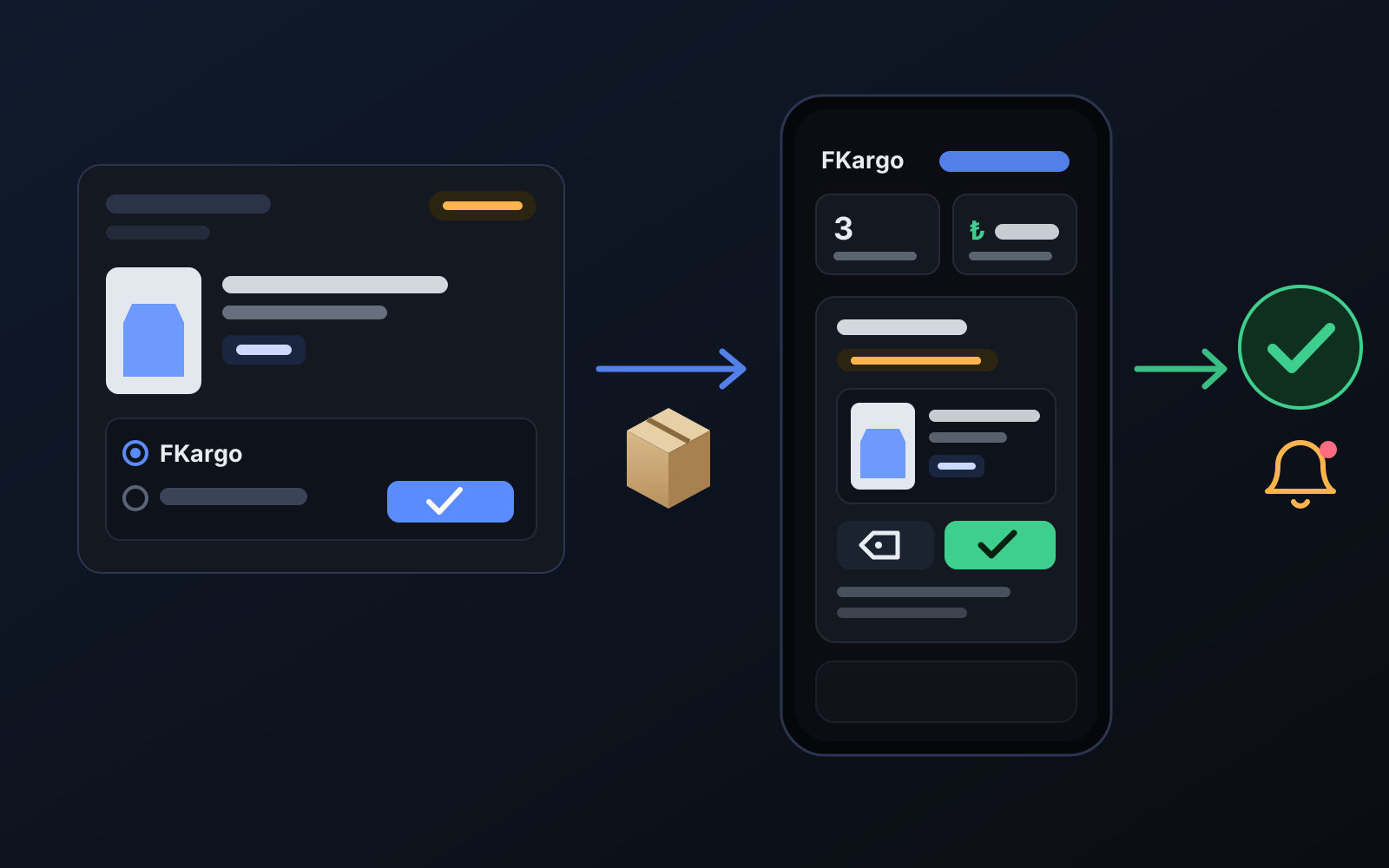
Shipping partners: hand your orders to FKargo and see when they are shipped
Order the item from the brand to FKargo’s address; FKargo puts on the Ozon label and drops the parcel at the shipping point. One-click forwarding and automatic forwarding in Incoming orders.
2026-10-20