 Commbot
Add products by link: straight into your store, even if they're not in our catalog
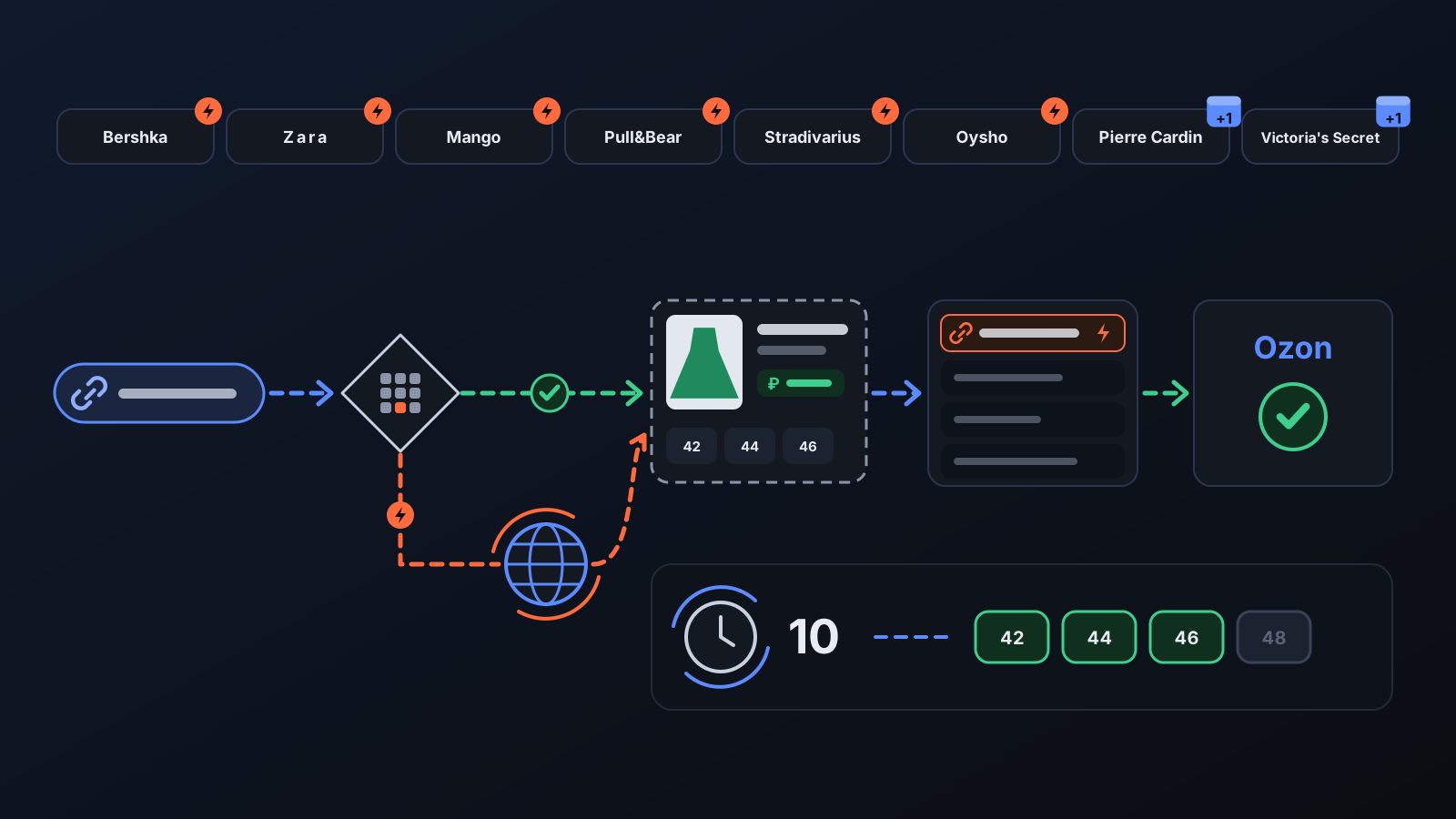
You don't have to wait for the engine to pick a product: add the one you want by its link. Even if it isn't in our catalog yet, the product page is read on the spot for Bershka, Zara, Mango, Pull&Bear, Stradivarius and Oysho; once on Ozon, its sizes and stock are tracked.
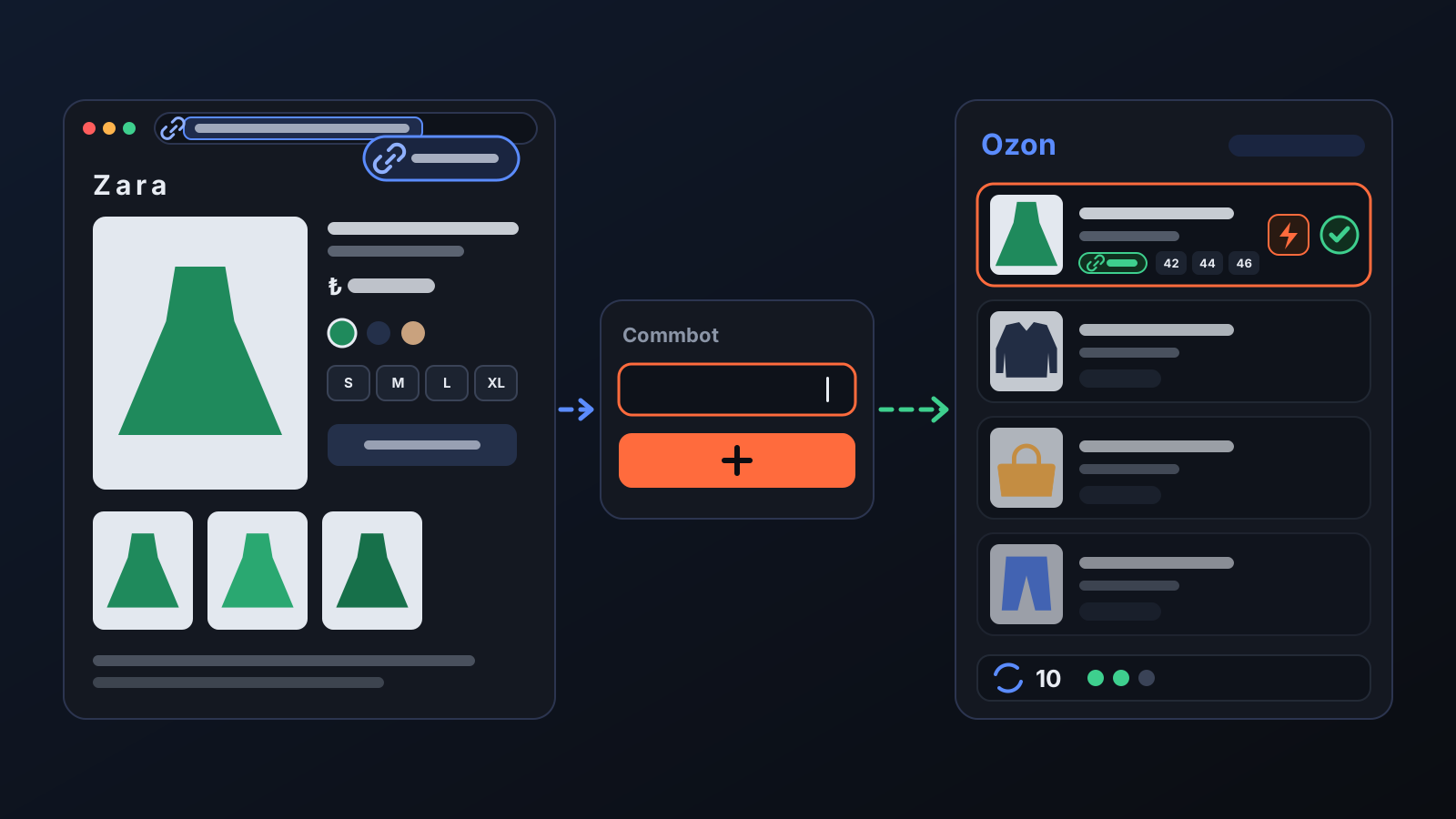
To add a product you like from a brand's site, you don't need to wait for the engine to pick it: pasting its link is enough. Previously, if the product had not entered the catalog in the overnight scan (a new arrival, or a category we don't scan), you got a "not in our catalog" reply. Now, if the product is not in our catalog, it is read from the brand's site on the spot and added to your store in the same step.
How to use it
- Open the product page on the brand's site, choose the colour you want and copy the link from the address bar.
- In the panel, paste it into Product Upload → Add a product manually and press Add this product.
- The product becomes a draft with your margin and joins the upload queue; it goes to Ozon in turn, within your daily upload allowance. If you don't want to wait, press Upload now on its row.
- Products you add by link are listed with the date added; for those sent to Ozon, you see the date sent and the card status under Added earlier.
What it affects
- Products not in the catalog: for Bershka, Zara, Mango, Pull&Bear, Stradivarius and Oysho the product page is read on the spot: name, price, colours, sizes and stock per size. For Pierre Cardin and Victoria's Secret, a new product enters the catalog with the next day's scan; add the link again the next day.
- Colour: the colour comes from the link. For Mango, the linked colour's own photos, price and sizes are used. For Zara, if the link carries no colour code, the colour shown on the page is added.
- Zara: use a link from the Turkish site (zara.com/tr/tr/…). Size names and stock are read from the product page; if the Russian equivalents of the sizes are not matched yet, the product is added as a draft and the matching completes on its own shortly.
- Pierre Cardin and Victoria's Secret: the moment you add the link, the current price, promotion and size stock are refreshed from the site; a product whose sizes have no exact Russian equivalent is not added.
- Price and stock: the price is calculated with your Price & Stock settings. Once on Ozon, a size that sells out on the brand's site closes on Ozon and reopens when stock returns.
- Unsupported sites: if the link is not recognised, the panel says so and offers to read the product with Comm Scraper AI (covered in a separate article).
Tips for better results
- Use the link of the product's own page, not a category or search page, and copy it after choosing the colour.
- Mango links must be from shop.mango.com; www.mango.com links are not recognised.
- Automatic upload must be on for products added by link to go to Ozon on their own.
- If you try to add the same product twice, the panel tells you it is already on your list; no second card is opened.
More from Commbot
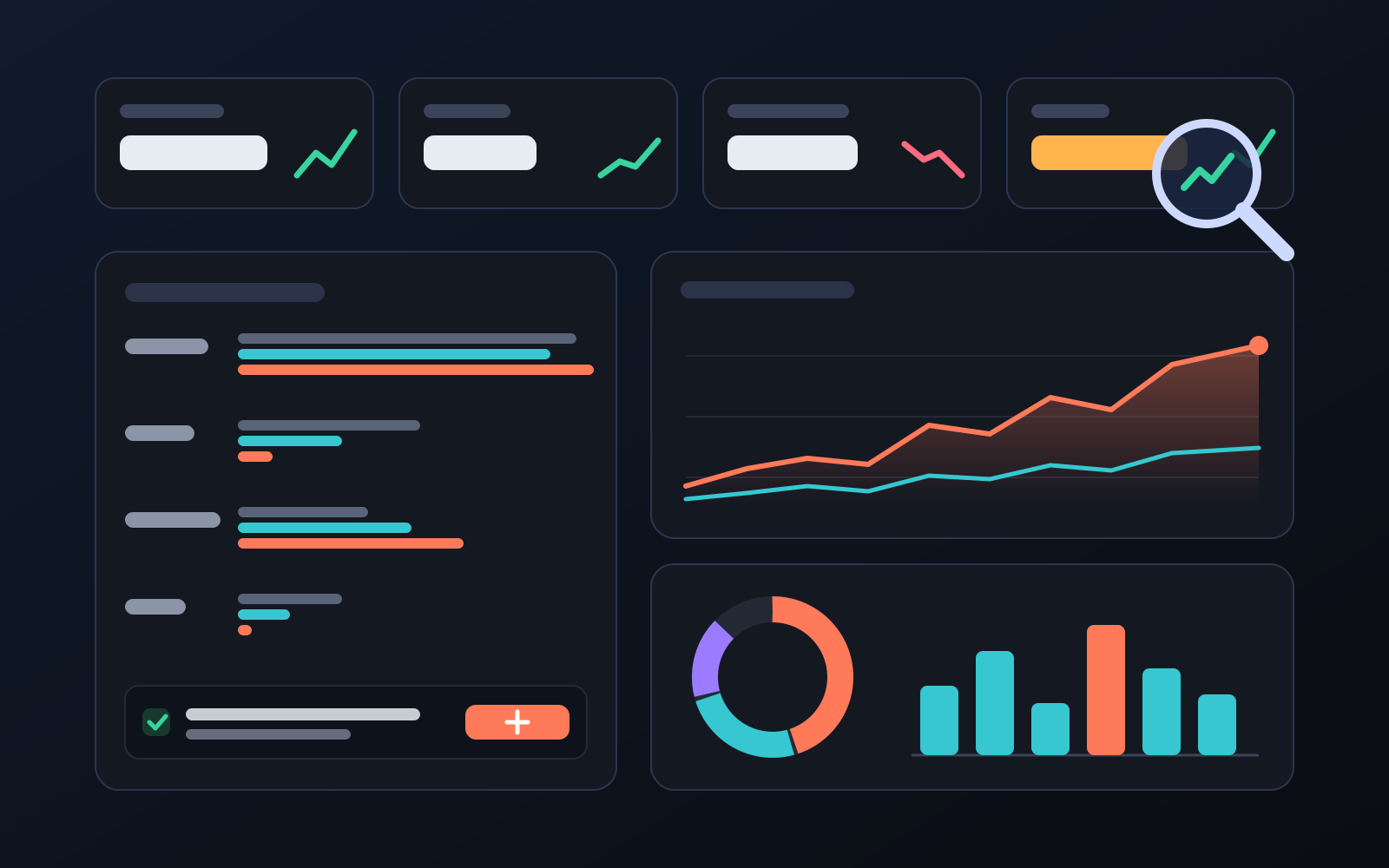
Analytics page: what sells in your store and what doesn't, on one screen
See how your products do by category, brand, price, colour, size and region, in charts. The page turns findings into plain sentences and gives one-click suggestions.
2026-10-29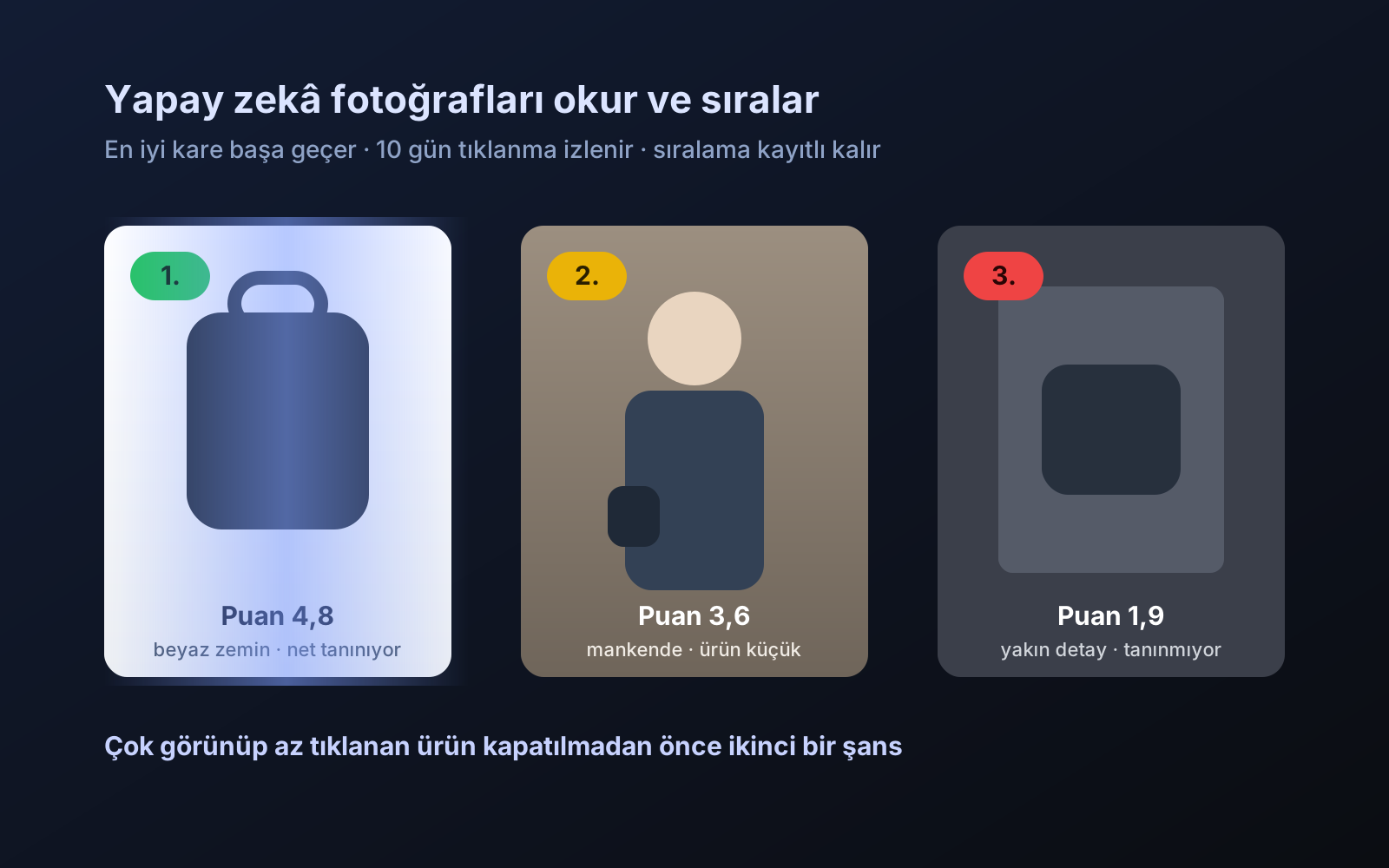
Photo trial before swap
We have improved our system for turning products on and off. It is still in a trial stage, but you can already use it.
2026-10-28
Shipping partners: hand your orders to FKargo and see when they are shipped
Order the item from the brand to FKargo’s address; FKargo puts on the Ozon label and drops the parcel at the shipping point. One-click forwarding and automatic forwarding in Incoming orders.
2026-10-20