 Commbot
Strikethrough price: a discount badge on the listing, same selling price and profit
On Ozon, many listings show a strikethrough price and a discount percentage; a listing with a plain price stands out less among them. Commbot writes a strikethrough reference price on every listing. It never touches the selling price — it only fills in the price-before-discount field.
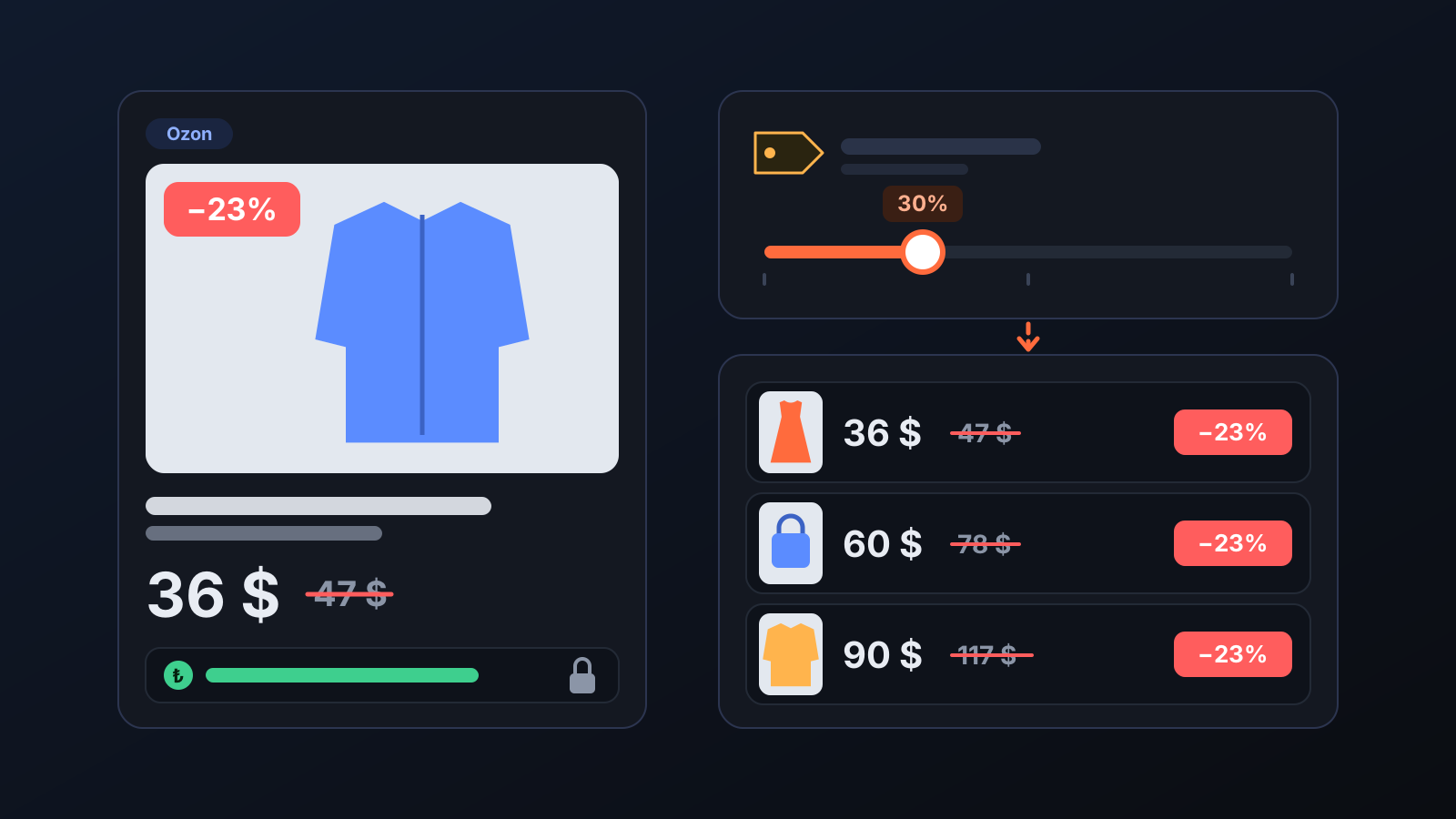
Many listings on Ozon show a strikethrough price and a discount percentage. If this field is empty on your listing, the product looks flat and undiscounted in search results, even at the same price. Commbot fills Ozon's “price before discount” field on every listing itself. Your selling price, floor price and profit do not change; only the reference price shown on the listing does.
How does it work?
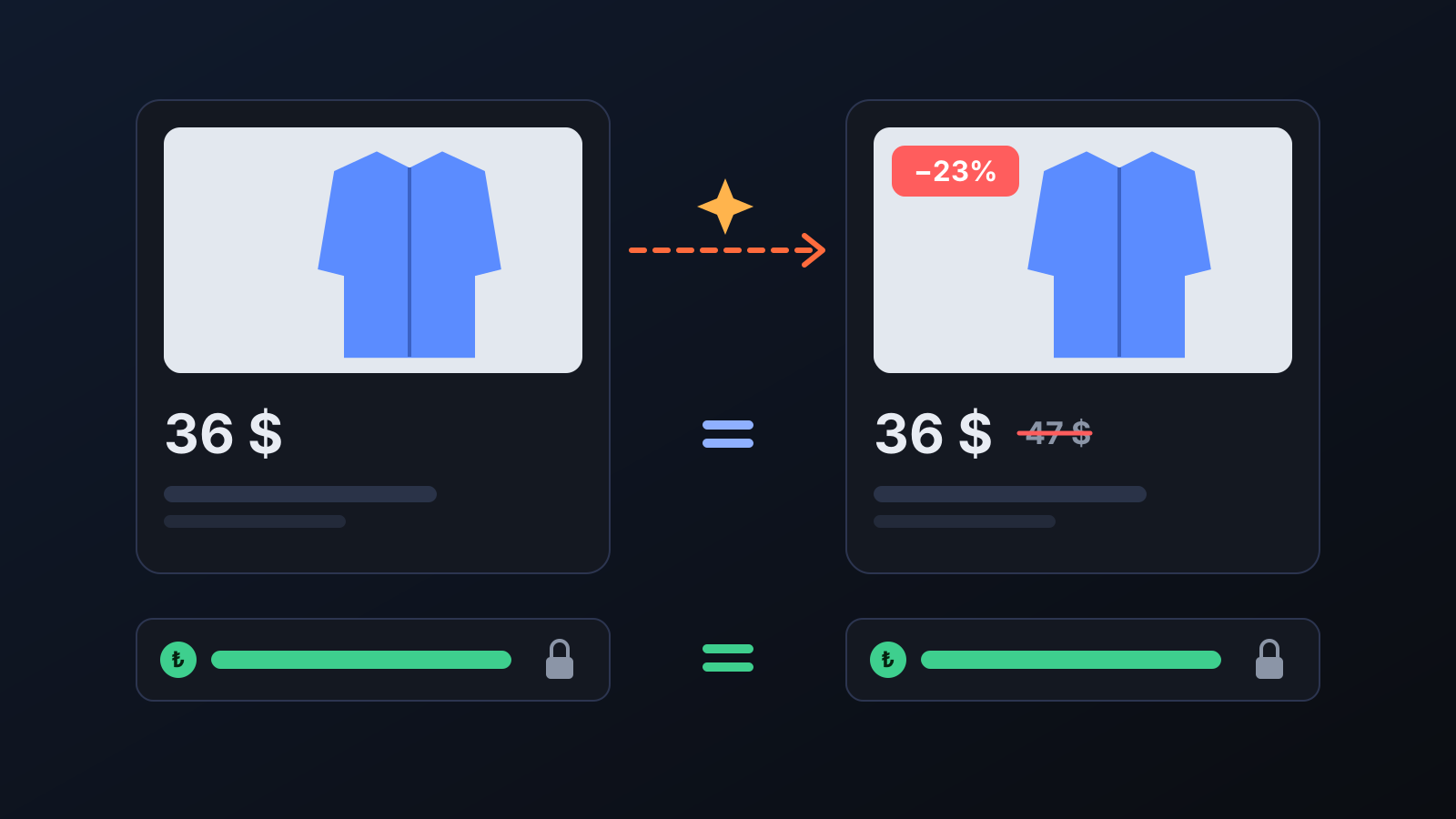
- Set the share. Enter Strikethrough price share (%) in the Strikethrough price card on the Promotions page; the default is 30%. The card shows the result on a sample product right away: a 36 $ product appears with a 47 $ strikethrough price and a −23% badge.
- The strikethrough price is calculated. Your selling price is raised by this share, and the result becomes the listing's price before discount.
- Only this field is written to Ozon. The selling price stays as it is; Ozon compares the strikethrough price with it and shows the discount percentage.
- It is rewritten on every price change. When the price changes, the strikethrough price follows at the same rate, so the listing does not lose its badge.
- It is checked every 15 minutes. Listings whose price has not changed for a long time are checked too; strikethrough prices that are missing or have drifted from the share are corrected.
What does it affect?
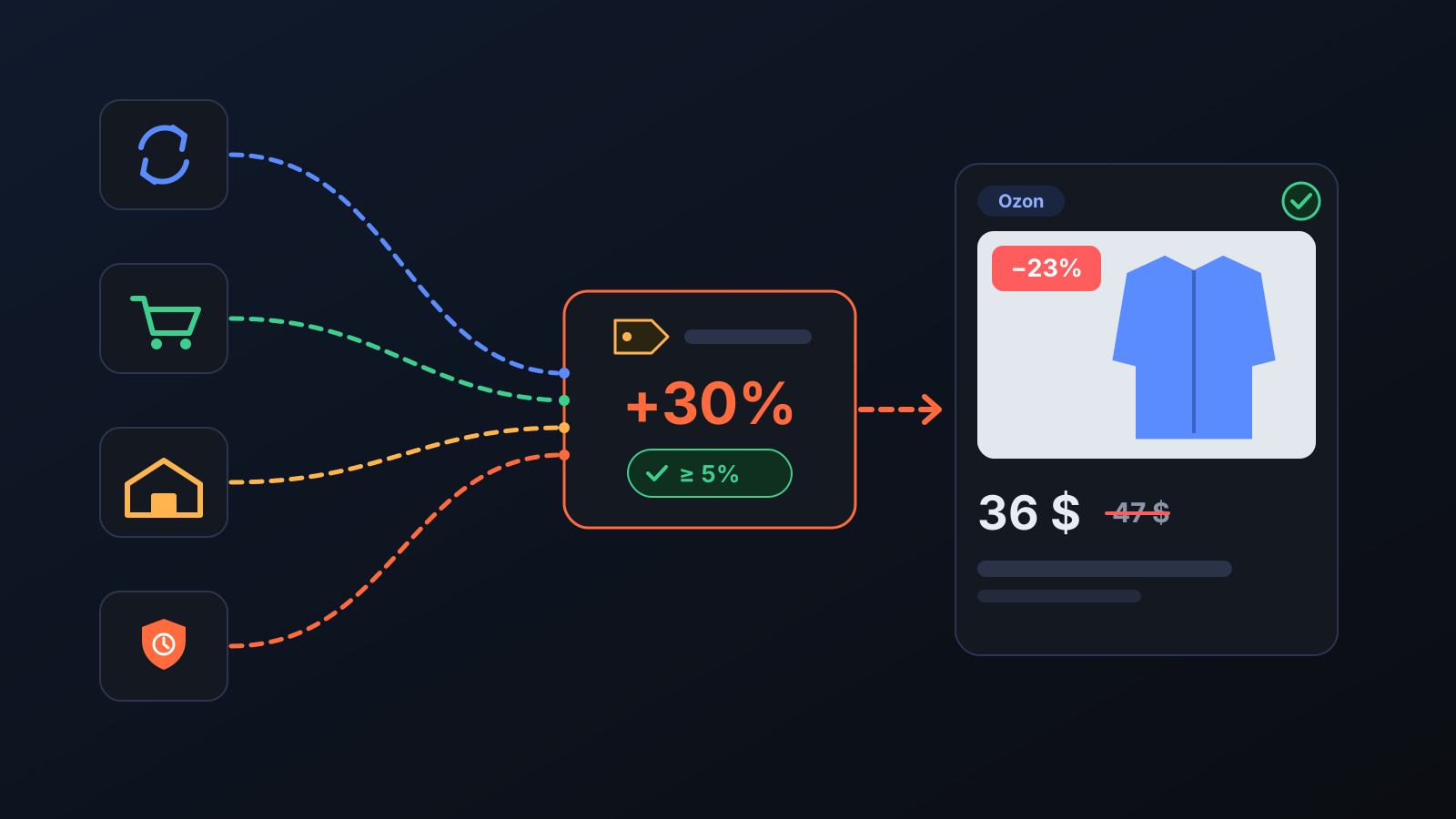
- Selling price and profit: unchanged. The strikethrough price is only a reference; your floor price and your minimum price on Ozon are not affected by this setting.
- Every price update: the price run, the customer win-back discount, pricing of goods in Ozon warehouses and the 15-minute check all use the same rule, so a price update does not wipe out the badge.
- Minimum price based on: this setting on the same card decides the lowest price Ozon's automatic discounts can go down to: floor margin (default), current profit margin, or a set percentage below the price. Even with a percentage, the price never goes below the zero-profit price.
Tips for better results
- Do not set the share too low: if the gap is under 5%, Ozon does not accept the strikethrough price.
- Only an administrator account can change the setting; after you save, it reaches listings in the next price run.
- The strikethrough price is written in fully automated stores where Commbot manages prices.
More from Commbot
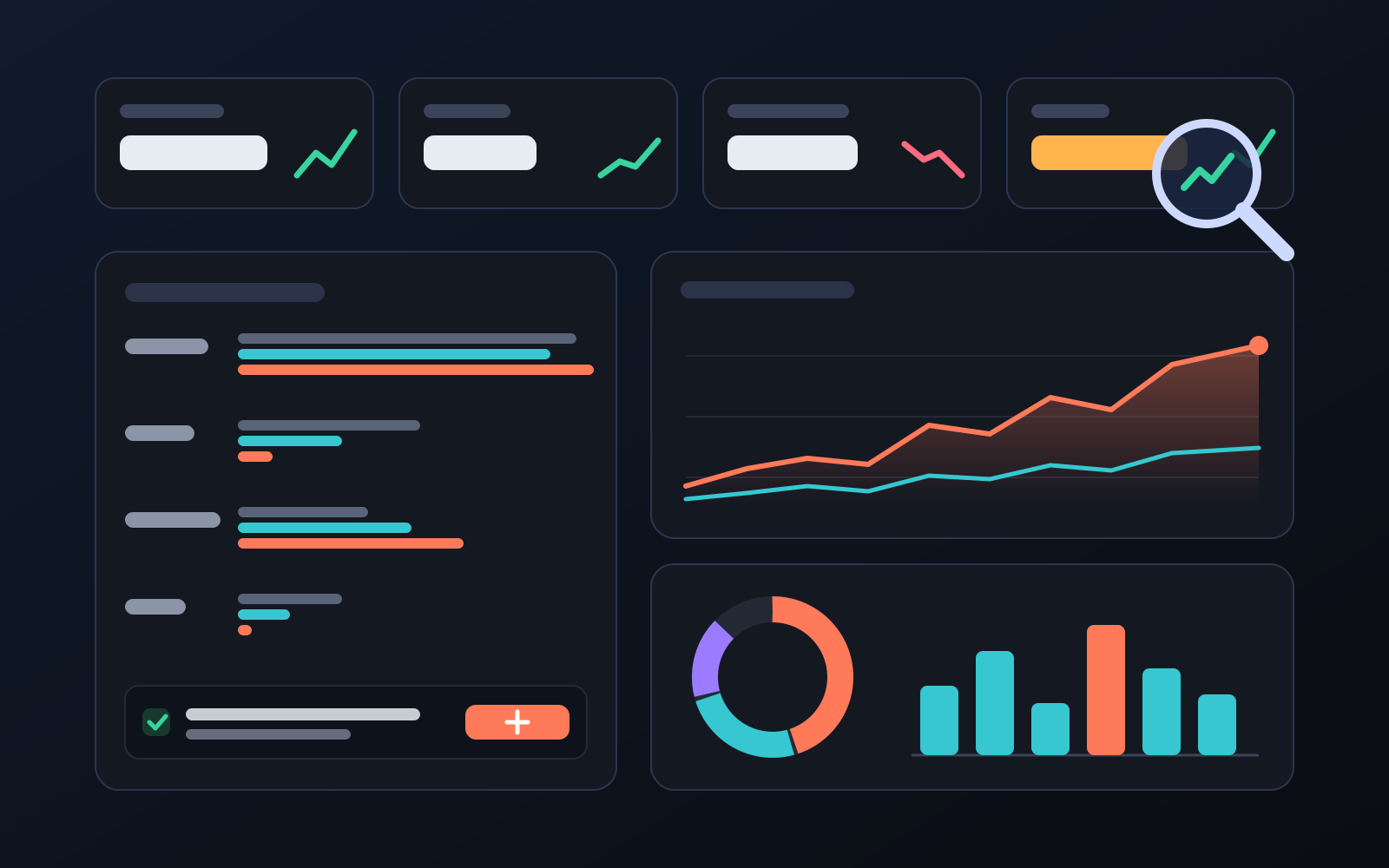
Analytics page: what sells in your store and what doesn't, on one screen
See how your products do by category, brand, price, colour, size and region, in charts. The page turns findings into plain sentences and gives one-click suggestions.
2026-10-29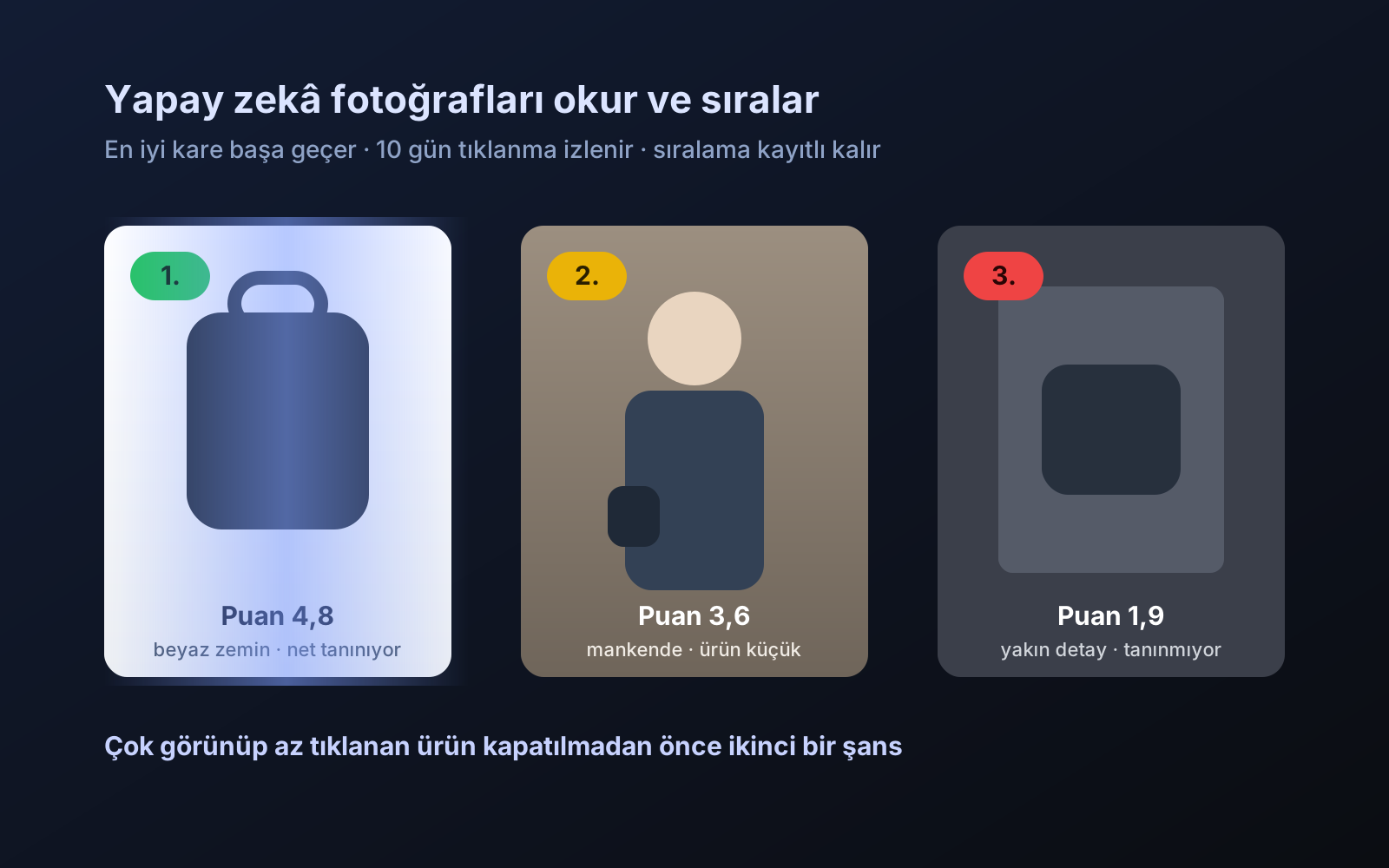
Photo trial before swap
We have improved our system for turning products on and off. It is still in a trial stage, but you can already use it.
2026-10-28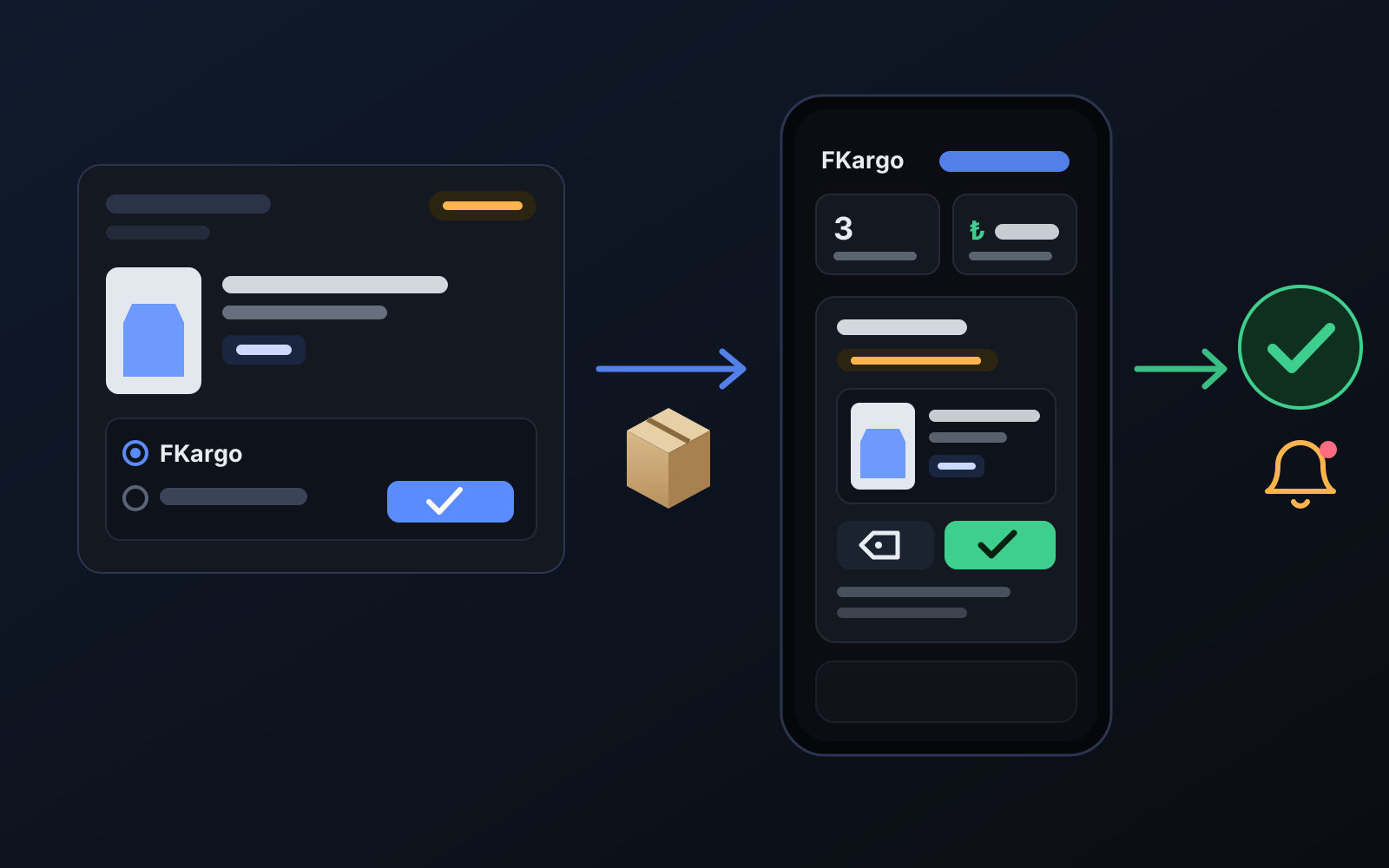
Shipping partners: hand your orders to FKargo and see when they are shipped
Order the item from the brand to FKargo’s address; FKargo puts on the Ozon label and drops the parcel at the shipping point. One-click forwarding and automatic forwarding in Incoming orders.
2026-10-20