 Commbot
ikas integration: bring your ikas products to Ozon and keep stock in sync both ways
Brands selling on ikas don't need to re-enter every listing to open on Ozon. Commbot reads your ikas catalog, prepares Ozon listing details for each product and uploads them at your request; turn on stock sync and the stock of both stores moves together.
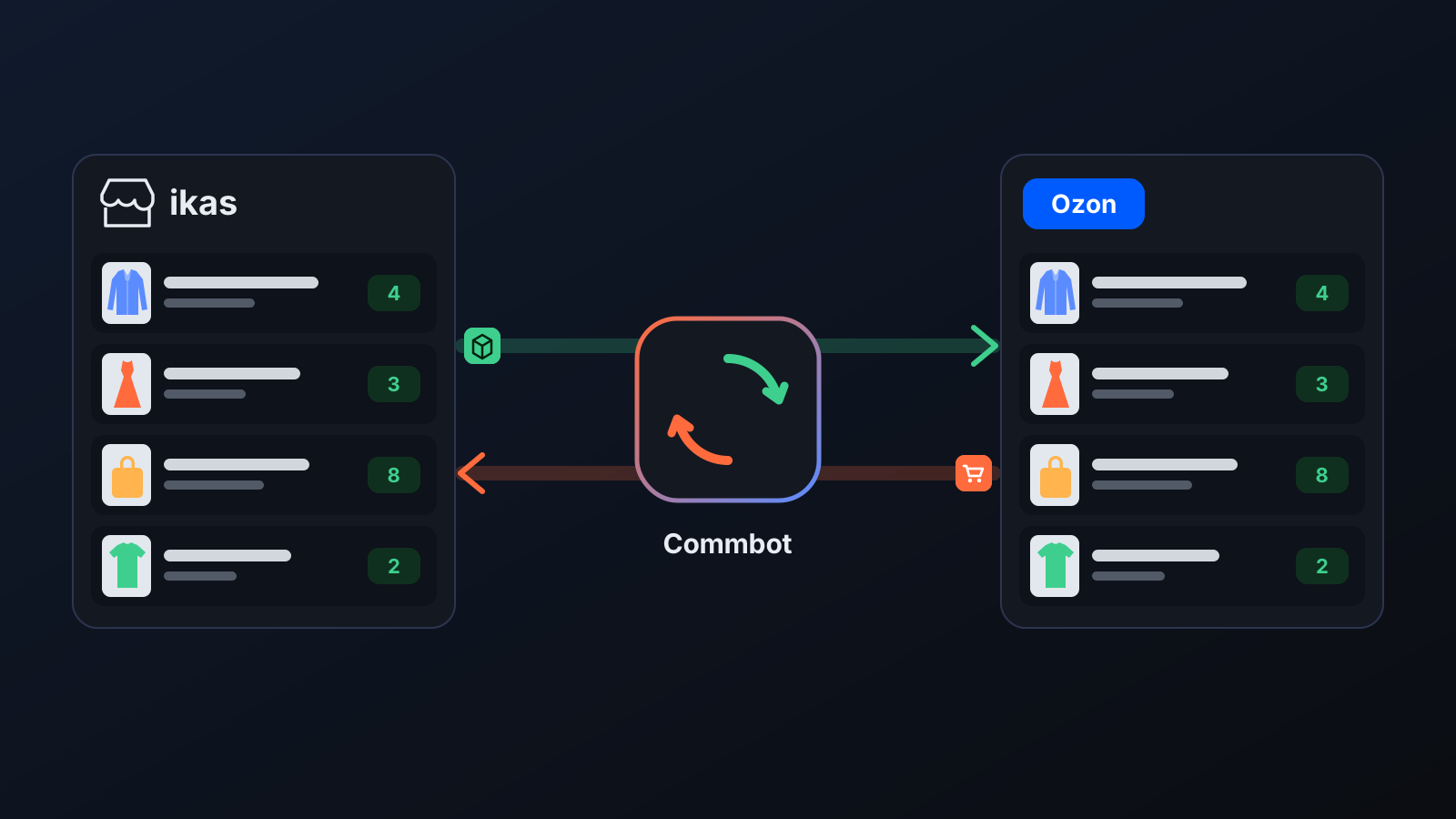
For a brand selling on ikas, the most work in opening on Ozon is preparing the listings from scratch: a Russian name, the right Ozon type, Russian size equivalents, a price. Then comes keeping stock aligned by hand across two stores; if a product sold in one place stays on sale in the other, cancellations follow. The ikas integration takes care of both.
How it works
- Open API integration in the left menu, enter your ikas store address (yourstore.myikas.com) in the ikas connection card and press Connect with ikas. Press the install button on the page ikas opens, and you're brought back to the panel automatically; no keys to copy.
- Your products arrive on the ikas store page with their stock and prices and are refreshed regularly.
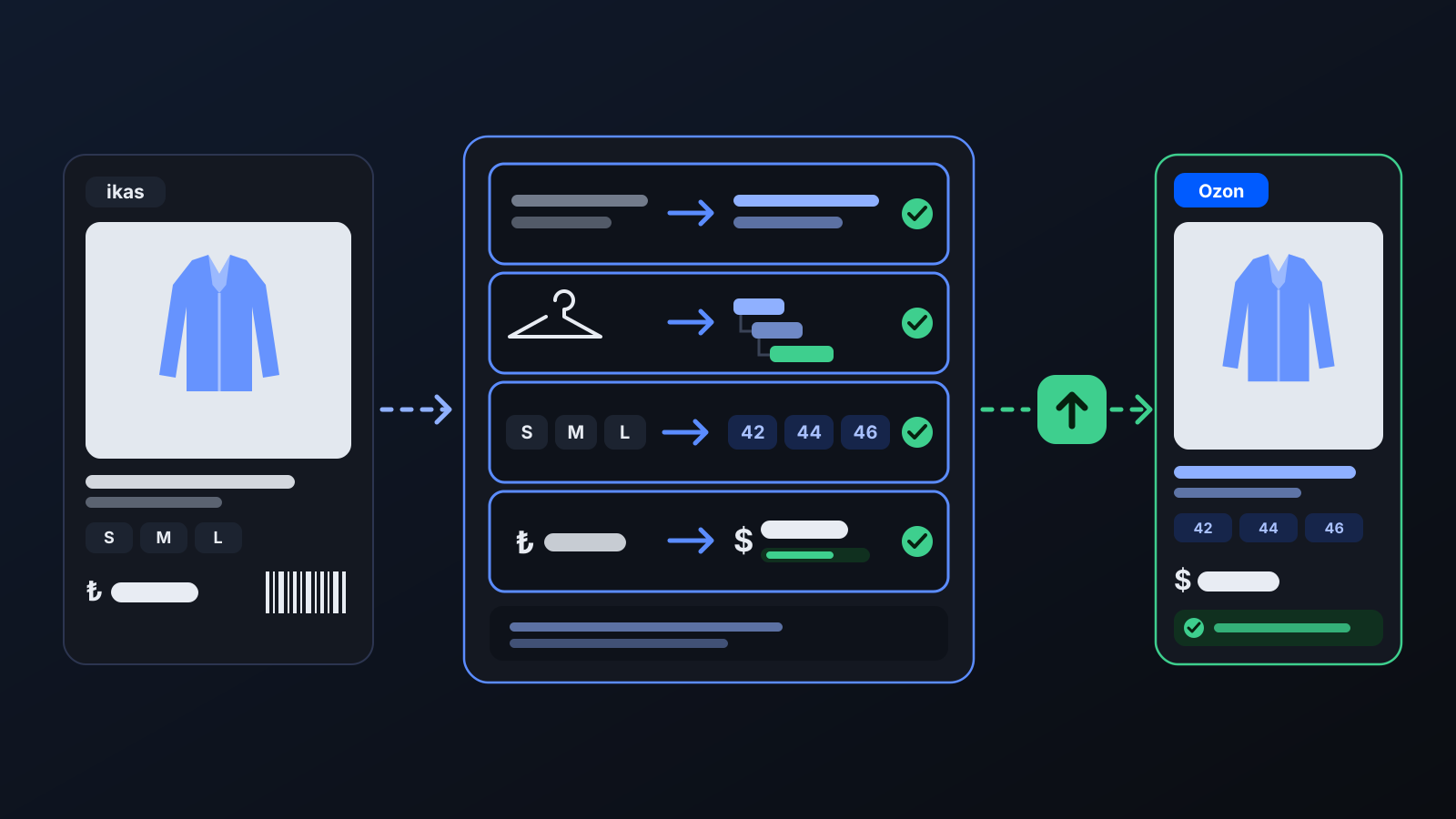
- Press Prepare Ozon card details: for every product, a Russian name, the Ozon type, Russian size equivalents, a price suggestion, the estimated net profit and a Russian description are prepared. This step sends nothing to Ozon.
- Check the preparation, then create the listings in your store with ⬆ Upload to Ozon on a product row or Upload ready ones to Ozon.
- Turn on Two-way stock sync on the API integration page: your ikas stock is written to Ozon, and orders from Ozon are deducted from your ikas stock.
What it affects
- Ozon orders: with stock sync on, Ozon orders shipped from your own warehouse (FBS / rFBS) are deducted from your ikas stock, and the same order is never deducted twice. If an order is cancelled before it is shipped, the quantity is added back in ikas. Sales from Ozon's warehouse (FBO) are not mirrored in ikas, because those goods are already in Ozon's warehouse.
- Sales on ikas: the reduced stock of a product sold in your ikas store is written to Ozon; stock is written whenever it changes and re-aligned every hour.
- Bundles: when a product sold on ikas as a bundle sells on Ozon, stock is deducted from the items inside the bundle by their quantities.
- Price: the Ozon price is recalculated at upload time with your price settings and the day's exchange rate; the ikas purchase price is used as the cost, or the selling price if there is none.
- Your existing Ozon listings: an ikas product is matched to a listing already on Ozon by the same offer code or barcode, and the sync manages that listing's stock too. No second listing is created for a size that is already on Ozon.
For better results
- Give every product in ikas a price, an image and a barcode: a product missing one of these waits during the transfer.
- Give products a clear category and a descriptive name: the Ozon type is detected from them, and a product whose type can't be found is not prepared.
- Enter the purchase price in ikas: profit is more accurate with it; if it's missing, the selling price is treated as the cost.
- Configurable bundles (where an item can be one of several options) are left out of stock sync; track their stock by hand.
More from Commbot
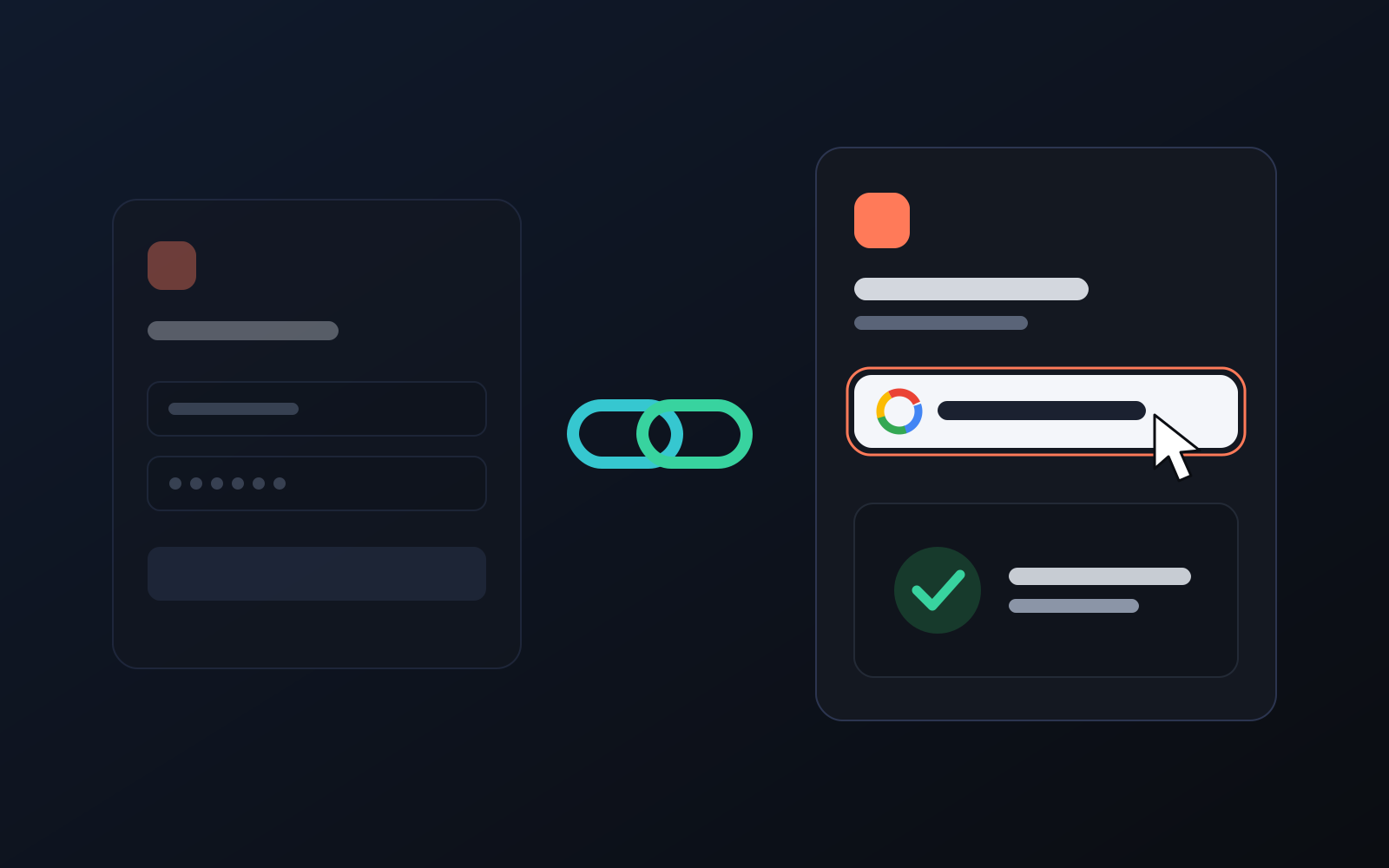
One-click sign-in: link your account to Google
You can now link your Google account to the account opened with the username and password we gave you. Link it once, then sign in with the "Sign in with Google" button without typing a password.
2026-10-29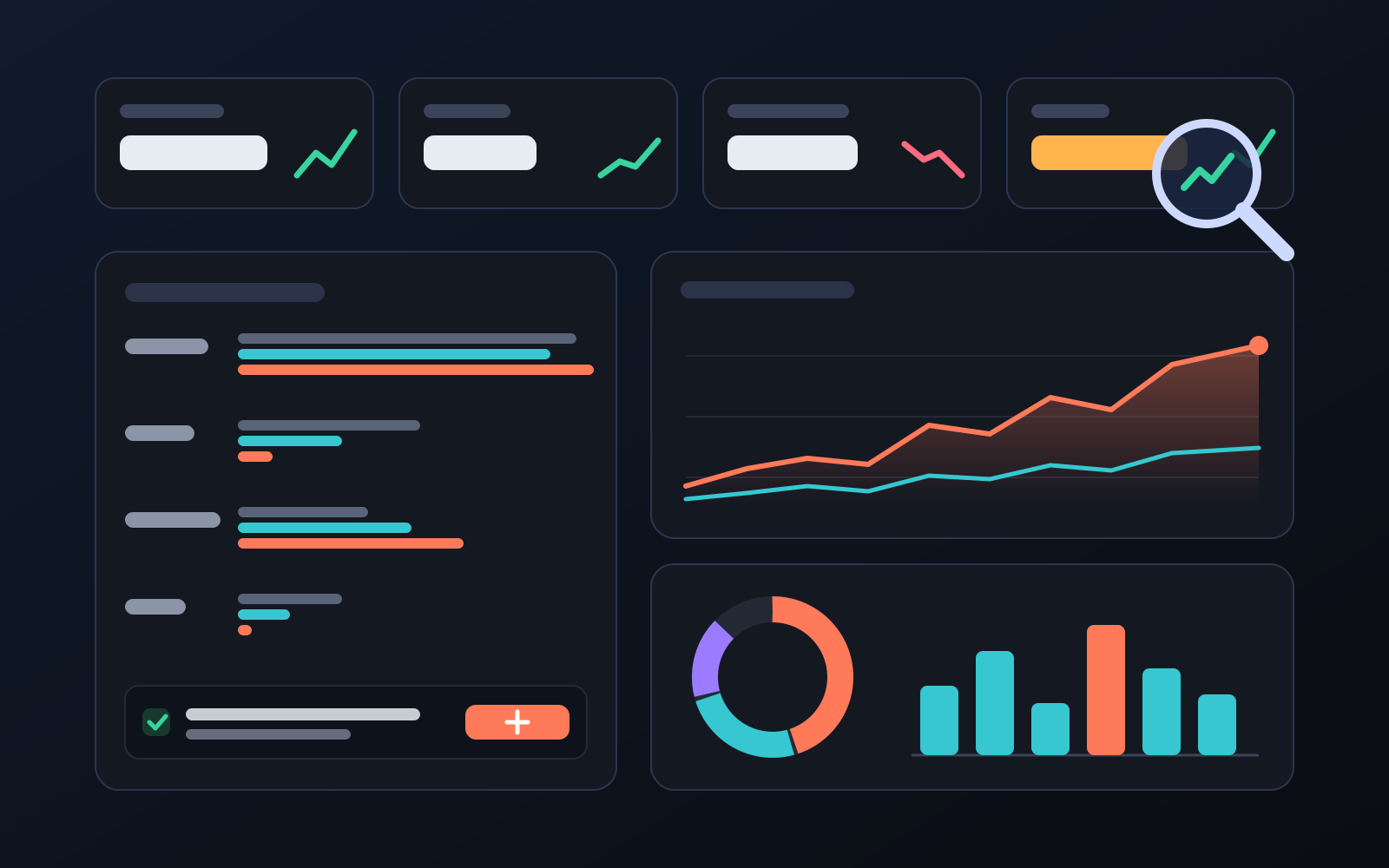
Analytics page: what sells in your store and what doesn't, on one screen
See how your products do by category, brand, price, colour, size and region, in charts. The page turns findings into plain sentences and gives one-click suggestions.
2026-10-29
Photo trial before swap
We have improved our system for turning products on and off. It is still in a trial stage, but you can already use it.
2026-10-28