 Commbot
Profit / Loss: the real profit of every order, with every fee Ozon charges
The Profit / Loss page works out the real profit from the records Ozon posts to your account for each order. Amounts are shown in Turkish lira, and the things that hurt profit most are listed with figures at the top, under Watch out.
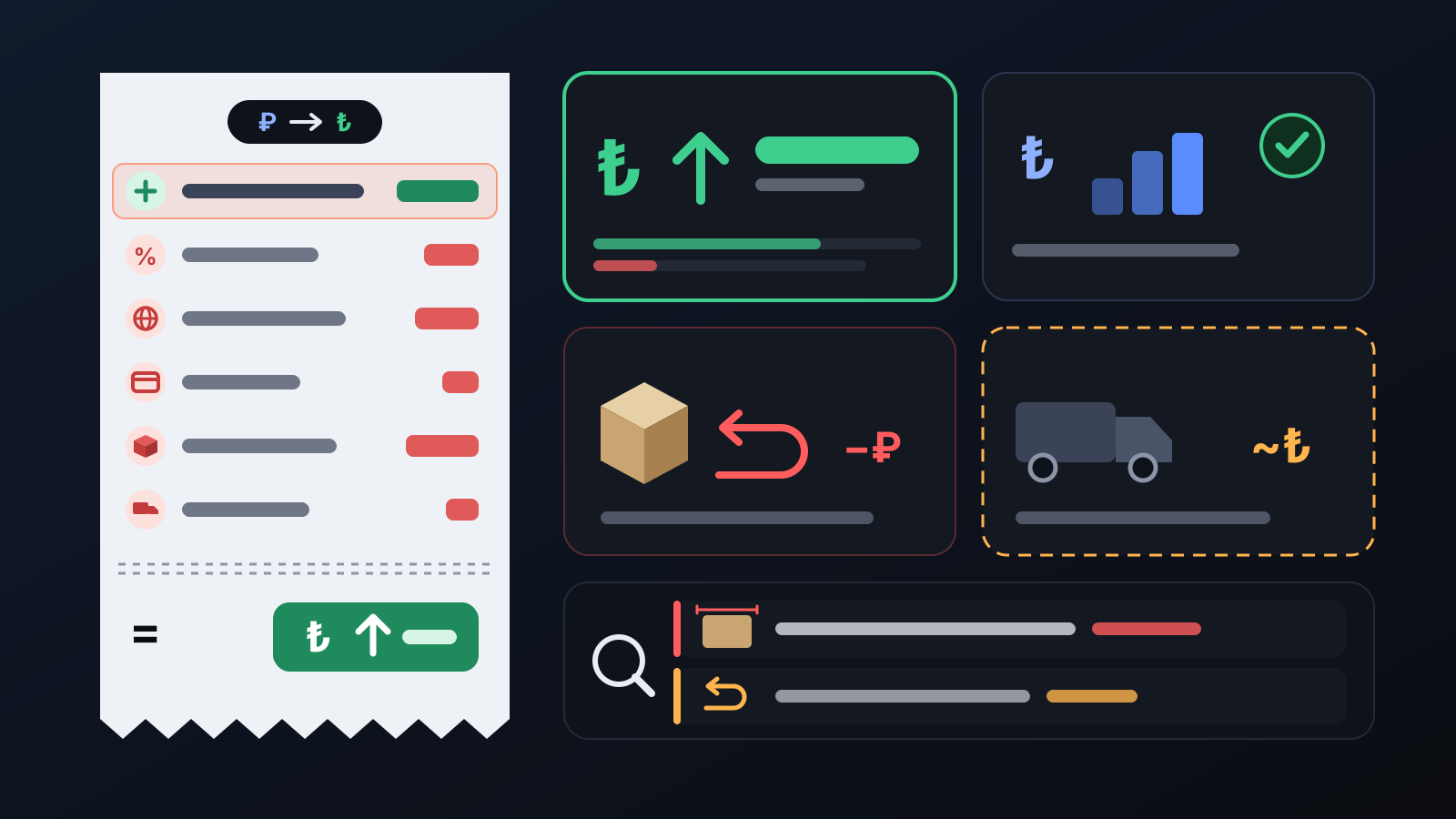
Your Ozon balance is not your profit: Ozon charges some fees after the sale, the cost of a returned shipment is posted separately, and the item's purchase cost never appears in Ozon at all. The Profit / Loss page brings all of this together order by order and answers the question "what did this sale actually leave me?".
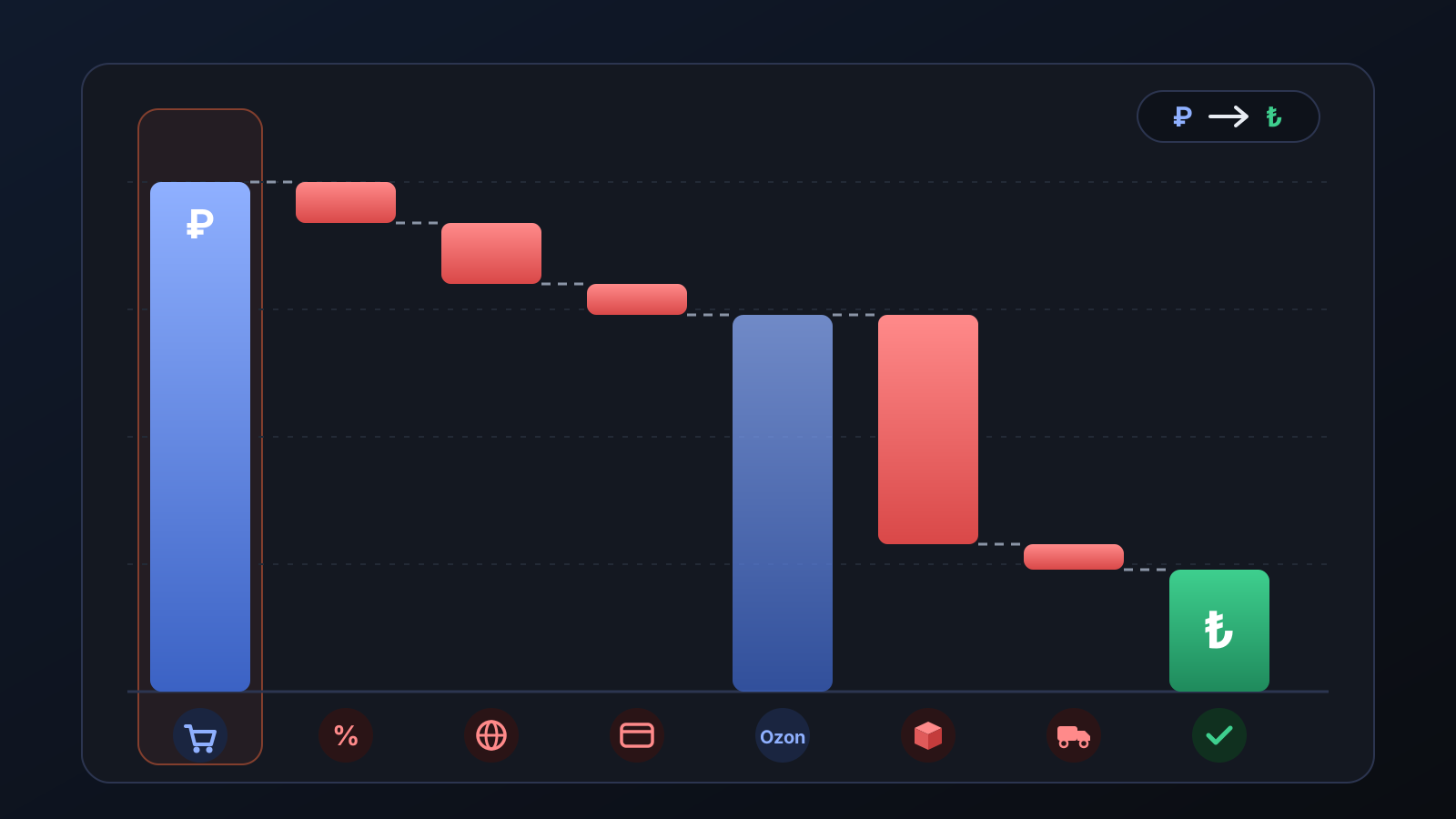
How does it work?
- Ozon's records are read: the sale amount of each order and every fee Ozon charges — commission, international shipping, card payment (acquiring) fee, platform and agent fees, return shipping — are tied to the order.
- Your own costs are added: the item's purchase price, sourcing and packaging costs are deducted. If you use a partner courier (FKargo) for shipping within Turkey, the per-parcel fee is included too (since 20 October 2026).
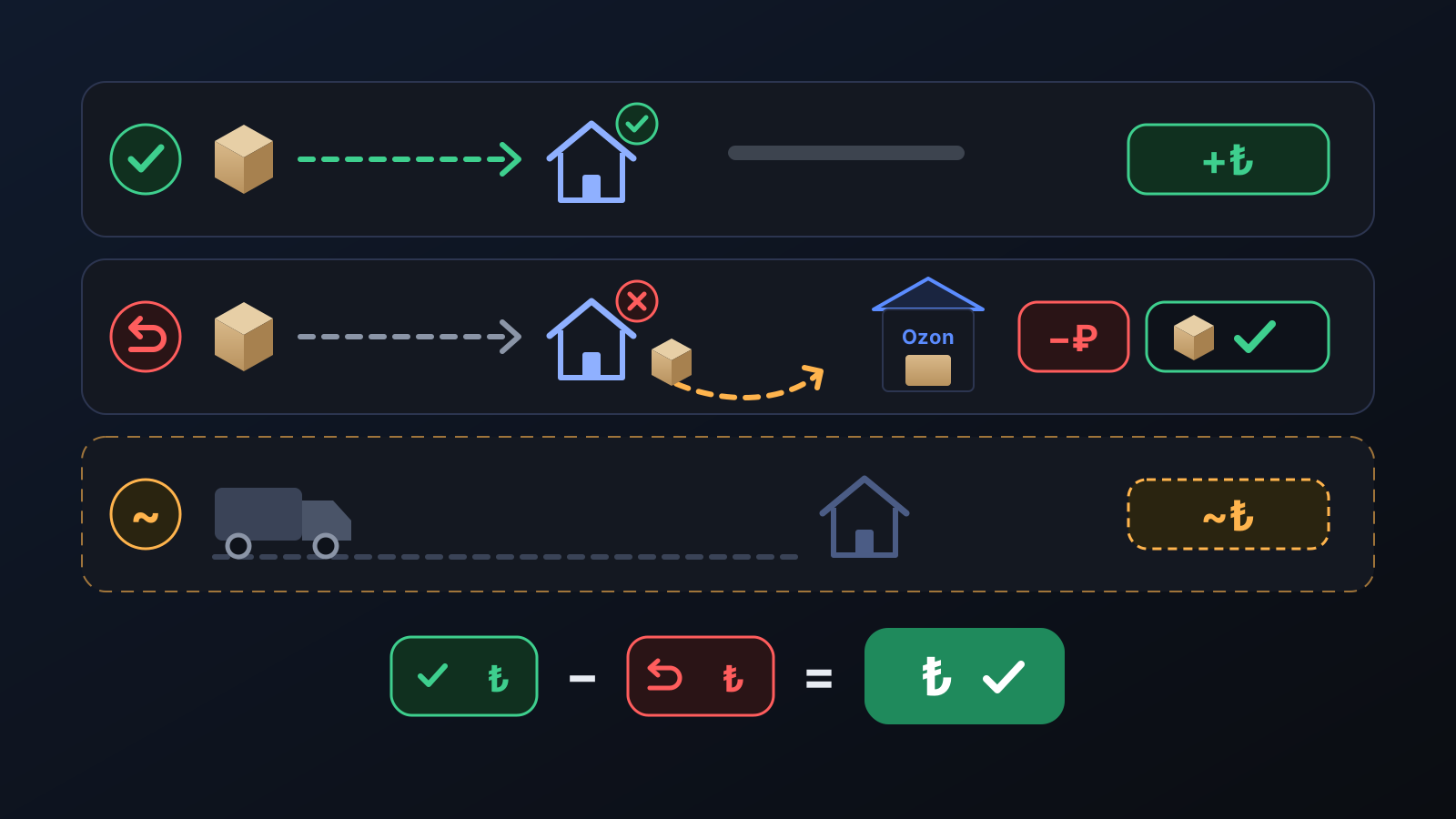
- Each order is sorted by outcome: sold, sold from the warehouse, returned, on its way back, cancellation penalty. In the Orders table, each order's amount paid by the customer, Ozon fees, shipping, purchase cost and profit appear in separate columns. An order cancelled before shipping has no cost, so it is not listed.
- A summary in four cards: Confirmed profit (profit from sales minus the cost of shipments that did not end in a sale), Profit from sales, Shipments that did not end in a sale and Orders in transit (estimated profit).
- Watch out items: the things that hurt profit most are listed with figures: high shipping charged by the parcel's volume, many shipments that did not end in a sale, sales that ended at a loss, sales without a recorded purchase cost.
What does it affect?
- Shipments that did not end in a sale: for a return, a parcel not collected or a cancellation in transit, Ozon charges shipping and processing fees; these fees are booked as costs. The item itself is not written off: it goes back to Ozon's warehouse and turns into money when it sells.
- Orders in transit: the profit of orders that Ozon has not settled yet is an estimate: the Ozon fee rate measured from your own store's past sales (a default rate if there are not enough sales), a shipping estimate and the purchase cost are taken off the sale amount. It does not count towards confirmed profit.
- Ozon balance: shown separately in the Detailed report; the balance is money Ozon will pay you, not profit.
- If the purchase cost is missing: no profit is made up; the main card shows "what you received from Ozon", and your profit is that amount minus your purchase cost.
- Detailed report: Ozon's fees one by one, the profit calculation step by step, returned items in stock, profit by brand and by product, and a daily chart.
For better results
- Enter what you actually paid for the item in the Purchase price column on the Incoming orders page: profit is calculated with that amount, and the value you enter is never overwritten (in stores running on full automation, with admin rights).
- Watch the parcel size: Ozon charges a large parcel by its volume, not its weight; keep the sum of the parcel's length, width and height under 90 cm.
- A new order first appears in the Orders in transit card and moves to confirmed profit once Ozon settles it. This can take from a few days to a few weeks after delivery.
More from Commbot
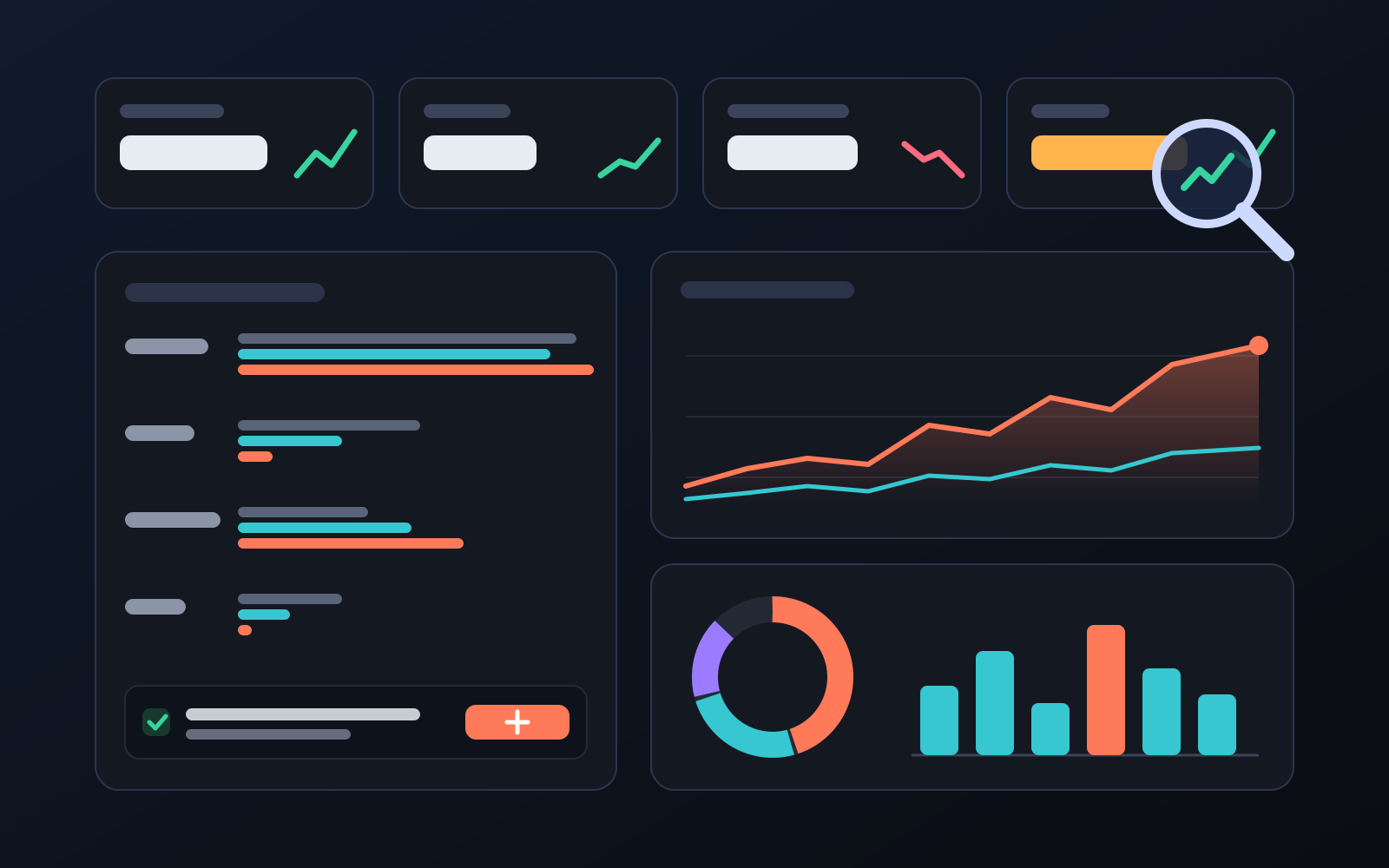
Analytics page: what sells in your store and what doesn't, on one screen
See how your products do by category, brand, price, colour, size and region, in charts. The page turns findings into plain sentences and gives one-click suggestions.
2026-10-29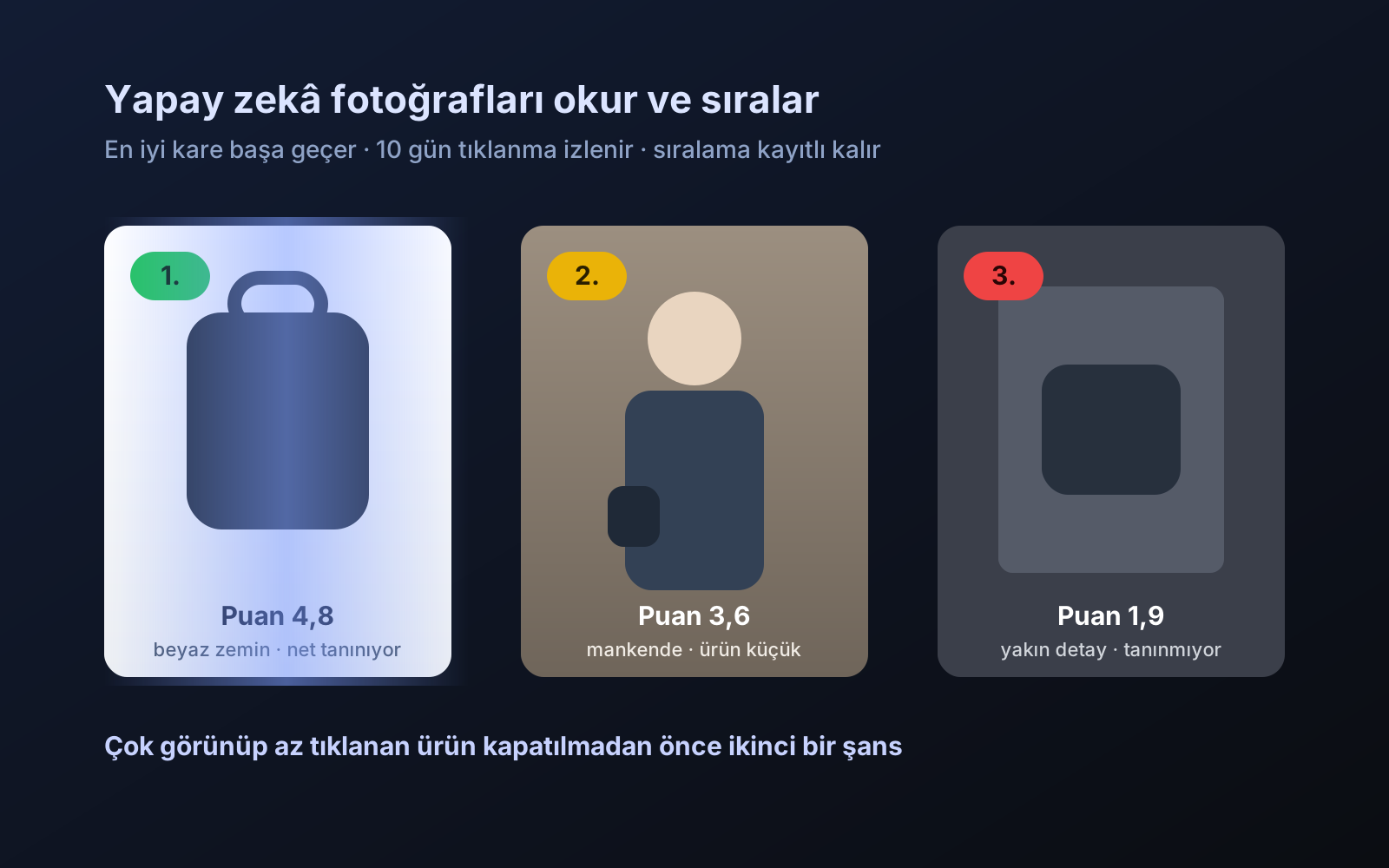
Photo trial before swap
We have improved our system for turning products on and off. It is still in a trial stage, but you can already use it.
2026-10-28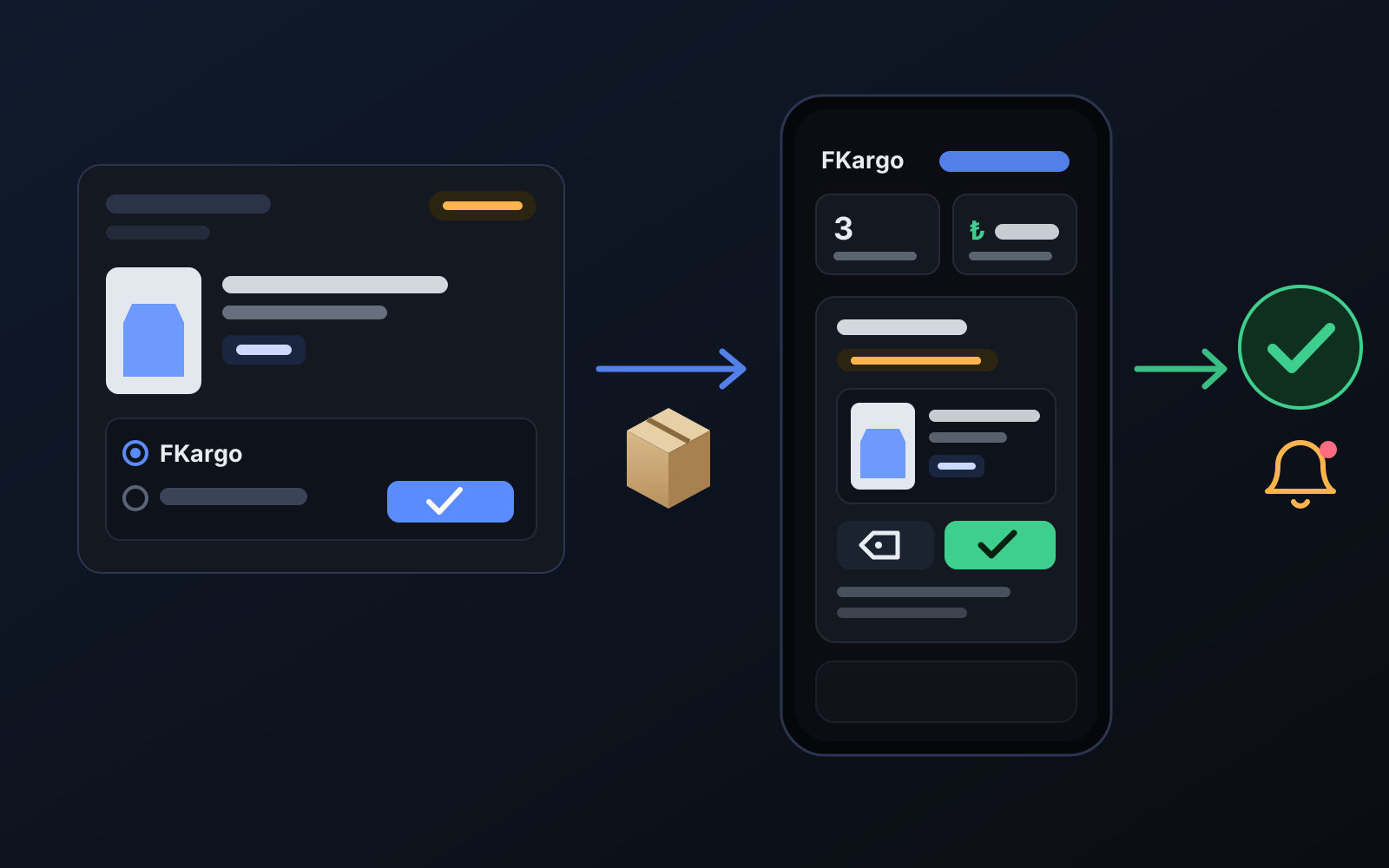
Shipping partners: hand your orders to FKargo and see when they are shipped
Order the item from the brand to FKargo’s address; FKargo puts on the Ozon label and drops the parcel at the shipping point. One-click forwarding and automatic forwarding in Incoming orders.
2026-10-20