 Commbot
Remove with a reason: take products out of promotions or the store
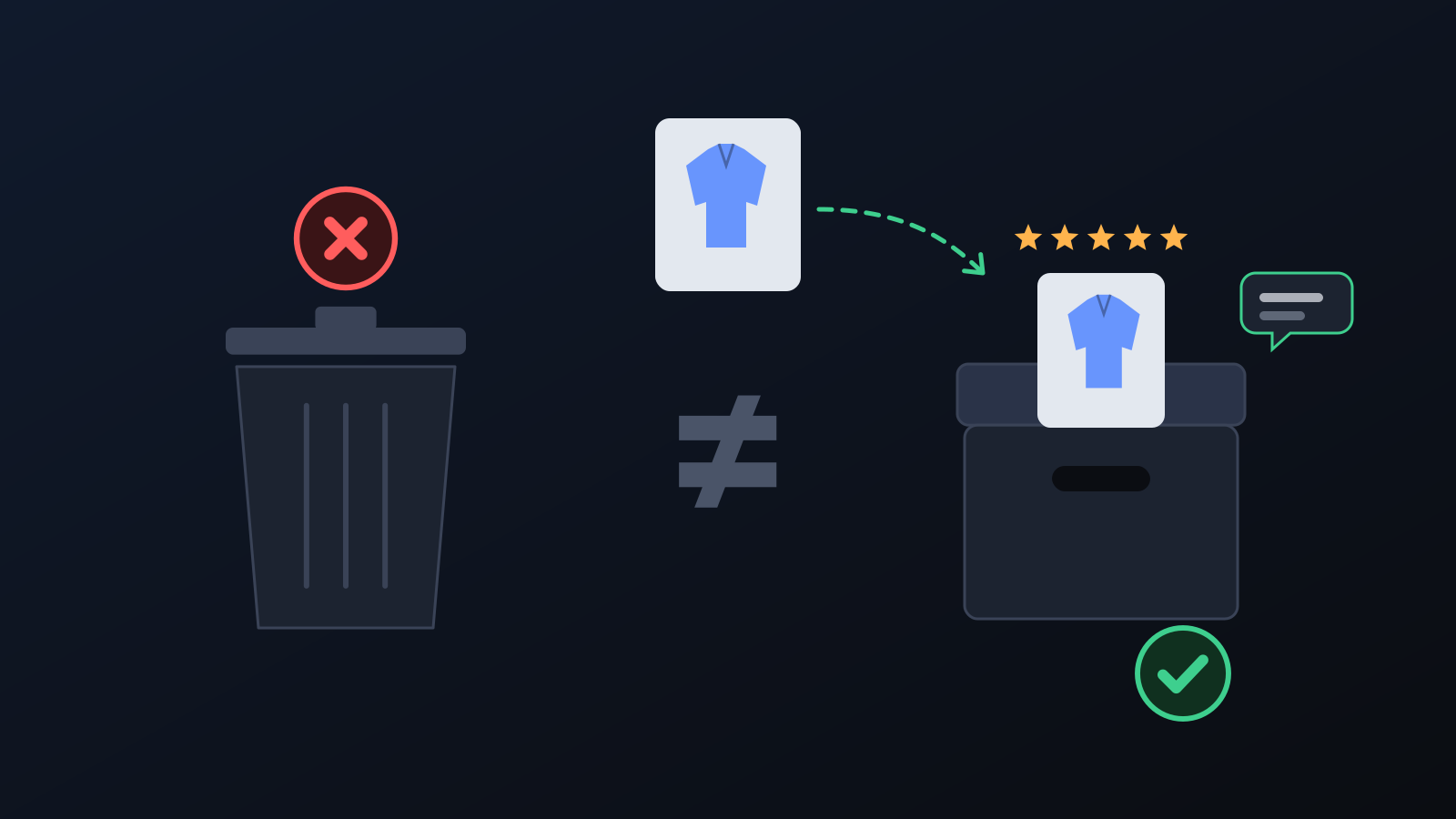
It is frustrating when automation undoes your manual decision the next day. Every removal now goes through a confirmation window with a required reason; the decision is recorded and Commbot follows it. Removing is not deleting: the card is archived on Ozon and keeps its reviews and history.
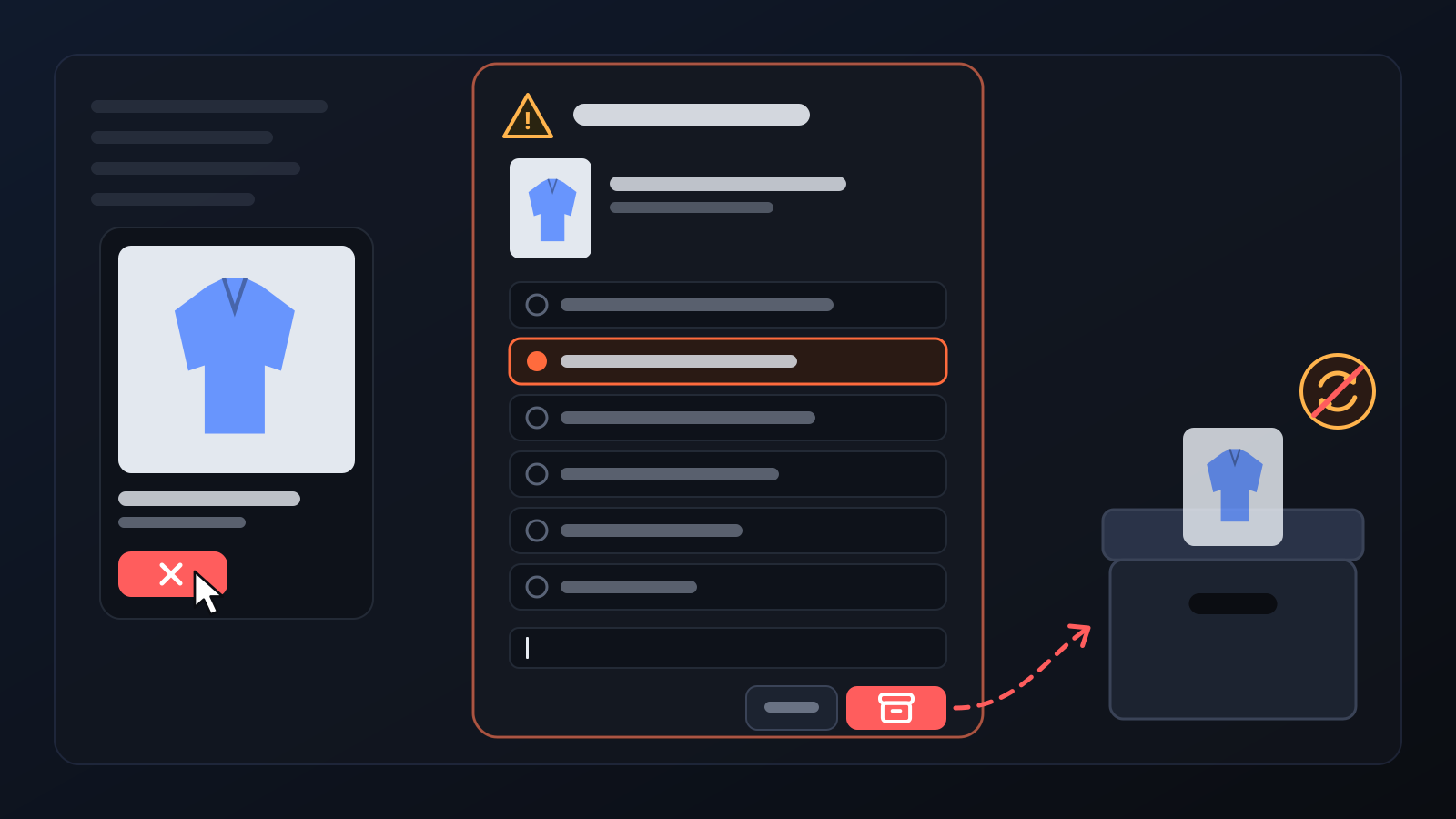
In a store run by automation, your manual decisions need to stick: a product you take out of a promotion should not be put back in on the next run, and a product you remove from the store should not be back on sale the next morning. Remove with a reason ties both actions to one window: it states what will happen, the confirm button stays disabled until you pick a reason, and your decision is permanent.
How it works
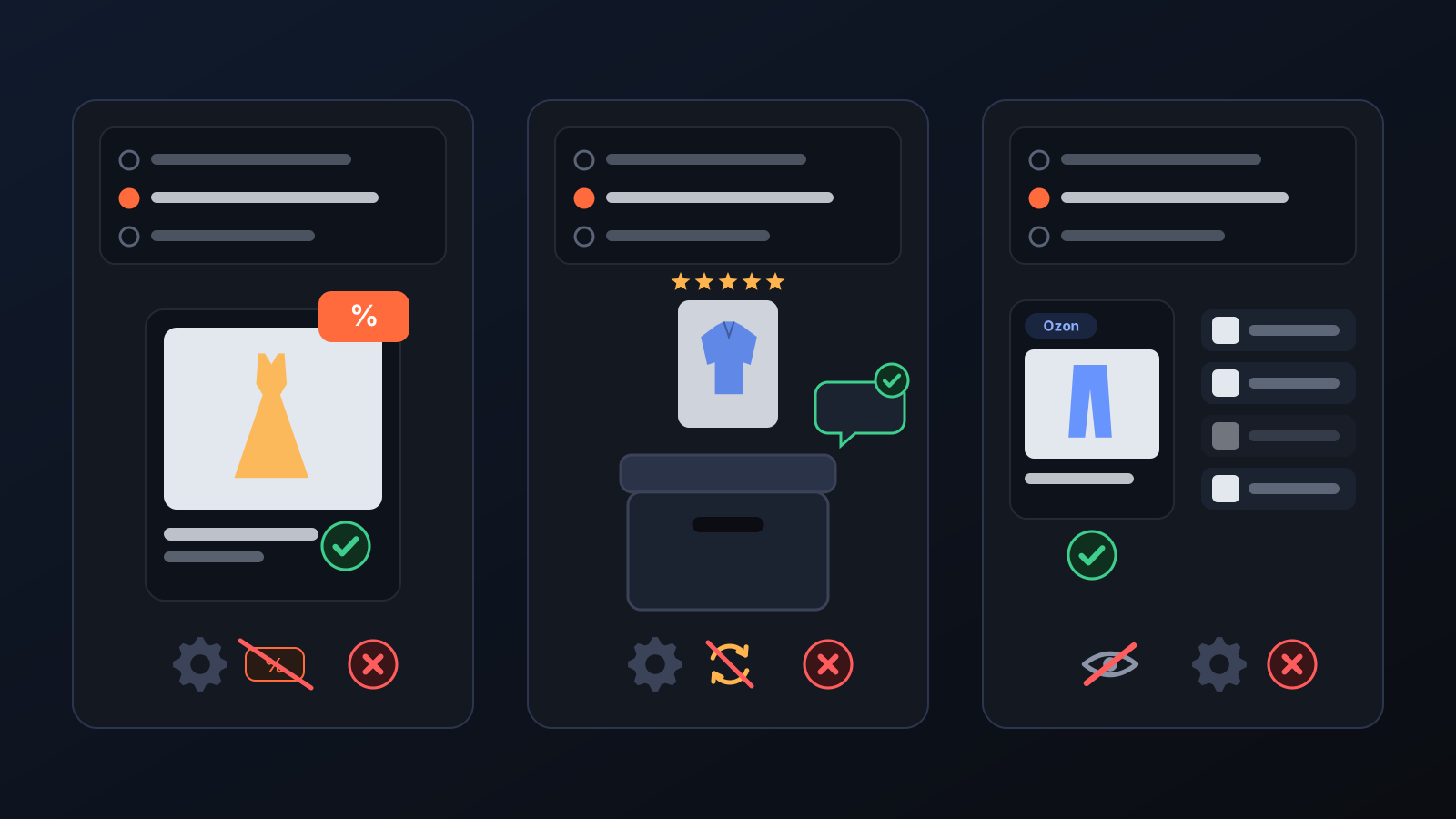
- Start from the product card that opens when you click a product in the panel (Remove from store or Remove from promotion), from the ✕ button on the Products page, or from the Exit button on the Promotions page.
- The Are you sure? window says what will happen: removing from the store archives the product on Ozon and takes it off sale; removing from a promotion keeps it on sale and only takes it out of the promotion discount.
- Pick a reason under Why are you removing it?: there are 13 options for products (for example Out of season, Did not get the interest I expected, Profit is low or it loses money, The listing is wrong) and 7 for promotions. If you choose Other, a short explanation is required.
- The Yes, remove from store / Yes, remove from promotion button stays disabled until a reason is chosen; Cancel changes nothing.
- The decision is recorded and kept: Commbot does not re-add or reopen a product removed from the store, and automatic promotion participation does not put a product taken out of a promotion back in.
What it affects
- The card on Ozon: all size cards of a product removed from the store are archived; the card is not deleted, and its reviews and sales history stay.
- Automation: automatic upload and stock sync never reopen or re-add this product.
- Promotions: a product taken out of a promotion stays on sale; you can add it back yourself on the Promotions page.
- My products: in this list the button is called Remove from my products: your Ozon card is not deleted, the product only leaves the list and Commbot stops handling it.
- Record: every removal is saved with its date and the reason you chose.
Tips for better results
- If you only want to sell a product without a discount for a while, take it out of the promotion instead of removing it from the store.
- Before removing a product, check its last 7 and 30 days of performance on the product card.
- The Remove from promotion button only appears when the product is currently discounted in a promotion; if you do not see it, the product is not in one.
More from Commbot
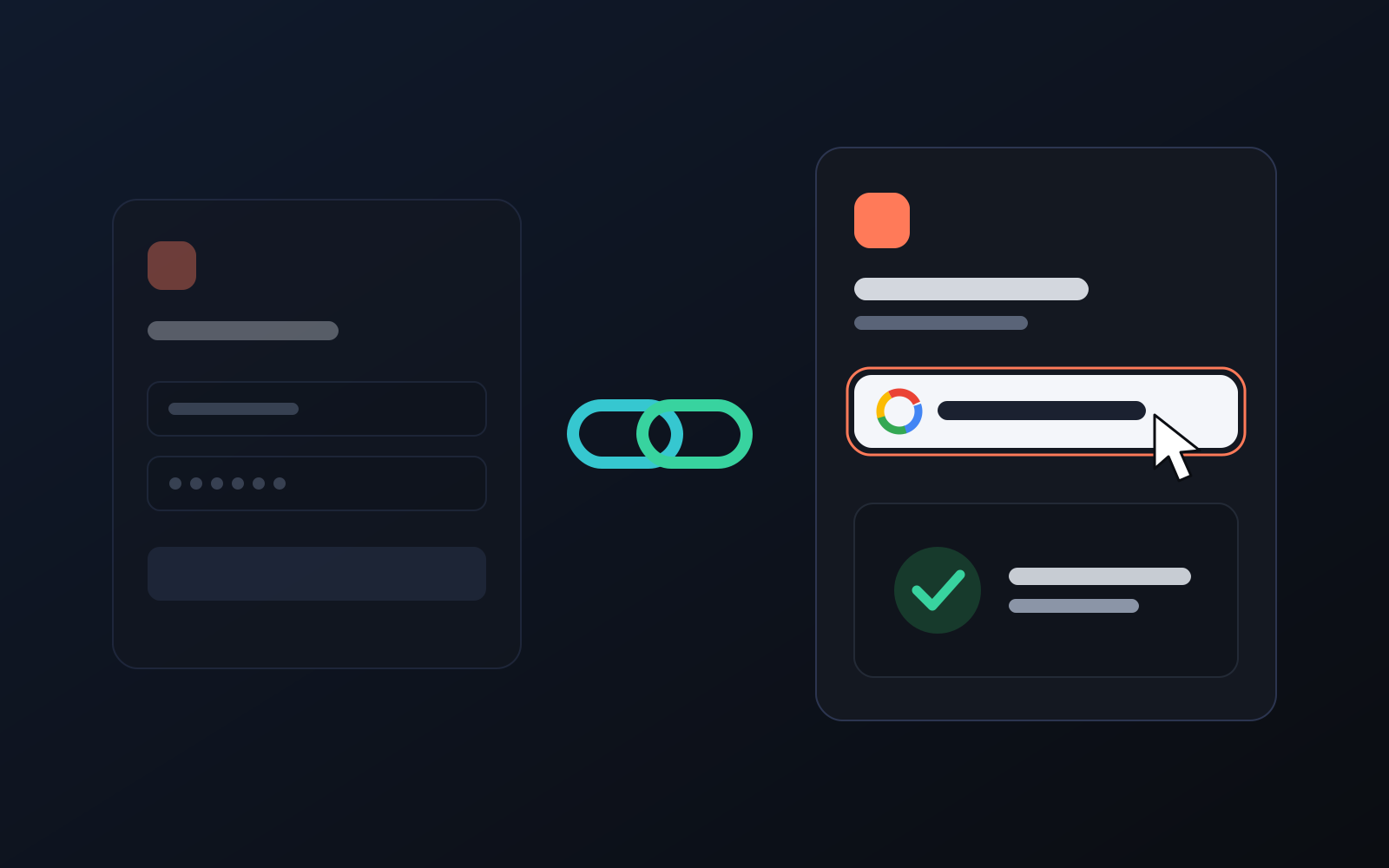
One-click sign-in: link your account to Google
You can now link your Google account to the account opened with the username and password we gave you. Link it once, then sign in with the "Sign in with Google" button without typing a password.
2026-10-29
Analytics page: what sells in your store and what doesn't, on one screen
See how your products do by category, brand, price, colour, size and region, in charts. The page turns findings into plain sentences and gives one-click suggestions.
2026-10-29
Photo trial before swap
We have improved our system for turning products on and off. It is still in a trial stage, but you can already use it.
2026-10-28