 Commbot
Priority products: move the product types you want to the front of the daily upload
The engine ranks products by how likely they are to sell, but you know your store's focus best. With priority words you move the types you want to the front of the queue and reserve a share of the daily upload for them, and you can keep unwanted products out entirely.
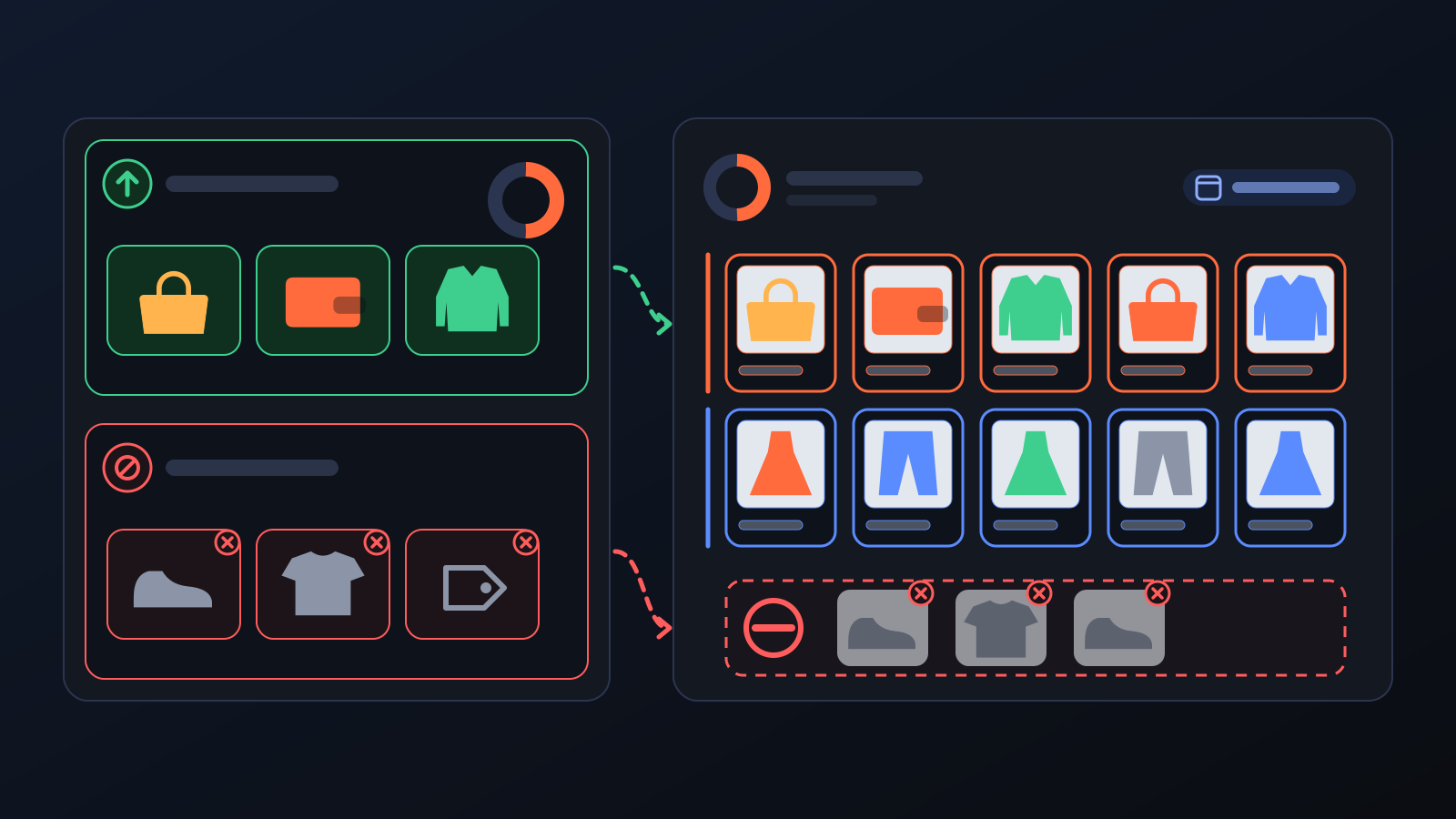
Imagine you want more bags in your store this week. If the engine ranked products by score alone, the day's upload could still go to other types while dozens of bags that passed every check kept waiting. The problem was not the products but the order. Since 27 August you can steer the order yourself: set priority words and the share reserved for them in the panel.
How to use it
- Open Product Upload in the left menu and go to the Automatic upload card.
- In the Upload these first box, type the words you want to prioritise, separated by commas. A product counts as a priority when the word appears in its name or type. Product names in the catalog are in Turkish, so type the Turkish word, for example ceket (jacket) or elbise (dress).
- In the % of the quota field next to it, enter what share of the daily upload goes to these products. It starts at 50%.
- Optionally, list brands, words or categories the engine must never pick in the Never upload these box.
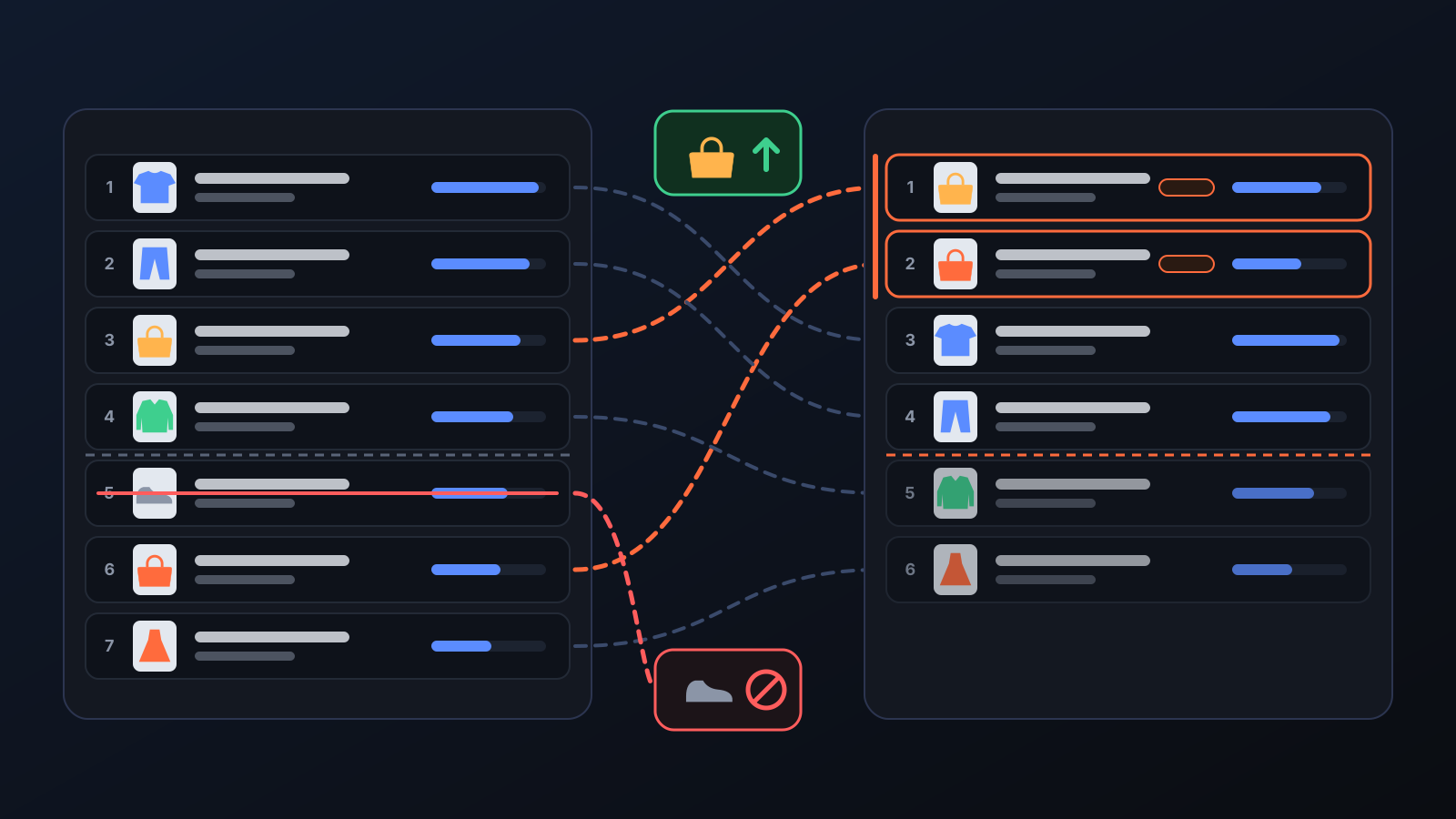
- Press Save & Activate. You will see the effect in Upcoming products: priority products move up with a "priority word" tag. Press Refresh to recalculate the list right away.
What it affects
- Daily upload: the share you choose of the daily count goes to priority products first. If there are not enough of them, the rest is filled by the engine's normal picks, so the shelf never stays empty.
- Pending drafts: your pending drafts that match a priority word and have sizes in stock are uploaded first, within the share.
- Whole catalog: if there are not enough priority products among the scored candidates, the engine searches the whole catalog by name.
- Checks: priority only changes the order. Stock, cost, photo, size and price checks apply as usual; a product that fails them is not uploaded just because it is a priority.
- "Never upload these" (2 September): if a word on this list appears in a product's name, type or brand, the engine never picks it. You can type a brand name as it appears in the panel (e.g. Pull&Bear, Pierre Cardin) and every product of that brand stays out. Products you add by link or by hand are not affected: your own choice comes first.
- Discover: with By my store's upload settings on, Discover uses the same priority and unwanted words.
Tips for better results
- Type words the way they appear in product names; the root form is usually enough, since a word also matches longer names that contain it.
- A 100% share reserves the whole daily upload for priority products; if there are few of them the rest still fills up, but variety drops.
- Be careful with short words in "Never upload these": a short word can also appear inside product names you did not expect.
More from Commbot
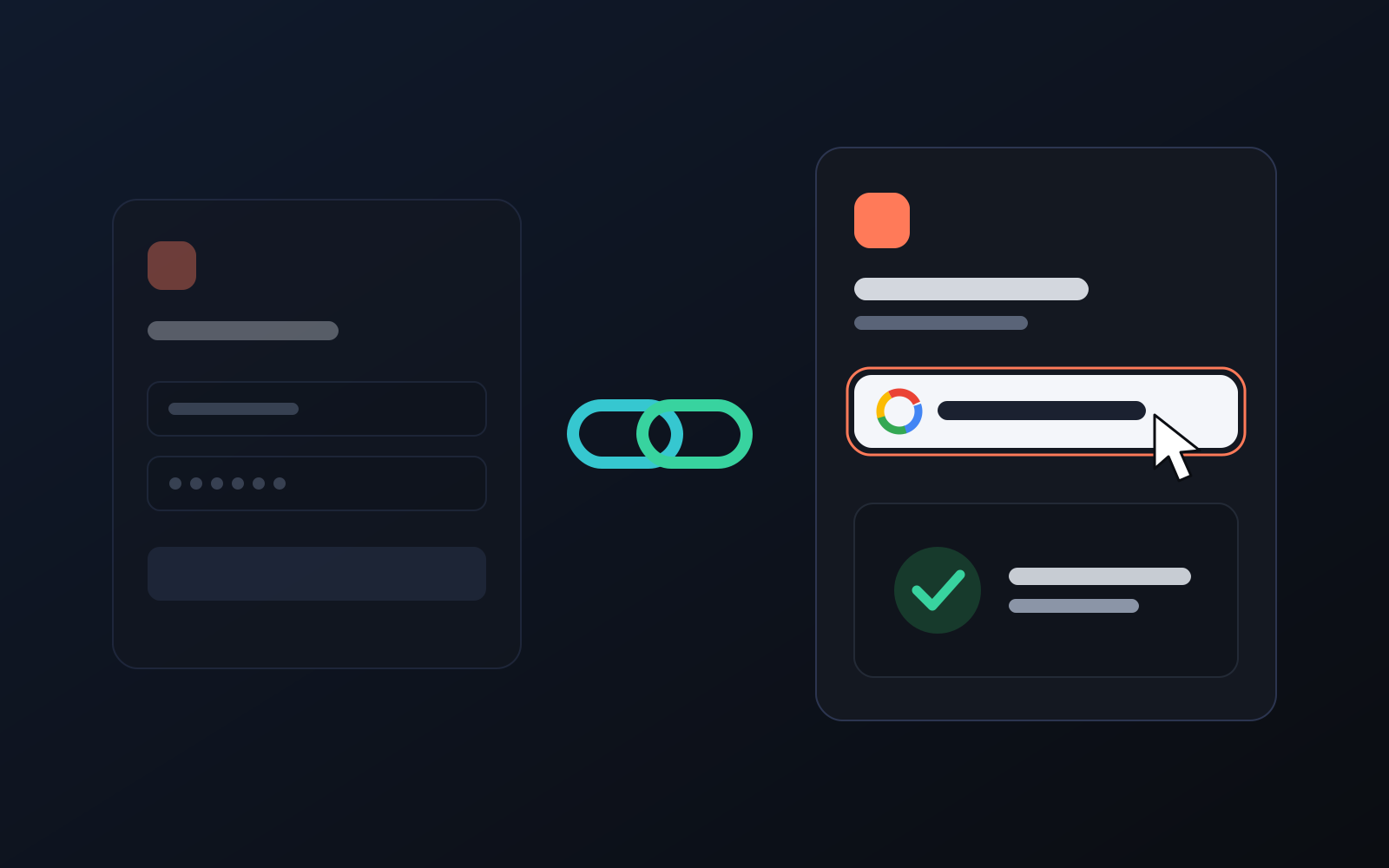
One-click sign-in: link your account to Google
You can now link your Google account to the account opened with the username and password we gave you. Link it once, then sign in with the "Sign in with Google" button without typing a password.
2026-10-29
Analytics page: what sells in your store and what doesn't, on one screen
See how your products do by category, brand, price, colour, size and region, in charts. The page turns findings into plain sentences and gives one-click suggestions.
2026-10-29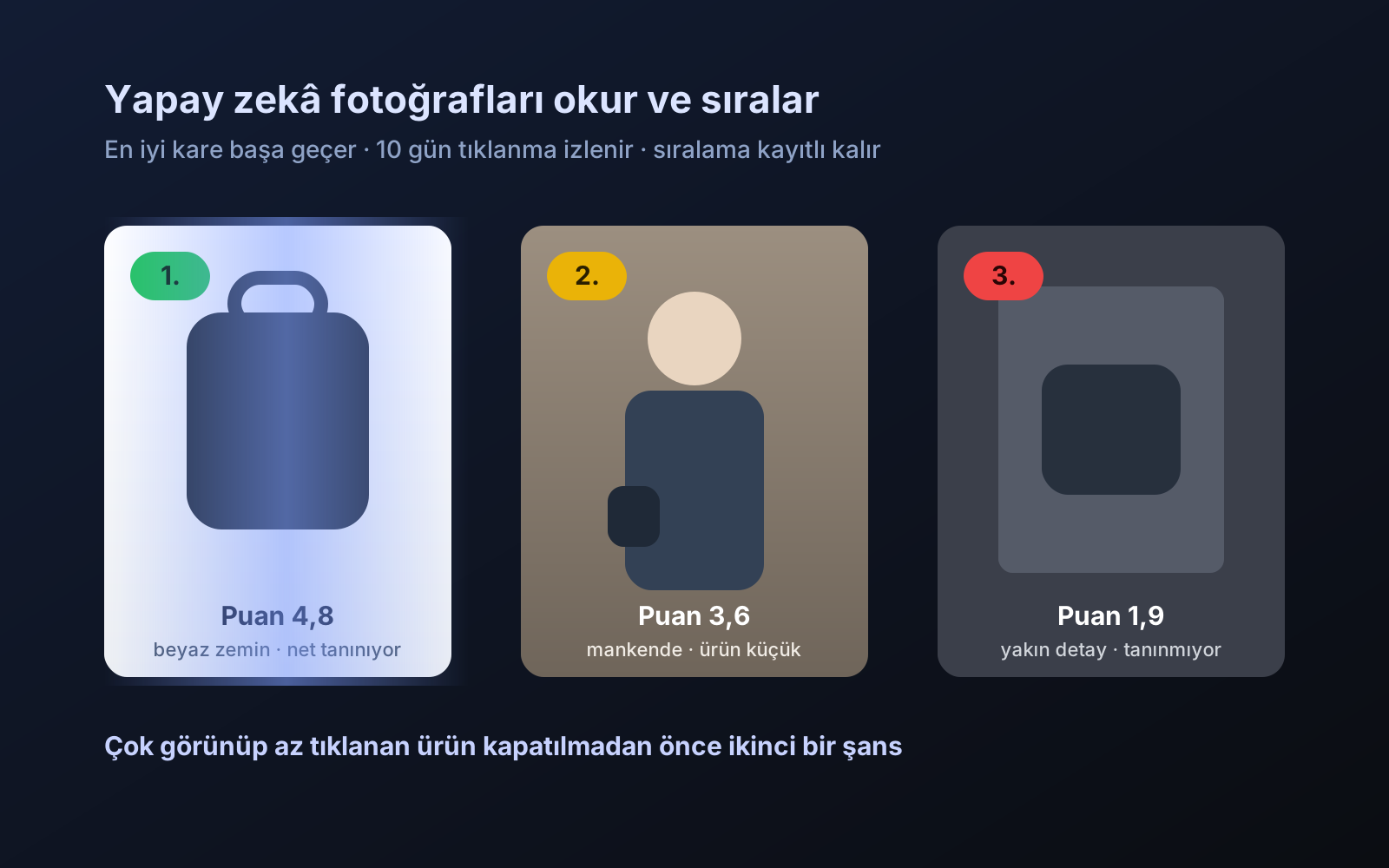
Photo trial before swap
We have improved our system for turning products on and off. It is still in a trial stage, but you can already use it.
2026-10-28