 Commbot
Ozon warehouse: returned items in the panel, back on sale at their own price
An item that is returned or not collected by the buyer usually does not come back to Turkey — it waits in Ozon's warehouse in Russia. The Warehouse page lists these items in one place; in stores running on full automation, the goods in the warehouse are sold at the price mode you choose, before a new shipment of the same size leaves Turkey.
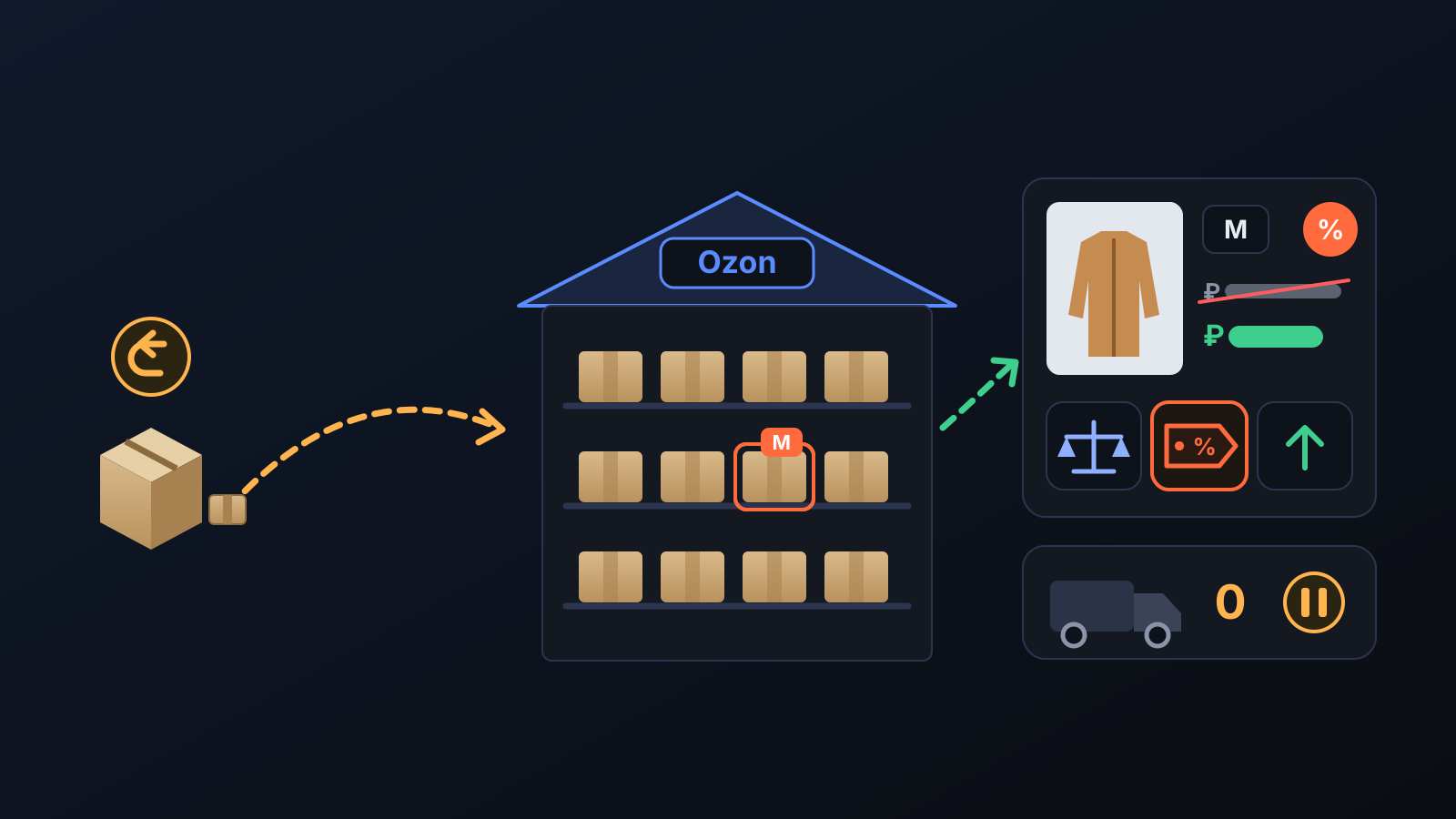
When a buyer returns an item or does not collect it, the item usually goes back to Ozon's warehouse in Russia. While it waits there at its normal price, the money stays tied up — and if a new order for the same size comes in, a new shipment leaves Turkey even though the item is already sitting in the warehouse. The Warehouse page makes these goods visible and moves them to the front of the line.
How does it work?
- The warehouse is read regularly: your items in Ozon's warehouse report are listed on the Warehouse page with size, sellable quantity, quantity reserved for orders and quantity in transit; refresh now updates the list right away.
- The returns warehouse is shown too: items that came back as a return or cancellation and wait in Ozon's returns warehouse appear under a separate heading, marked as a return. As they cannot be sold yet, they do not affect price or stock decisions.
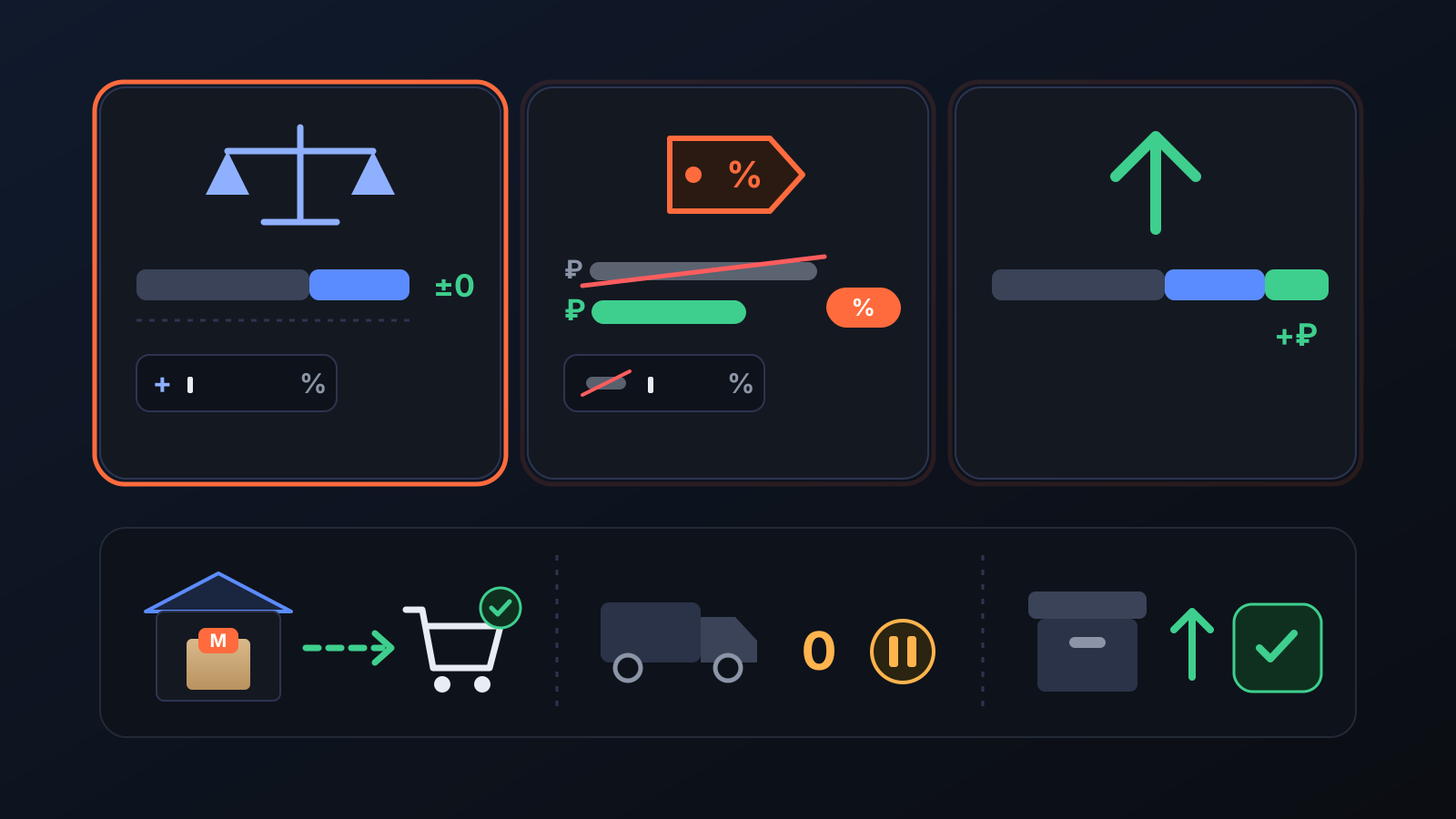
- You choose the price mode: with Automatic break-even price on, there are three modes: Sell at break-even price (no profit, no loss; you can add a margin on top), Show with promotion (the strikethrough price is your normal-profit price, so the badge shows the real discount) and Sell at normal profit.
- The warehouse sells first: the Turkey stock of a size that has sellable goods in the warehouse is kept at 0. Ozon gives one card one price, so an item shipped from Turkey is not sold at the warehouse price; once the warehouse item is gone, the Turkey stock and the normal price return in the first round.
- Archived cards are reopened: if a card with goods in the warehouse is in the archive, it is put back on sale (Ozon limits restores from the archive to 10 cards a day).
What does it affect?
- Warehouse page: at the top, sellable quantity, reserved for orders, in transit, waiting in the returns warehouse and the cost waiting in the warehouse; in the table, each size's selling price, target price, strikethrough price, cost, the Ozon fees paid for this item and its break-even price.
- Ozon card: the price of the size in the warehouse follows the mode you choose; in promotional mode the card gets a strikethrough price and a discount badge. Once nothing is left in the warehouse, the card's normal price comes back on its own.
- Other automatic pricing: automatic pricing and the customer win-back discount do not touch the warehouse card; only the warehouse setting decides that card's price.
- Engine → Permissions: the Warehouse price (FBO goods) switch is the same as the Automatic break-even price button on the Warehouse page. It is off by default; while it is off, the size in the warehouse stays at its normal-profit price.
For better results
- Make sure the item's purchase cost is recorded: no break-even price is calculated for an item with an unknown cost.
- In promotional mode, leave the Strikethrough markup field empty and the strikethrough price will be your normal-profit price, so the badge shows the real discount.
- With Enroll in Ozon flexible pricing, the warehouse card can join Ozon's flexible pricing promotion. The promotion price never goes below your target price; if the card is not accepted, the list price is set back to the target price.
- After changing the setting, press Save and apply now: prices are written without waiting for the next round.
This post describes the feature as it works today: the warehouse-first rule, reopening from the archive and the returns warehouse list were added in September 2026.
More from Commbot
One-click sign-in: link your account to Google
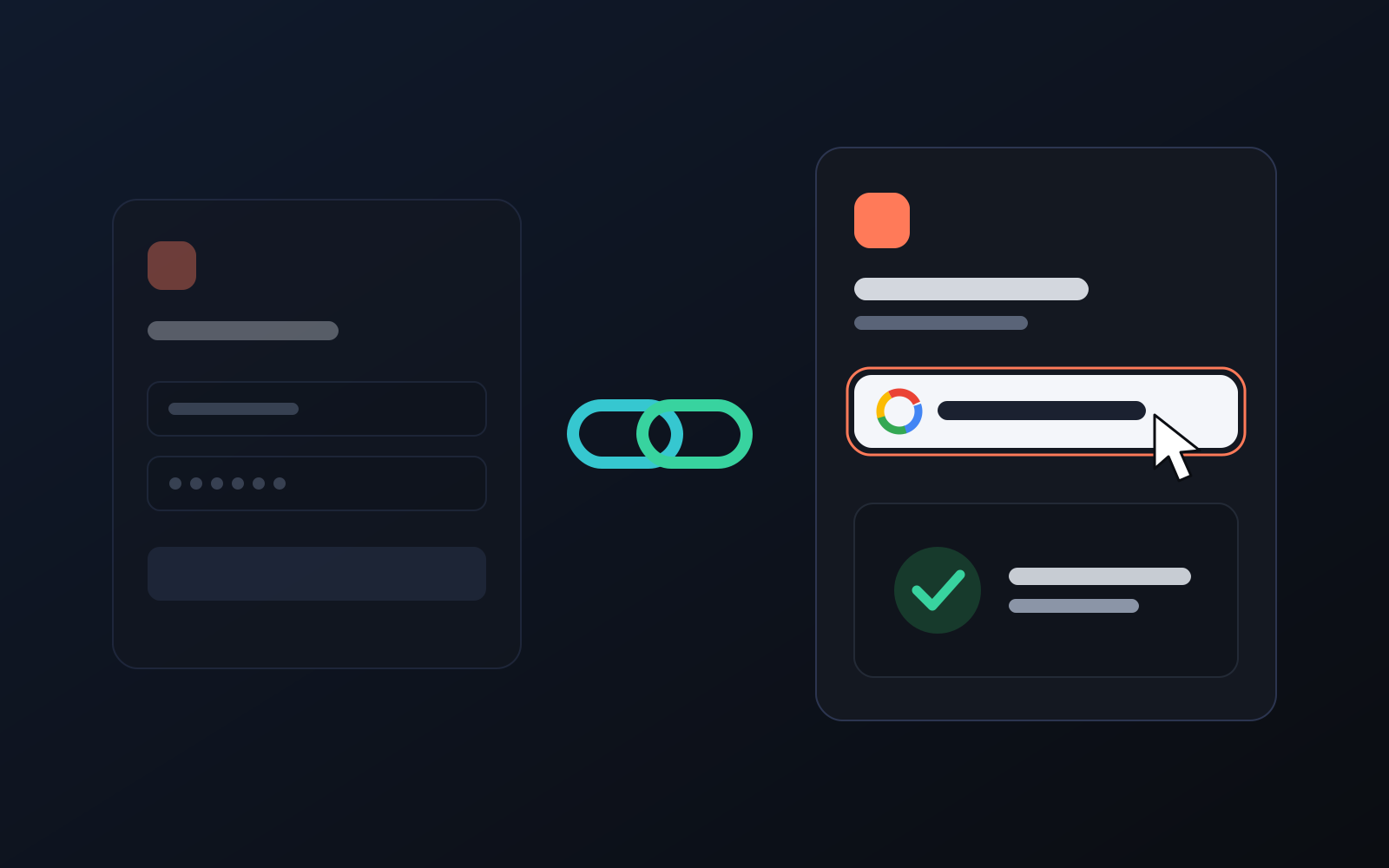
You can now link your Google account to the account opened with the username and password we gave you. Link it once, then sign in with the "Sign in with Google" button without typing a password.
2026-10-29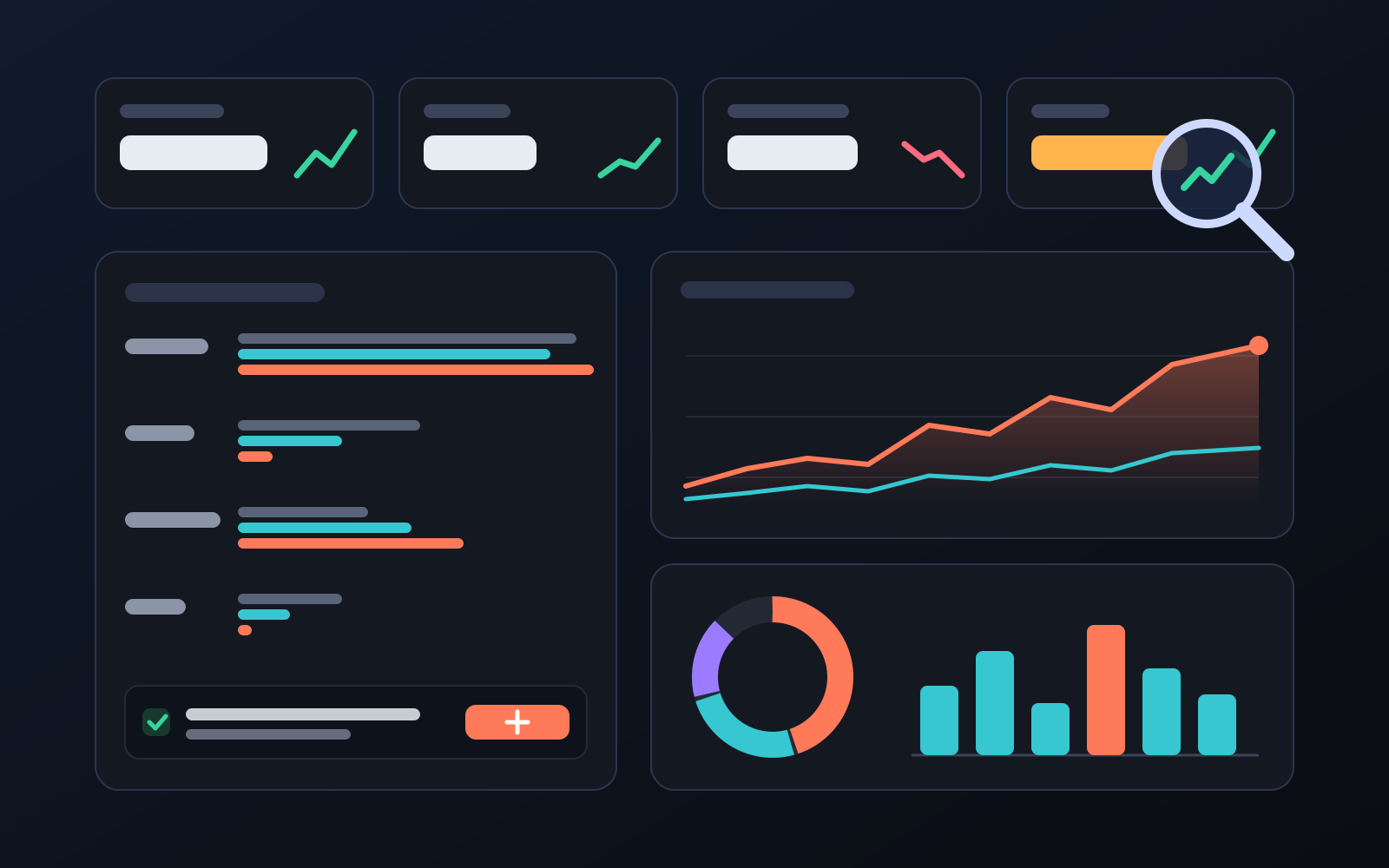
Analytics page: what sells in your store and what doesn't, on one screen
See how your products do by category, brand, price, colour, size and region, in charts. The page turns findings into plain sentences and gives one-click suggestions.
2026-10-29
Photo trial before swap
We have improved our system for turning products on and off. It is still in a trial stage, but you can already use it.
2026-10-28