 Commbot
The Commbot engine: picks what will sell, prices for profit, uploads a measured batch daily
At the heart of Commbot is the automation engine that connects brands' Turkish catalogs to your Ozon store. It picks which products to list by score, prices them with commission, shipping and returns included, and after upload keeps price and stock in line with the source.
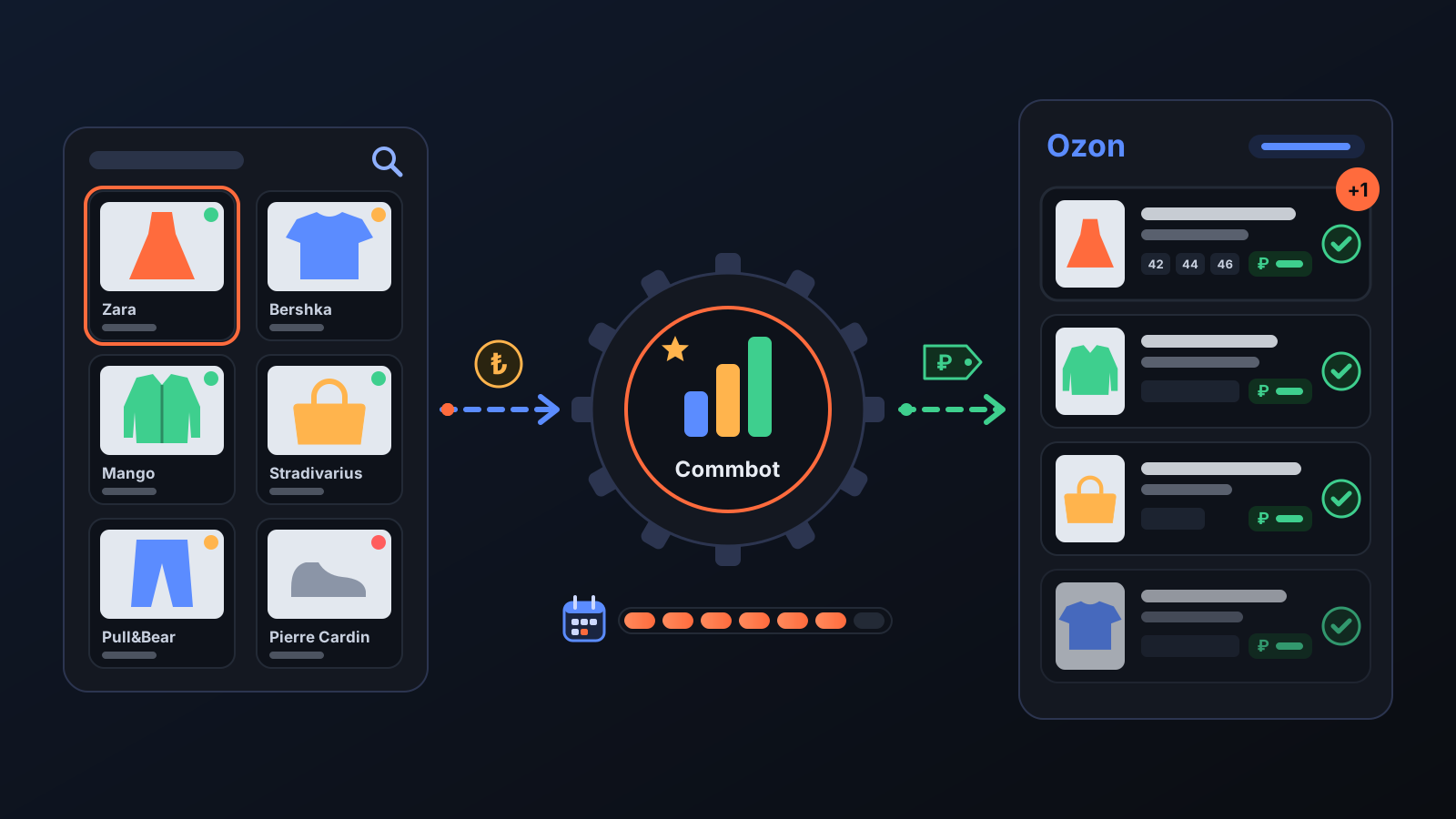
Running an Ozon store comes down to three time-consuming jobs: deciding which products to list, uploading them at a price that leaves a profit, and keeping price and stock in sync with the brand's site afterwards. The Commbot engine does all three. It watches the catalogs on the brands' Turkish sites, picks the products most likely to sell on Ozon, prepares the card and uploads it at a price that protects your margin, then follows every change.
How it works
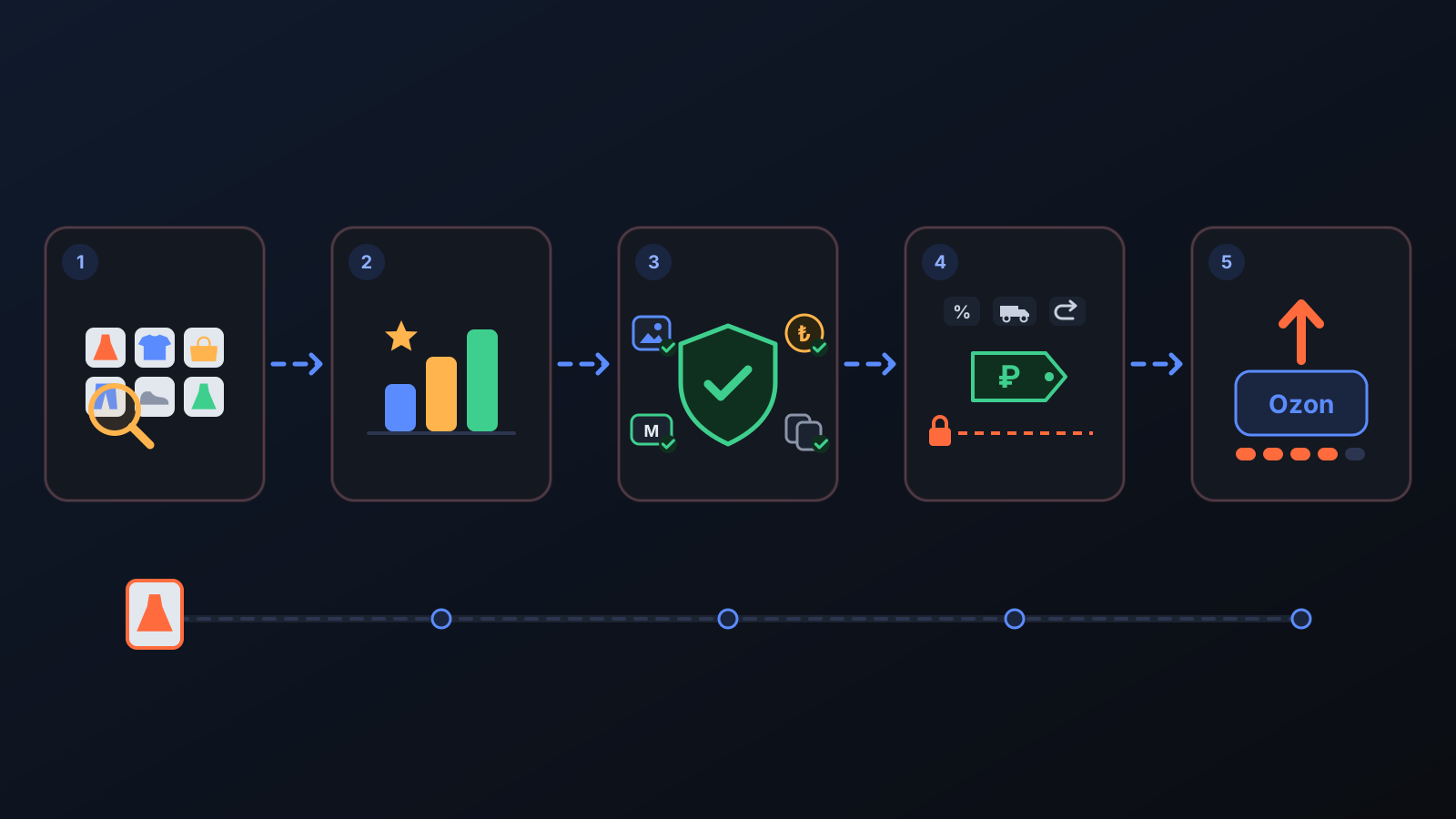
- Watches the catalogs. Products from Bershka, Zara, Mango, Pull&Bear, Stradivarius, Oysho, Pierre Cardin and Victoria's Secret are scanned regularly with price, colour, sizes and stock per size.
- Scores each product. Every product gets a score for how likely it is to sell on Ozon: demand in Turkey, competition and competitor prices on Ozon, the profit left after commission and shipping, and how similar products have sold on Ozon before.
- Runs safety checks. A product is not picked if too few sizes are in stock, its photo or price is missing, its sizes don't fit Ozon's Russian size chart, it is already in your store, or it would sit far above the market price. No score, however high, skips these checks.
- Calculates the price. The selling price is built from the purchase cost, the current exchange rate, Ozon's commission, shipping and a returns allowance; the margin you set in Price & Stock is kept.
- Uploads a measured batch every day. As many products as you set in Product Upload go to Ozon with a Russian title and description, photos and Russian size equivalents.
- Keeps following. A size that sells out on the brand's site is closed on Ozon and reopened when stock returns. When cost, exchange rate or competitor prices change, the price is recalculated.
Added over time
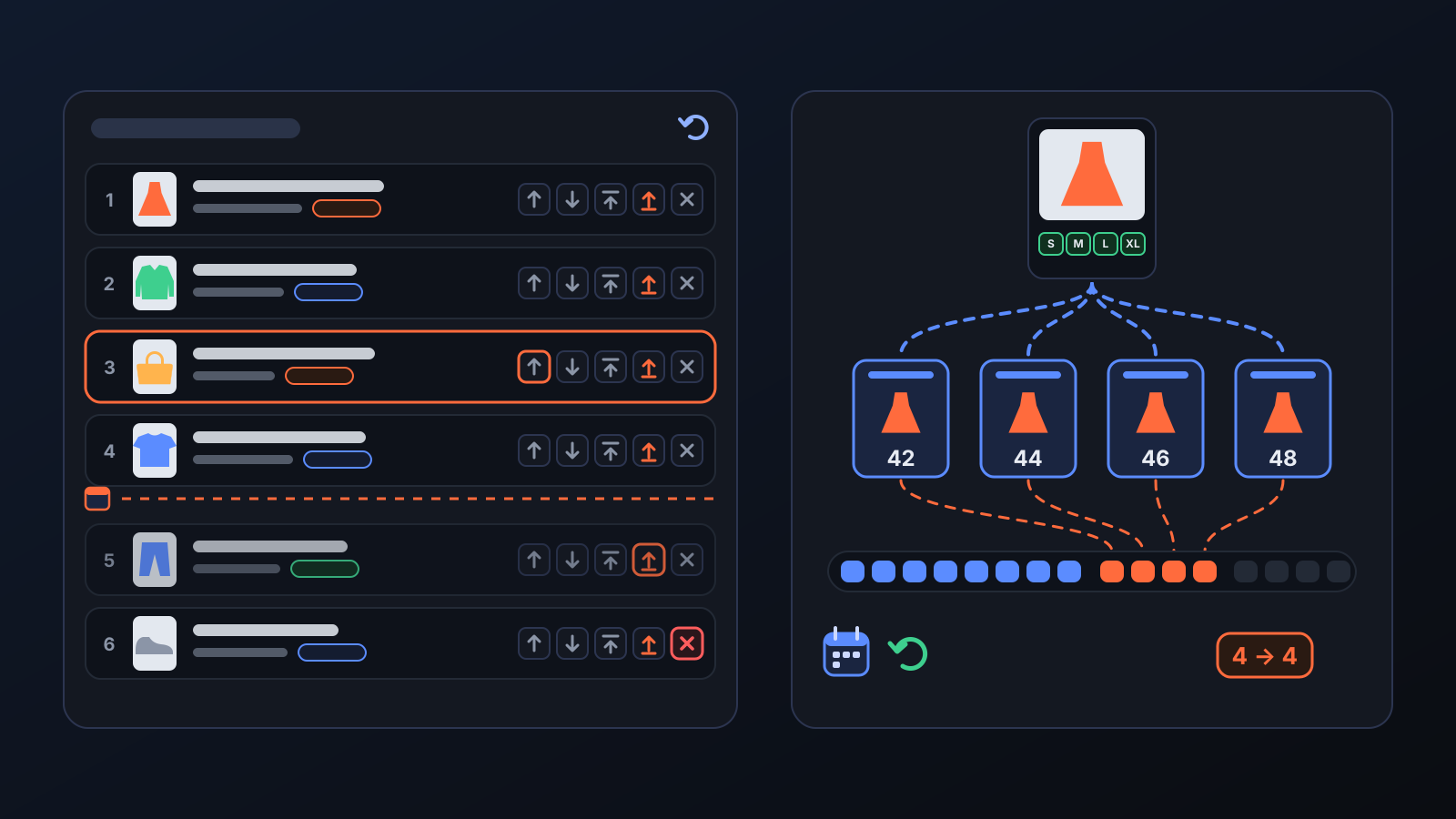
- Ozon daily card allowance (16 August): Ozon limits how many new cards you can create per day and counts every size as a separate card. Before each run the engine reads the remaining allowance from Ozon and trims the upload to fit; whatever doesn't fit waits for the next day. Product Upload shows Ozon's daily allowance, what is left today and what was uploaded today.
- Upcoming products (24 September): see the products the engine will upload, in order. Move them with the arrows or To top, and take them off the queue with Remove. Since 29 September, Upload now sends a product right away, through the same checks.
- The whole catalog scored overnight (1 October): instead of a small slice per run, the engine now looks at the entire catalog every night: if it is looking for jackets, it weighs every jacket. This runs in stores that Commbot manages with full automation.
What it affects
- Engine page: turn the engine on or off with a single switch. Turning it off does not delete your cards; only the automation stops. On the Permissions tab you can switch individual jobs such as stock sync, automatic pricing and automatic listing on or off; a job that is off is only detected, never applied on Ozon.
- Product Upload: the daily product count, priority words, the "Never upload these" list and the gender choice live here.
- Price: the price never drops below the floor margin you set. Commbot does not allow selling at a loss.
- What the engine does not touch: it never cancels or confirms orders and never deletes cards; it only deactivates or archives them.
Tips for better results
- Set your margin and floor margin in Price & Stock first; the engine builds every price on these two numbers.
- Choose the daily count with Ozon's daily allowance in mind: a product with four sizes uses four cards.
- Remove products that don't fit your store from Upcoming products, and bring the types you want forward with Upload these first.
More from Commbot
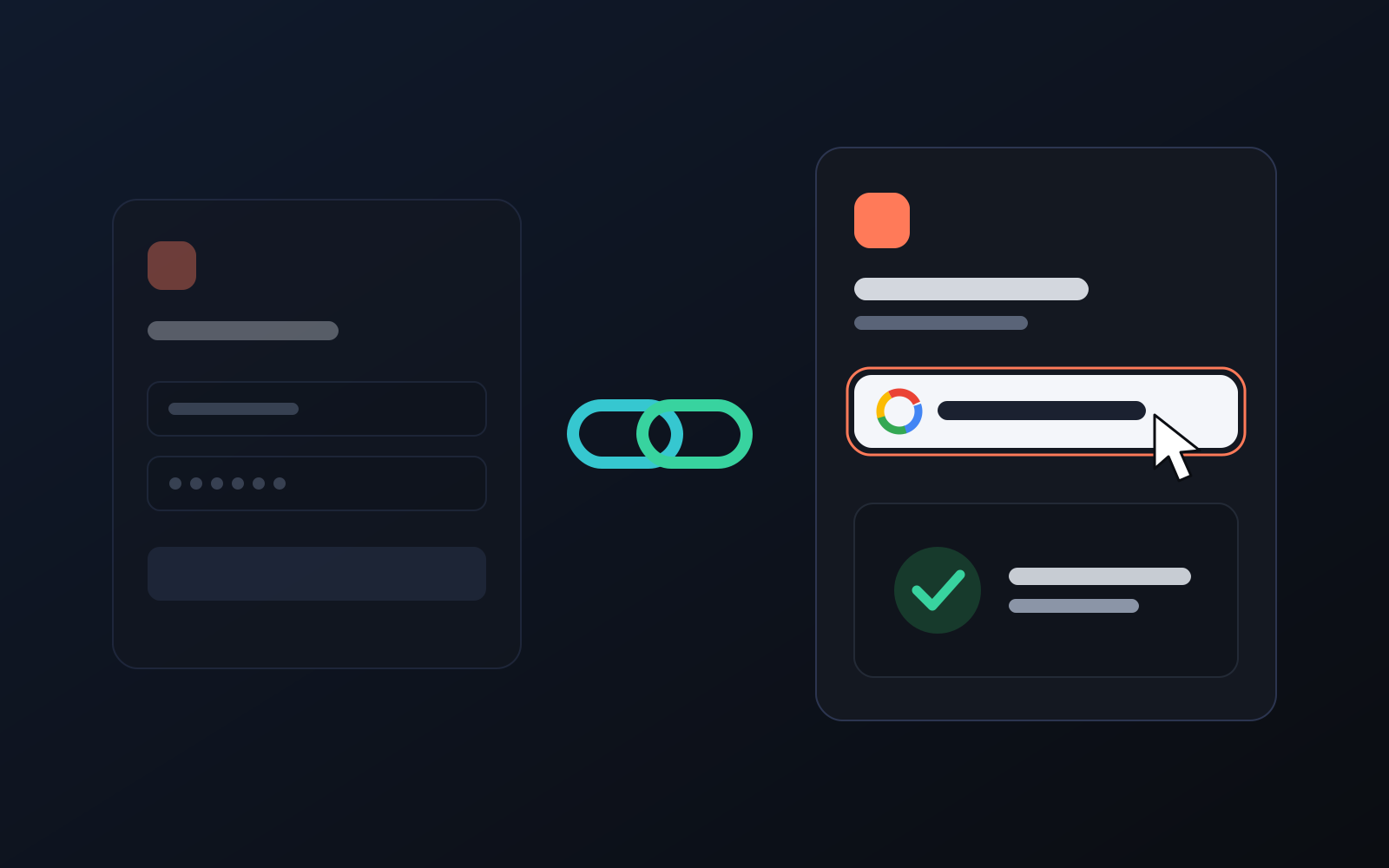
One-click sign-in: link your account to Google
You can now link your Google account to the account opened with the username and password we gave you. Link it once, then sign in with the "Sign in with Google" button without typing a password.
2026-10-29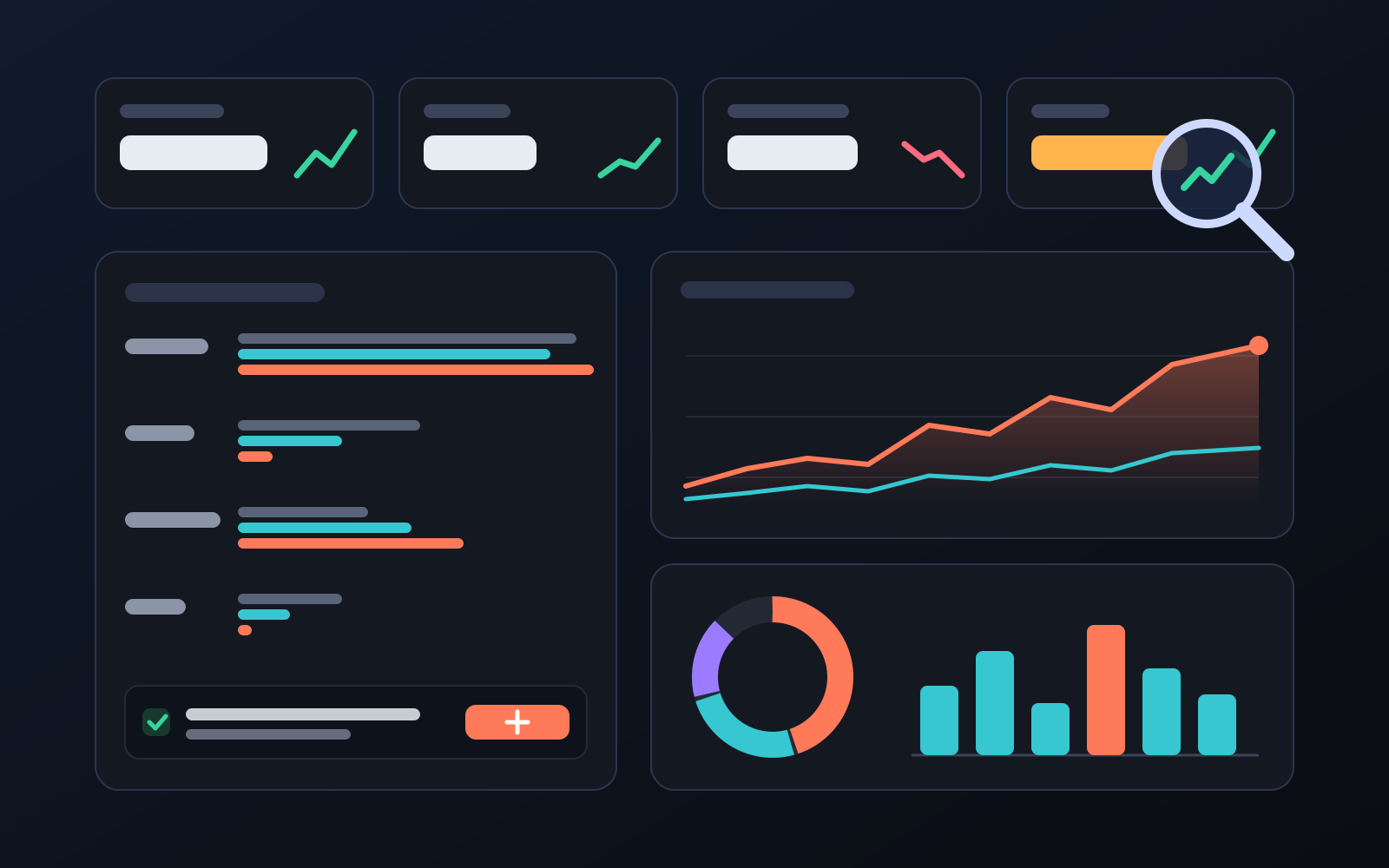
Analytics page: what sells in your store and what doesn't, on one screen
See how your products do by category, brand, price, colour, size and region, in charts. The page turns findings into plain sentences and gives one-click suggestions.
2026-10-29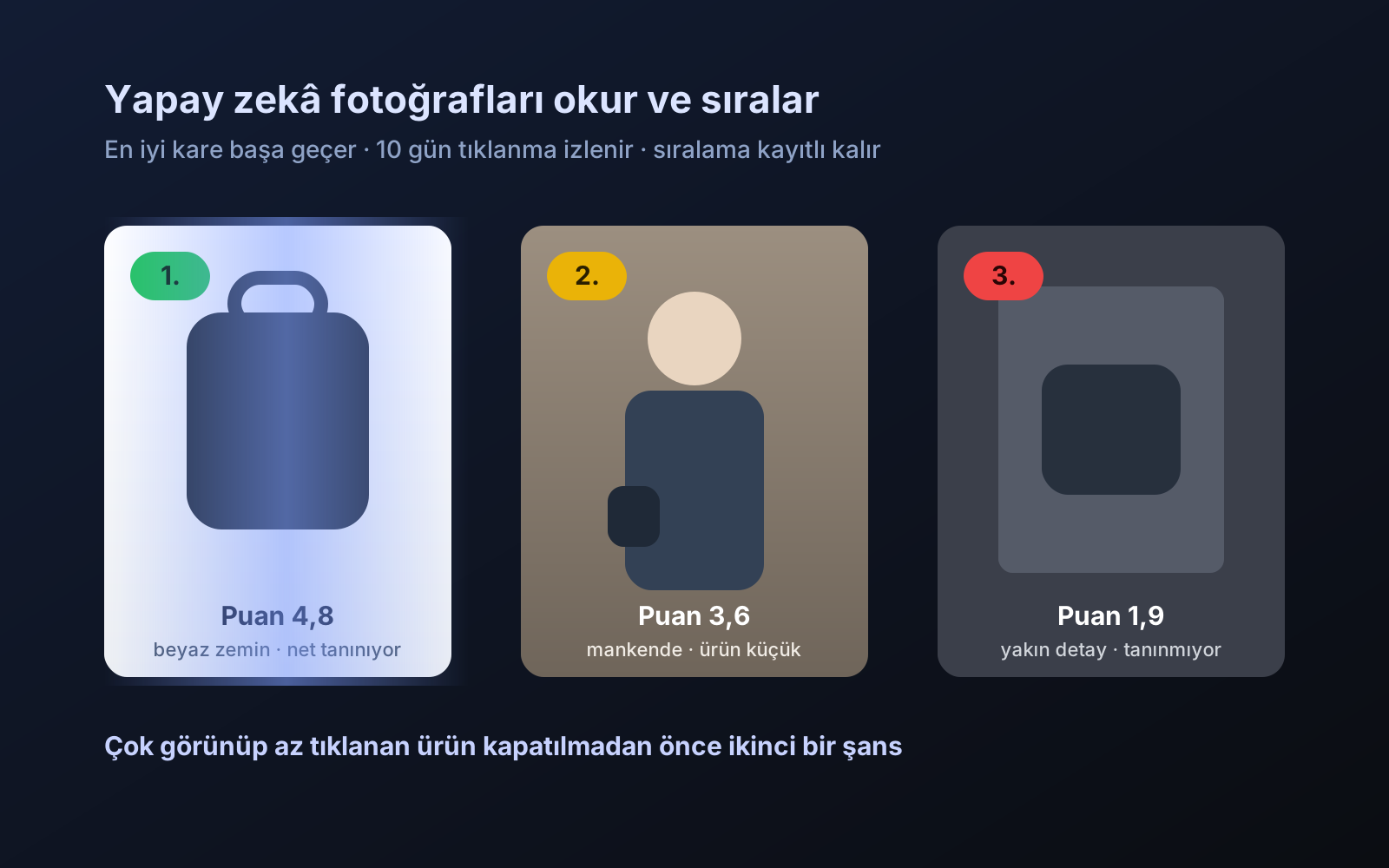
Photo trial before swap
We have improved our system for turning products on and off. It is still in a trial stage, but you can already use it.
2026-10-28