 Commbot
Errors & Requests: report a problem or ask for a feature from the panel
On the Errors & Requests page you mark your report as an error or a request, choose the page it is about, describe it briefly and add a screenshot if you like. The report status shows on the page; replies stay under the report as a conversation, and you are also notified by email when a reply arrives.
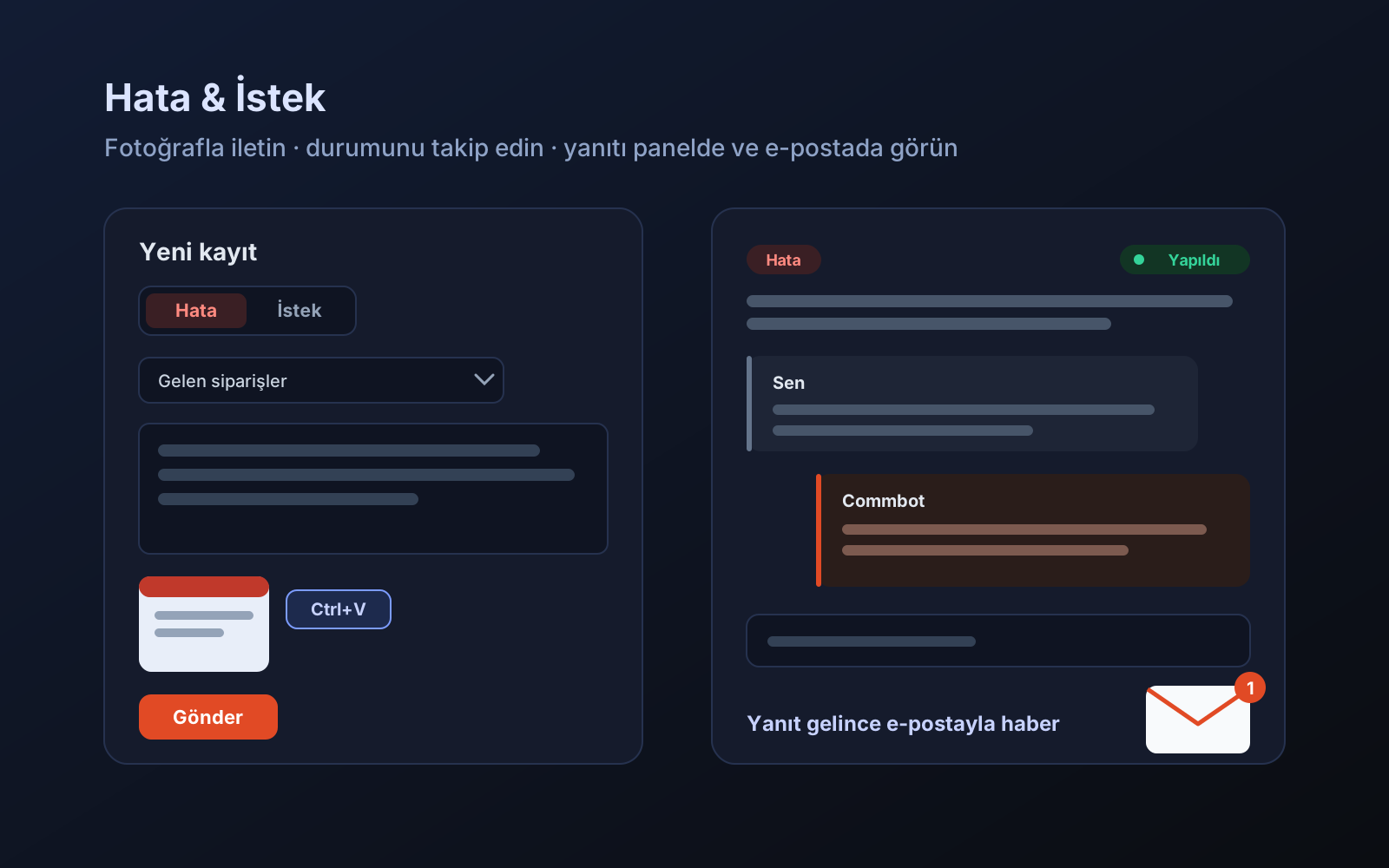
When something in the panel does not work as you expect, or you think of a feature that would make your work easier, you can now report it right from the panel. Every report stays in one place: you can see at any time when you wrote it, where it stands and what reply you received.
How to open a report
- In the left menu, click Errors & Requests under System.
- Choose Error or Request. The page you came from is selected automatically; change it if needed.
- Briefly describe what happened. To add a screenshot, click Add photos or copy the image and paste it on the page (Ctrl+V). You can add up to 3 photos.
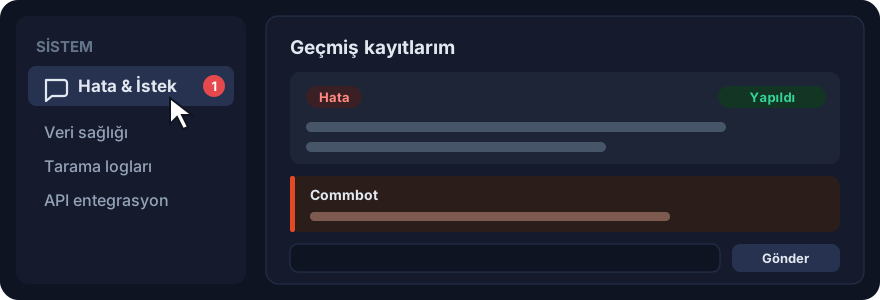
- Click Send. Your report appears on the same page under My past reports.
What happens to your report
- Status: each report shows its status: Received, In progress, Done. If the feature you asked for already exists you will see Already exists; if it will not be done, Won't be done.
- Conversation: replies appear under the report. You can write in the same place to answer a question or add information.
- Notification: when a reply arrives, a number appears next to Errors & Requests in the left menu; if you have an email address, you are also notified by email. You can turn these emails off on the My profile page.
Privacy
- Only you and the Commbot team can see your reports and photos; no other store can.
- Hidden information in photos, such as location, is removed before they are saved.
For a faster fix
- Write what you did, what you expected and what happened; for example "On the Incoming orders page a blank page opens when I try to download the label".
- Add a screenshot of the screen where the problem appears.
- Open a separate report for each topic; if you have new information on the same topic, write it under the existing report.
More from Commbot
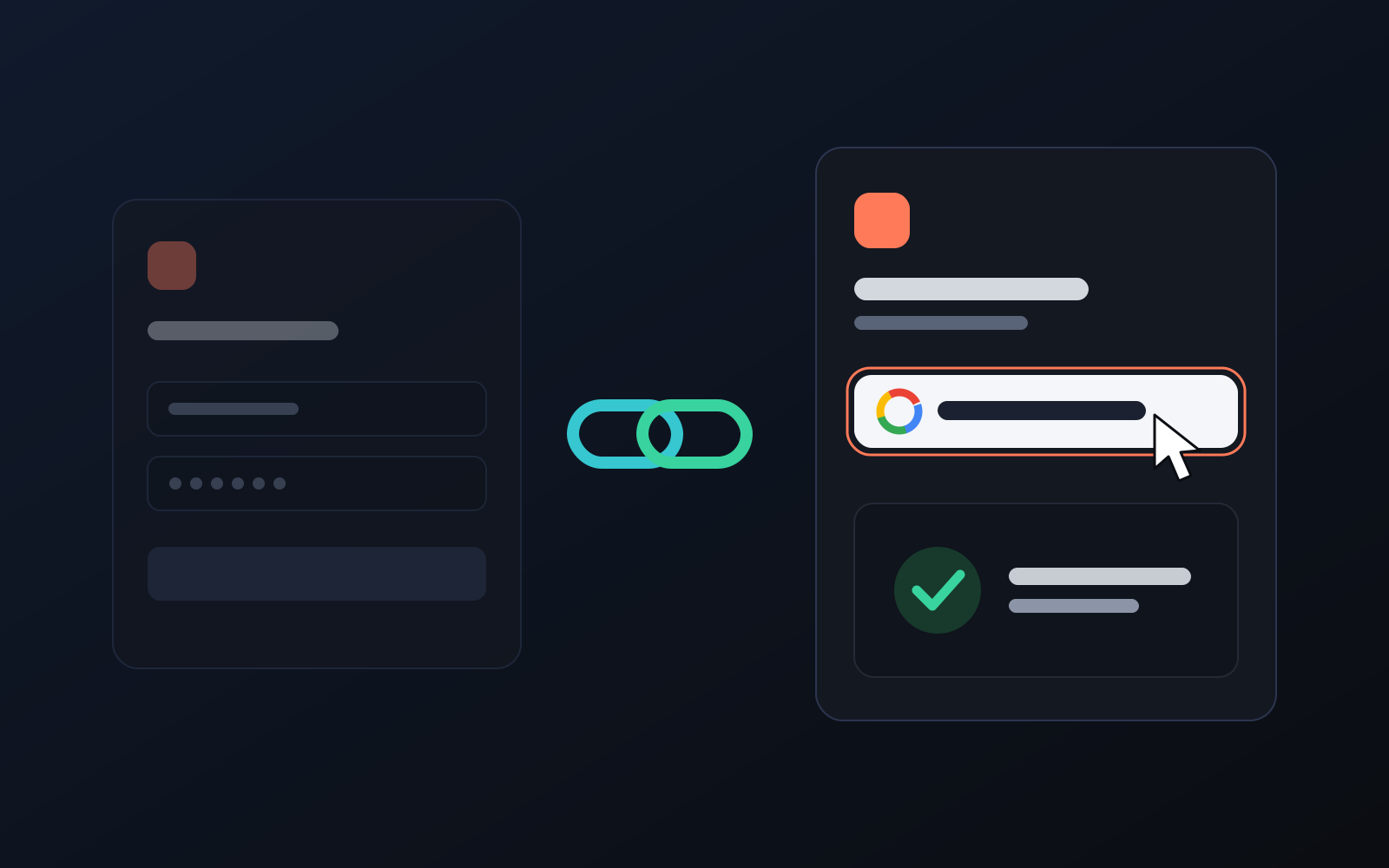
One-click sign-in: link your account to Google
You can now link your Google account to the account opened with the username and password we gave you. Link it once, then sign in with the "Sign in with Google" button without typing a password.
2026-10-29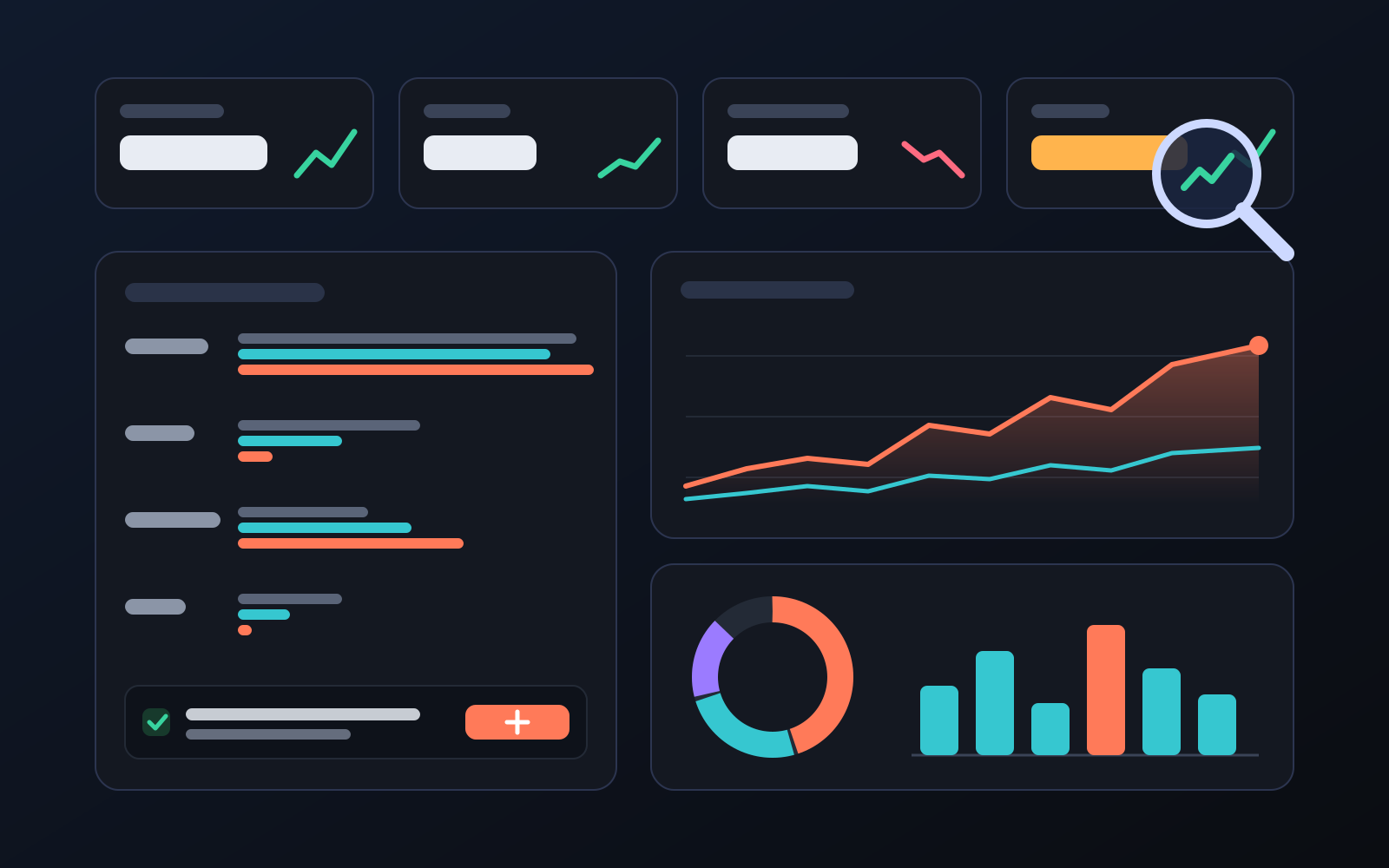
Analytics page: what sells in your store and what doesn't, on one screen
See how your products do by category, brand, price, colour, size and region, in charts. The page turns findings into plain sentences and gives one-click suggestions.
2026-10-29
Photo trial before swap
We have improved our system for turning products on and off. It is still in a trial stage, but you can already use it.
2026-10-28